How-tos
Our collection of guides, how-tos and tutorials.
Pro video tips
How to look your best on a video call
Taking a few simple steps to improve the quality of your calls, most of which can be done for free, lifts you above everyone else’s expectations.
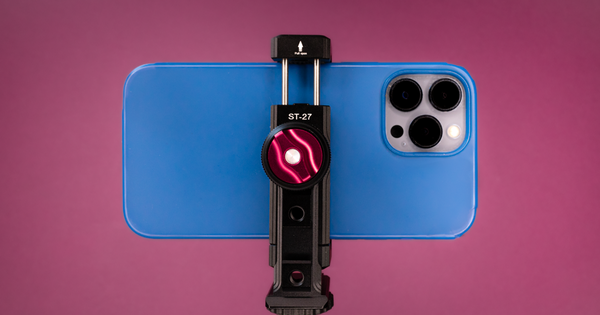
How to mount a phone webcam: which mount is best
So, you‘re thinking about using your phone or tablet as a webcam. You‘ve probably got a cable, and we hope you‘ve got Camo - now you need a mount or a stand. In this guide, I‘ll introduce you to the best options I've found, and then show you how you can make them even better.

How to create a great background scene for live calls and videos
Many of us feel some amount of apprehension about creating online videos of ourselves, particularly when they’re live. We don’t want to be confronted with our own image: it doesn’t feel professional enough, it creates Zoom fatigue, and makes us scrutinise our own flaws. But curated online video can also give us control, perhaps more control than we have ever had, over the way we present ourselves to others.
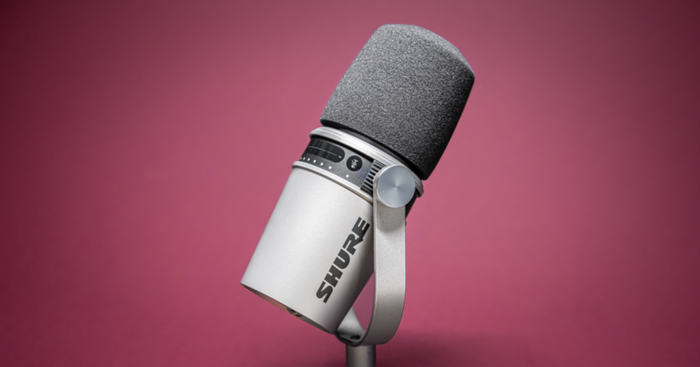
How to get the best audio for online meetings, streams and videos
Unless you’re working in a recording studio or alone in a remote, undisclosed location, chances are good that the air around you is a confusion of soundwaves that degrades the quality of the sound you capture in your online meetings, streams and content. In this guide, we'll examine the historical limitations of most built-in microphones, offer practical tips for improving the acoustic quality of your workspace, and then recommend some microphones that will help you deliver the best sound for your specific environment and needs.

How to get the best lighting on video calls
Want to get better lighting on your content or Zoom calls, but aren't sure where to start? We take a look at a some of the most popular lights and offer tips for capturing well-lit, pro-level video.
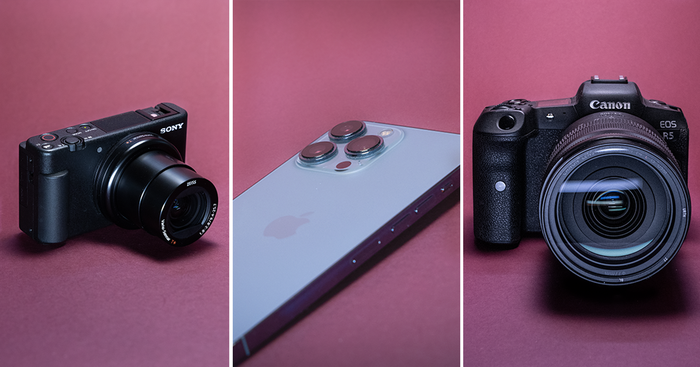
The ultimate webcam: DSLR, mirrorless or iPhone?
Thinking about upgrading your webcam, but not sure where to start? We put four pro camera options to the test.
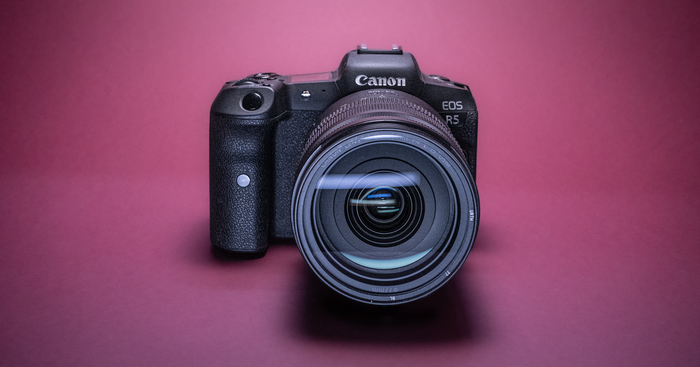
How to use a mirrorless or DSLR camera as a webcam
Making the step up from a webcam to a full-featured camera can be daunting. Let’s run through the steps you'll need to take to begin streaming or recording amazing video using your mirrorless or DSLR camera.
Why webcams aren’t good enough
There are no good webcams. Why? And what can we use instead? This article compares the most popular webcam options (such as the Brio, the Kiyo, and the C920) to better alternatives.
How to make eye contact in videos, online meetings and streams
It’s hard to overstate the importance of eye contact in communication. In many ways, it’s a visual handshake that lasts throughout a conversation or encounter, first conveying openness and confidence, and then attentiveness and understanding. In this article, we’ll examine some practical ways to improve your level of eye contact in online meetings, videos, or streams, and then look at a couple of the technological assists that are available to those who want to take their online game a step further.
How to use macOS Shortcuts with Camo
Are you keen to make Camo even more streamlined? If you're using Camo with an iPhone and a Mac, you can use the Shortcuts app on macOS to bind actions in Camo to your keyboard.
How to use Single App mode with Camo on iOS
If you run Camo on a dedicated iPhone, rather than the phone you use day-to-day, you can set up ‘Single App mode’ to make running Camo quicker - just click the home button and you’re sorted!
How to use your Android as a webcam
Want to use your Android phone as a webcam? Camo can do it for you, while also giving you tools to improve, frame and perfect your picture. Best of all, it’s quick, easy and free.
How to use iOS Shortcuts to launch “Camo Mode”
We've put together a guide to walk you through using Shortcuts on iOS to get the most out of Camo, so your iPhone can switch between personal phone and webcam smoothly.
How to use your iPhone as a webcam
Want to start using your iPhone as a webcam? Whether you have the latest model, an iPhone 5s, or anything in between, and use a Mac or Windows PC, Camo can do it for you.
Webcam troubleshooting
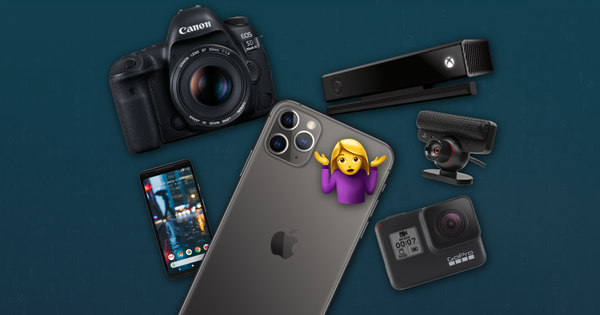
How to improvise a DIY webcam
You need to join a video call, but you don’t have a webcam, your webcam’s broken, or Amazon’s out of stock. What to do? This guide will take you through a number of different ways to improvise a home-made DIY webcam using things you might already have.
How to change webcam video source in webapps that don't support it
Using a web-based video app that doesn't let you choose between webcam video sources? Here's a workaround to switch yours.
Webcam not working? How to fix your camera
Having webcam issues and need to fix it for your video call? This guide walks you through fixes for internal and external webcams on Windows and Mac computers.
Camo Community
Join the community
The Camo community offers forums for discussion and support, video streams, games, giveaways and more.
Sign up here for the latest updates on our next events.
Talk to the team
Our support team are here to help!
Chat with the team
Ask us anything about Camo. We'll answer here in the chat, and you can pick the conversation back up from any page.
Start a conversationOur office hours are Monday to Friday, 9 AM to 5 PM GMT.
We aim to reply to all messages within one working day.
Email us directly at: support@reincubate.com