Camo Studio for iPhone: Out now, free on the App Store ·Find out more
Creativity Unleashed
Innovative creators around the world take their work to the next level with Camo. Whether you're crafting a story, sharing ideas or simply expressing your unique point of view, turn to Camo to stand out in a sea of content and engage your growing audience.
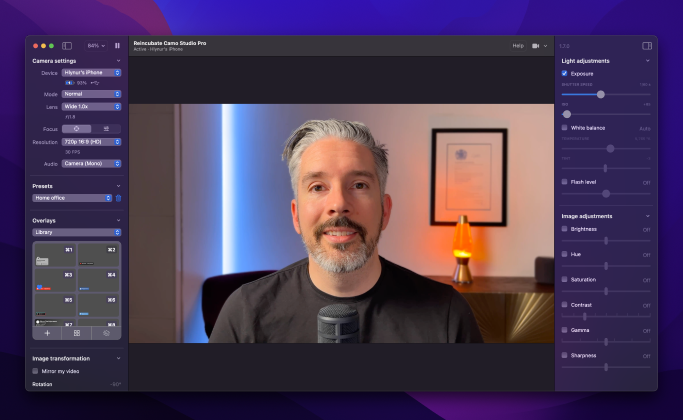
Lights, Camo, action
Today, every good video requires great video. Get set up and recording in minutes, with pro-level clarity that others spend thousands on cameras and other equipment to achieve.
I've been searching for a way to get DSLR quality without the hassle, and Camo is it. You get tons of control over your image, and you can take your productions to the next level using a simple hands-free phone holder. Wow your audience like never before.
– Coach Nick, BBallBreakdown
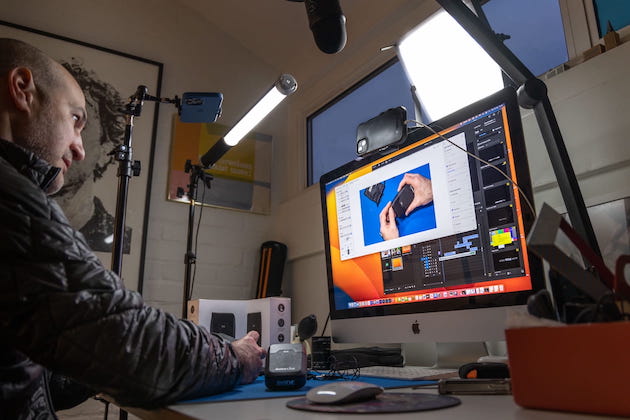
Dial in the details
On Camo Studio, see how the image looks in real time as you choose picture resolution and colour tones, decide on landscape or portrait modes, or configure multi-camera setups. Then select from a wide range of frame rates, while positioning the shot just right with Smart Zoom.
You can swap between lenses, frame rates, color, saturation, sharpness and beyond. If you're looking for a simple, single webcam solution today, look no further than wrapping your smartphone in Camo.
– Chris Pirillo
Tech reviews & unboxings
Podcasts & events
Tutorials & guides
Fashion & beauty
Plug and play
Get started in moments
- Simple to set up and use
- Ultimate performance with minimal hardware
- Wide choice of frame rates and resolutions
- Excellent low-light performance
- Pairing via Wi-Fi or USB, with multiple cameras
- Less time in set-up and post-production, more time for planning and recording
Loved using this app - I teach fitness classes online and this really enhanced the video quality. The free version gave me everything I needed and I've been recommending it to friends
– bexercise, UK
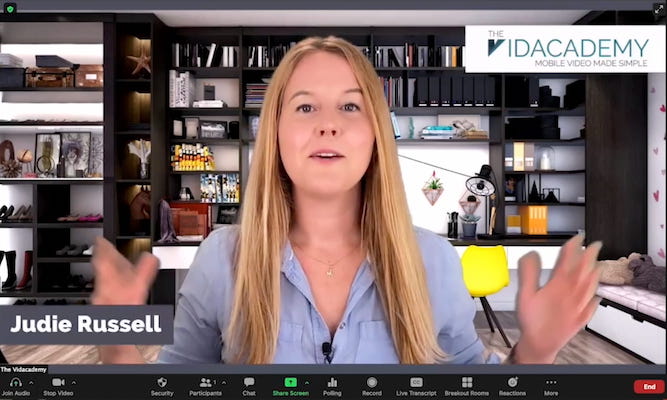
Attention-grabbing clarity
The bar for good video keeps rising - use Camo to leap over it. Cut away from the pixelated picture, and fill your shortlist with eye-catching high definition. You'll capture the clear, crisp footage that matches your creative vision and engages your viewers.
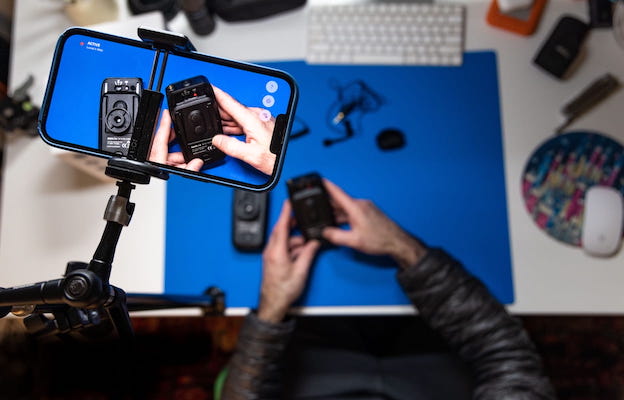
Tech you already have
You don't need a huge investment to create professional-level content. Download a free version of Camo and start today.
Everything about Camo is wonderful but the latest update includes wireless functionality which makes the app even more incredible. I've tested the wireless functions and tried to make it stutter or slow down but was unable to. I'm pleasantly surprised that the wireless function works as great as it does. It's perfect for recording YouTube videos in HD (even at 60fps) while being able to control white balance, ISO, saturation, etc..
– HelloPretzel
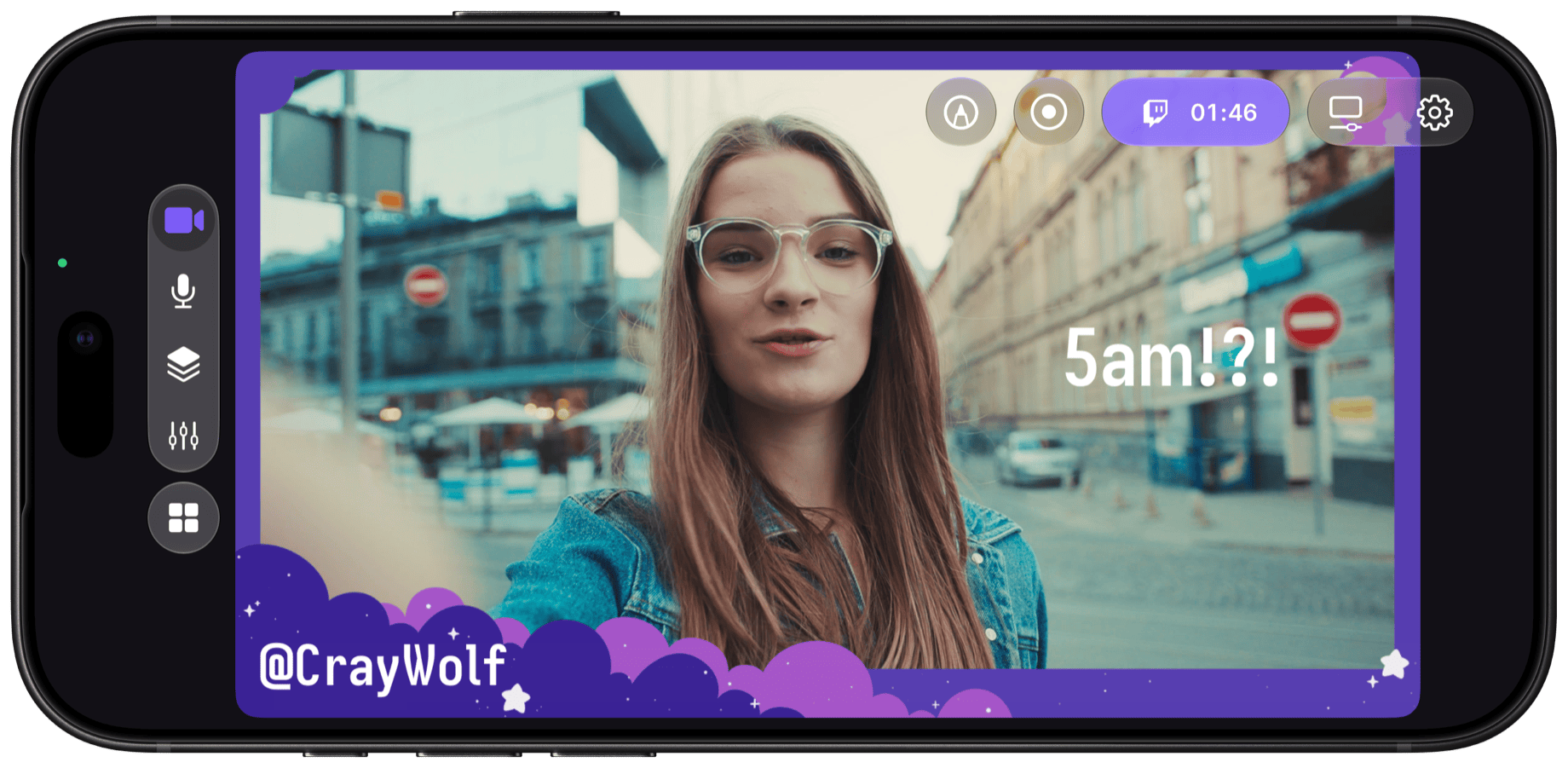
Your Camo Studio, now in your pocket
Build scenes for vertical and landscape, combine your front and rear cameras, capture your screen and add AI lighting and background effects. Then go live to Twitch, YouTube, Kick or any RTMP destination, recording as you go. Free on the App Store.
How it works
Getting started with Camo is simple
Install Camo Studio on your Mac or PC
Camo Studio controls the video from your camera devices.
Get Camo on your phone or plug in a camera
Use the cameras on your phone, a webcam, or a DSLR.
Select your device in Camo Studio
Camo Studio auto-detects your camera and gets you set up in seconds.
Reviews
What users say
We've won Britain's highest business honour, the King's Award for Enterprise, and helped over 10,000,000 users in the last decade.


Greg Barbosa
@gregbarbosa
Camo is an incredible app. I'm selling my old 4K webcam because of it.


Siqi Chen
@blader
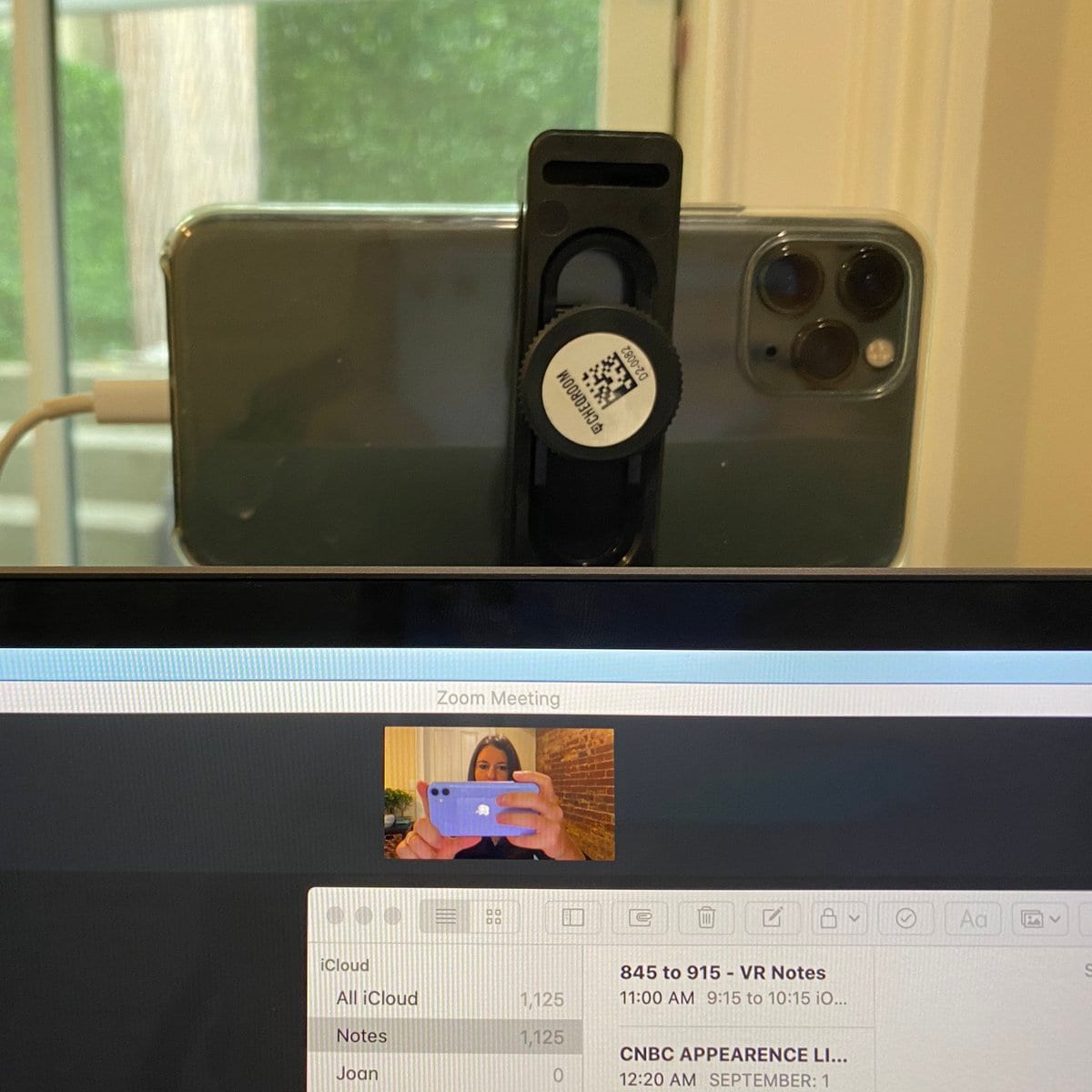
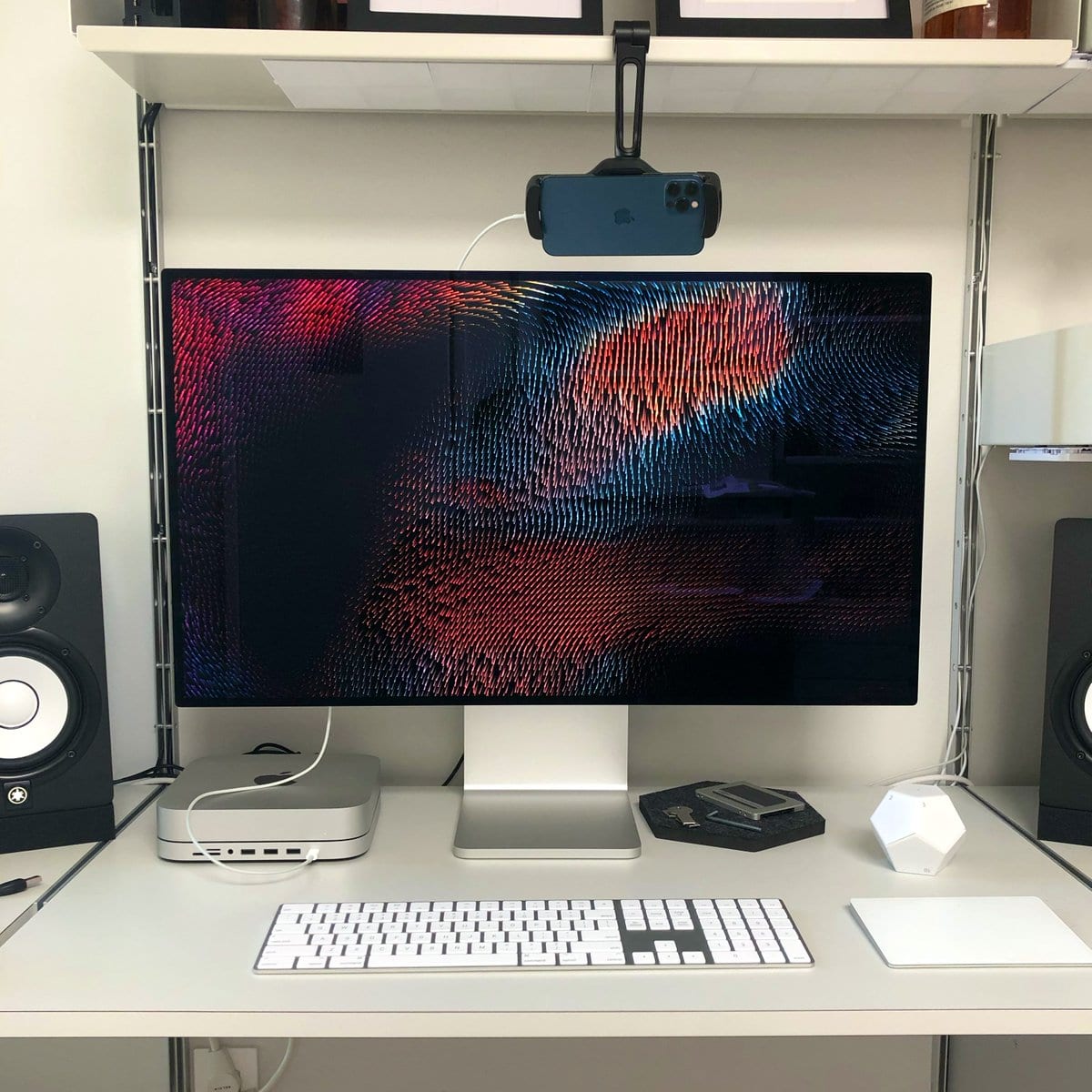
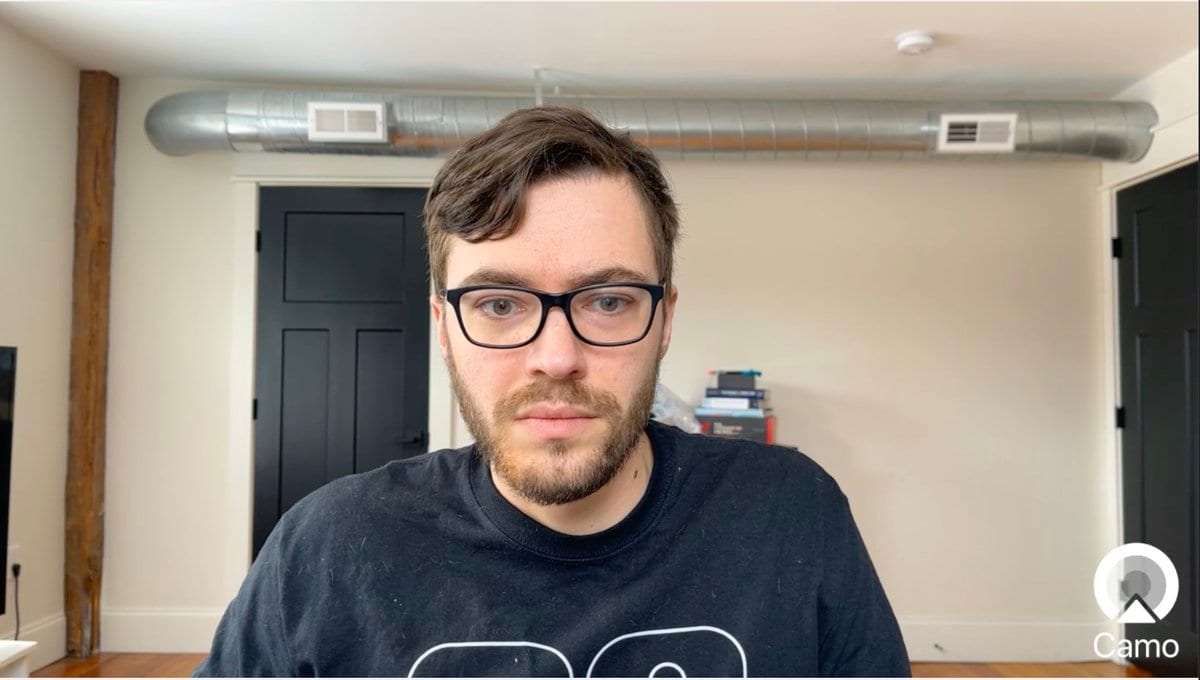
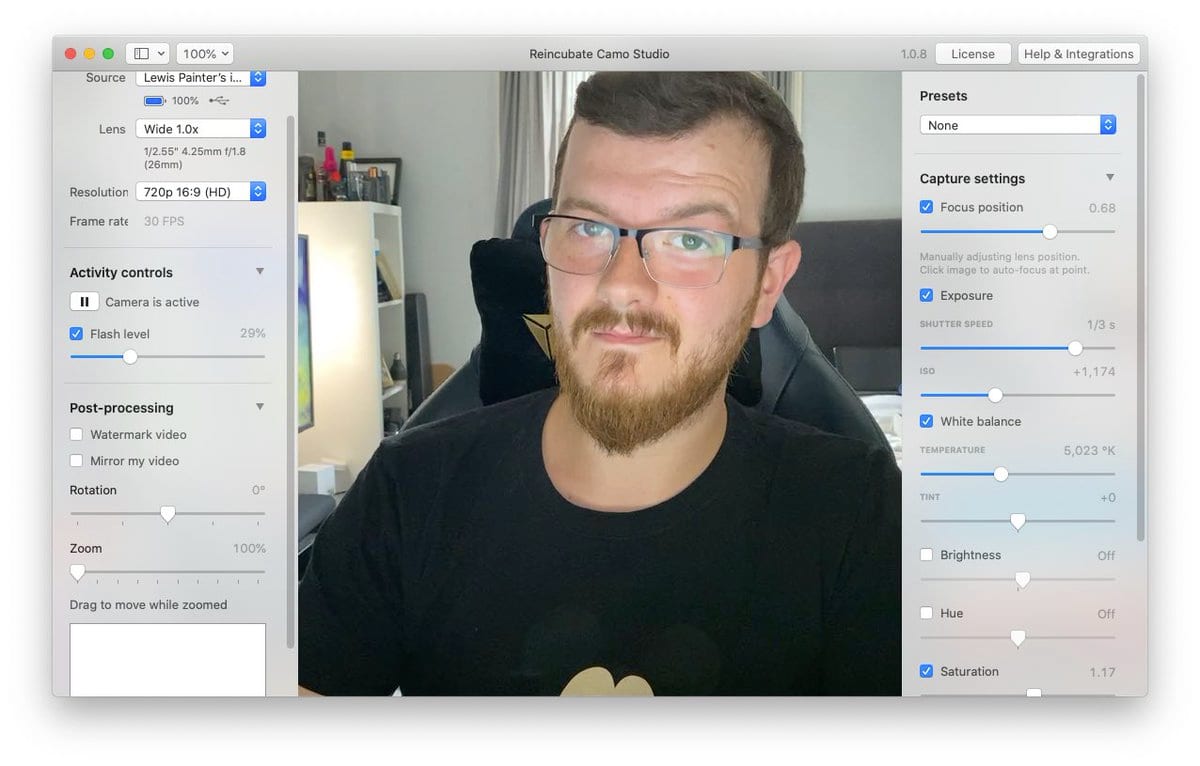
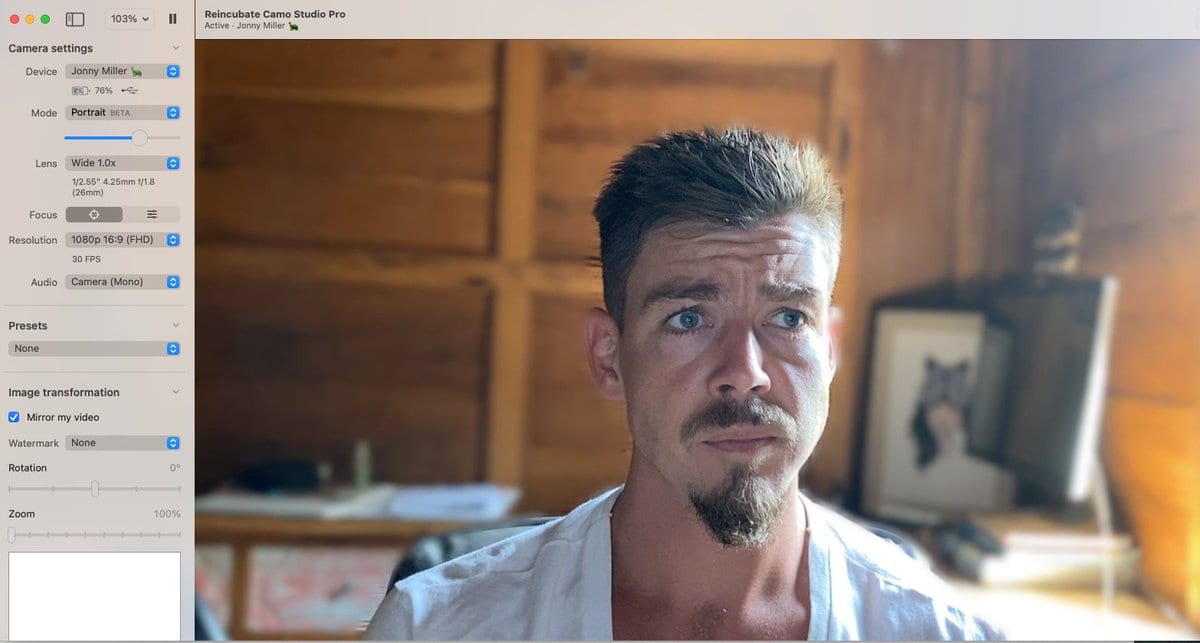
How is nobody talking about this Instead of spending $2K+ for a DSLR setup, you can use your iPhone as a webcam, in just a few minutes! It's MASSIVELY better than the FaceTime camera. Over Zoom, it's hard to see the difference between a iPhone 11 Pro and a DSLR:



Esme
@EsmeCrutchley
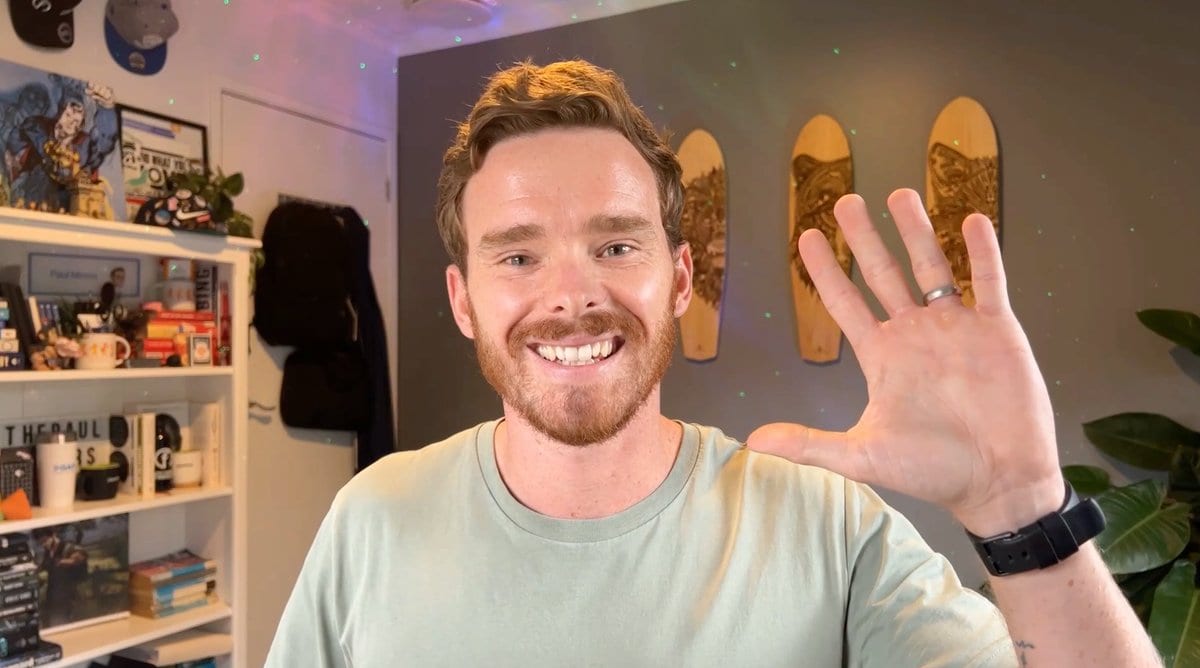
It is a little bit mind-blowing! I've been using @reincubate Camo for about a year, & love it! Can't wait to jump into @DescriptApp this week (now I've got Storyboards). I'll still be using @loom because I create a lot of SOPs & still want to upload & share links!

Downloads
Get started with Camo today for free.
Camo Studio
Runs on your Mac or PC, lets you control and adjust your video, and is available for other apps to use.
Camo Camera
Camo Camera runs on your iOS or Android device and forwards video from its cameras to Camo Studio.
Expert Guides
Take your video further
How to look your best on a video call
Taking a few simple steps to improve the quality of your calls, most of which can be done for free, lifts you above everyone else's expectations.
Read moreHow to mount a phone webcam: which mount is best
So, you're thinking about using your phone or tablet as a webcam. You've probably got a cable, and we hope you've got Camo, now you need a mount. I'll introduce you to the best options I've found.
Read moreHow to improvise a DIY webcam
You need to join a video call, but you don't have a webcam, your webcam's broken, or Amazon's out of stock. This guide takes you through ways to improvise a home-made DIY webcam.
Read moreAbout
The Camo Manifesto
Want to look your best on video calls? The camera on your iPhone or iPad is leagues ahead of any webcam on the market, and Camo makes it easy to use your iPhone as a webcam.
iPhone cameras are getting better but webcams are getting worse. As the Wall Street Journal reported, many newly-released laptop cameras are worse than 2010 models, and many only do 720p, which even YouTube doesn't consider "HD".
We're taking a fresh approach to solving this: no ads, no spam, no fiddly pairing, bulletproof drivers, and a polished, simple app that lets you make the most of the amazing camera you already own.
FAQ
Which video apps is Camo compatible with?
Lots! More than 40, including Zoom, Google Meet, Microsoft Teams, FaceTime, Chrome, Safari, Firefox, Edge, GoToMeeting, Cisco Webex, QuickTime, Slack, Discord, WhatsApp and more. You can see the list on our site, or in Camo Studio itself. Camo will never ask you to run some random command. We're not like that.
Will Camo impact my privacy or security?
No. Camo doesn't know what you're using it for, and doesn't capture or transmit your feed. Our privacy policy is here, but the tldr is that your data is your business, not ours.
What is Camo compatible with?
Camo Camera is compatible with any iOS device running iOS 15 or above, so you could run it on an iPod Touch just as well as your iPhone 17 Pro. Or iPad Pro. Camo Camera for Android is compatible with devices running Android 7.0 or later. It'll run on any Mac with macOS 12.3 or newer, and on any PC with Windows 10 or newer.
How is Camo different?
Camo gives you control of everything from your Mac, with rich image adjustments, and it does all the processing on your iOS device, freeing up your computer's power for work. It has a beautiful native app with Dark Mode support and full iPad support, up-to-the-minute compatibility with over 40 apps, and detailed guides on everything from mounts to calls. Camo doesn't bother you with complicated and unreliable drivers, insecure pairing, or ads.
How does Continuity Camera compare?
Camo and Continuity Camera share an original thought: that you can achieve great video using just the camera you already have in your pocket. Camo started from this idea and in the years since has been continuously improved and upgraded. Check out our comparison of Camo and Continuity Camera to find out more.
How can I mount my phone as a webcam?
We bought every type of phone mount on Amazon, and tried them all. We photographed the lot of them, and wrote up our experiences and recommendations in a dedicated guide.
Ready to start looking your best?
Give Camo a try for free, and get ready to explain why you stand out on your next call.