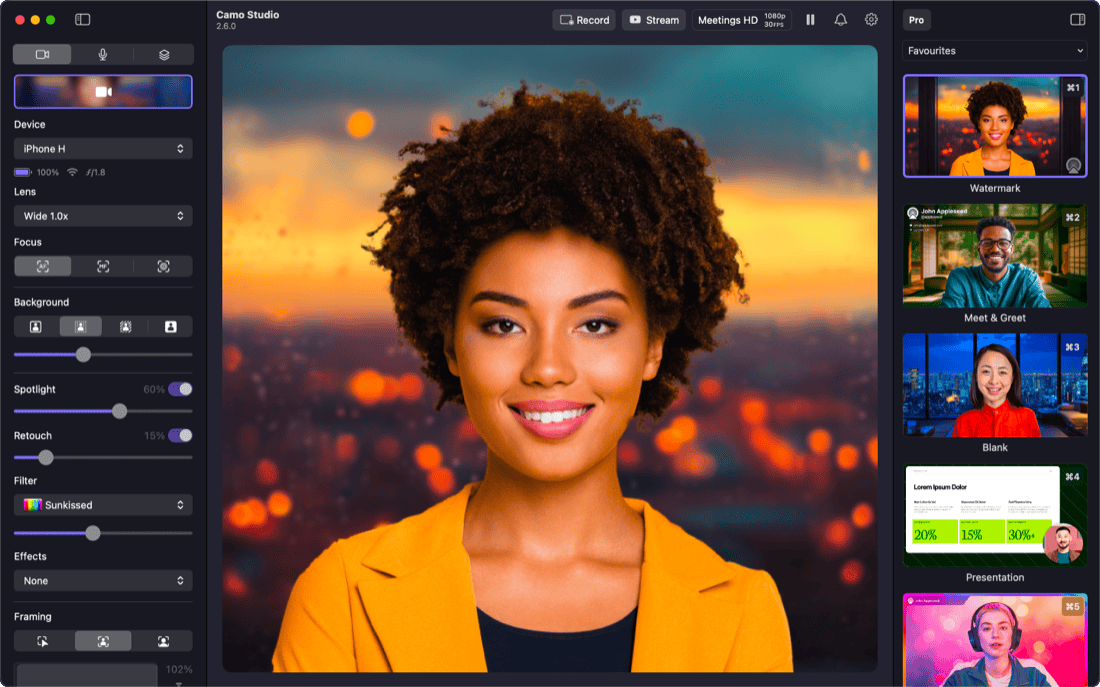
Camo Studio for iPhone: Out now, free on the App Store ·Find out more
Great video.
Made easy.
Camo enables the camera you already own to produce incredible video, whether you're meeting, streaming, or recording. Start creating great video today.
Easy to start, quick to master
Camo makes professional video accessible to every user. You can choose to get amazing video quickly with its templates and image enhancements, or get granular and creative with its full array of tools.
Supported by all major video conferencing, recording, and streaming apps including






Use cases
Stand out video,
for everyone
Camo brings the power of high-quality video to a wide variety of use-cases, from filming makeup tutorials, to making sales calls, even brain surgery.

Compatibility
Get amazing results with any camera
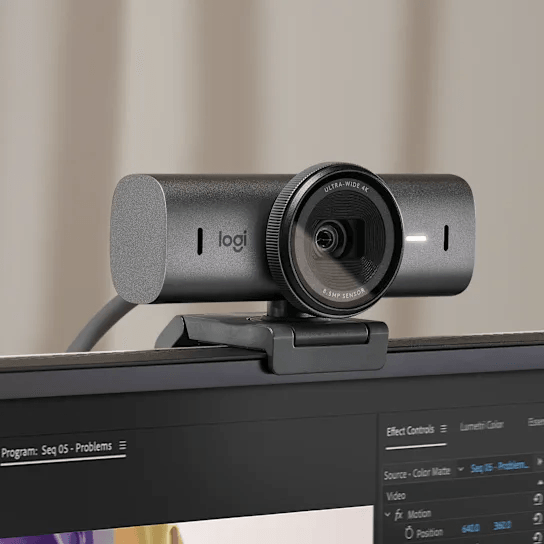
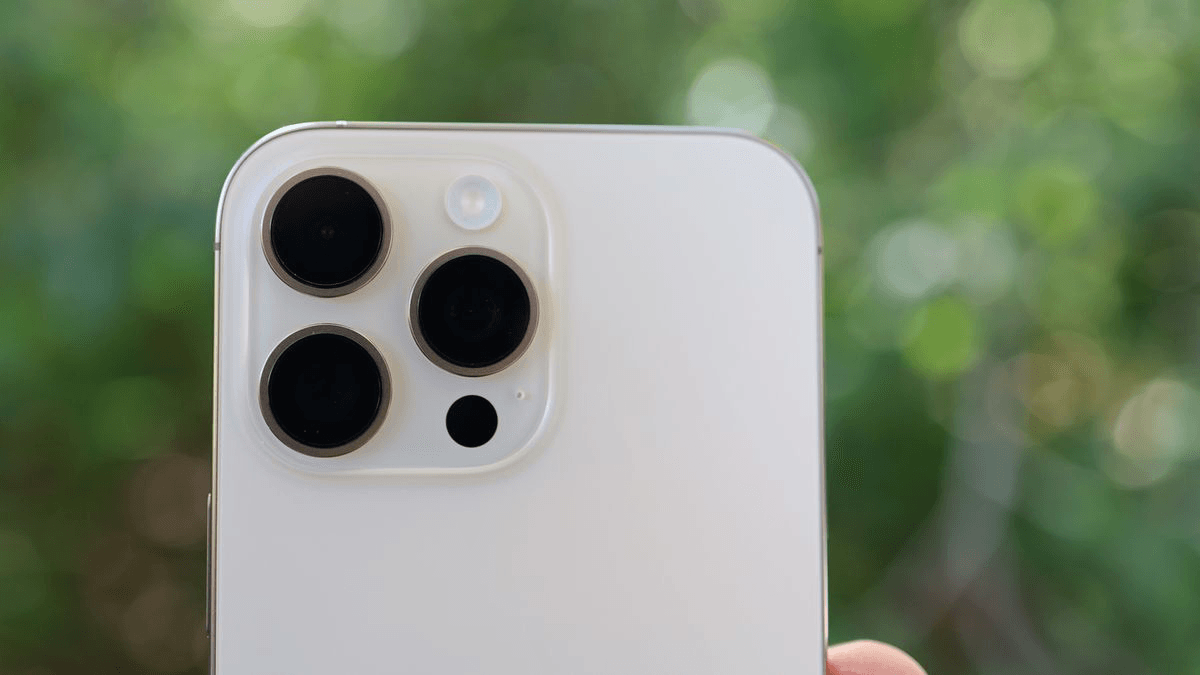
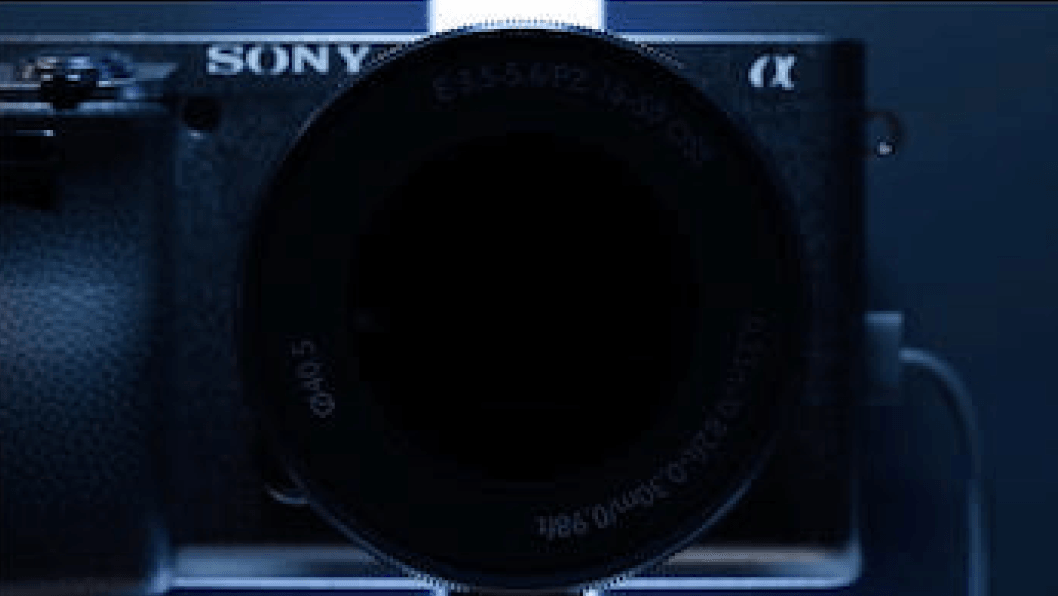
Camo supports and improves video from any camera connected to your computer: phones, built-in cameras, webcams, DSLRs, action cams, and even Continuity Camera. It's simply the best video, using any device.
Features
Meetings. Streams. Videos. Camo does it all
Camo Studio enables the camera that you already own to produce great video whether you're on a call or you're streaming or simply recording your next video.
Camo Camera
Cover every angle with Camo Camera
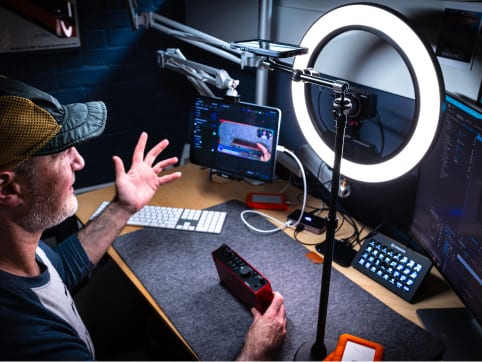
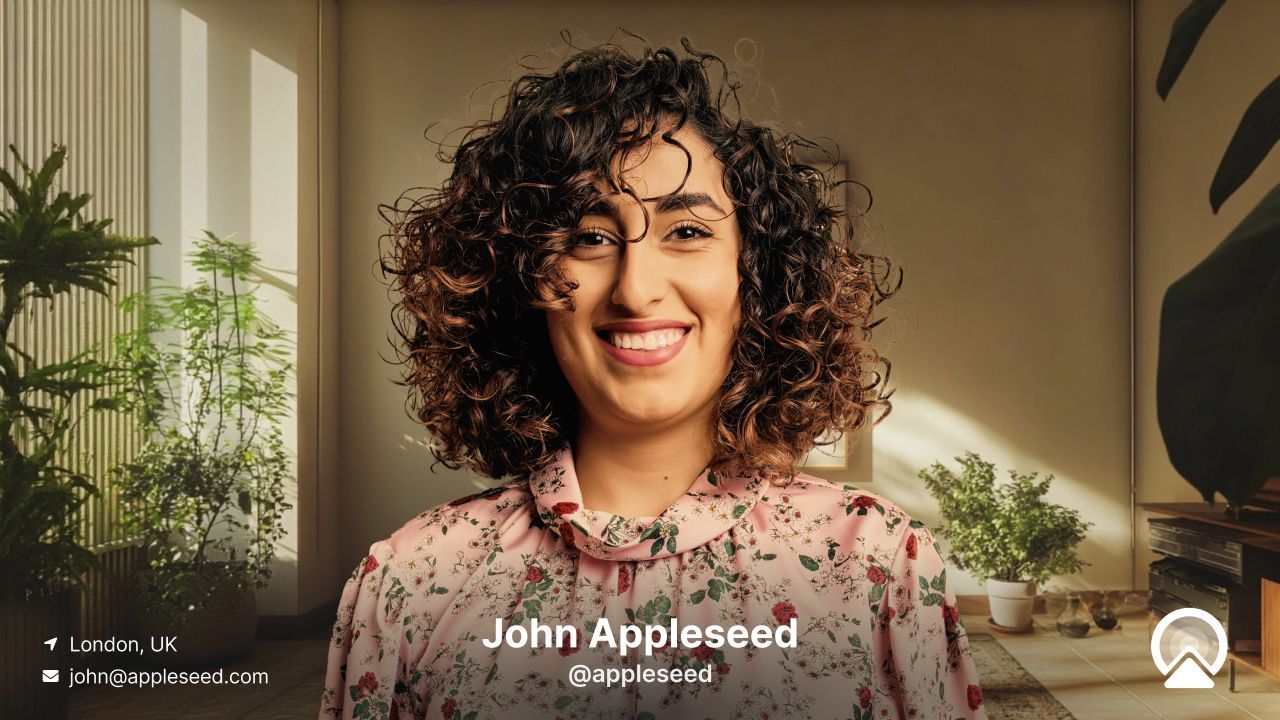
Plug in or go wireless with your iOS or Android device for instant high-quality video. Top-down, overhead, side angles - flex your mounts and your imagination, and even go spatial by connecting and perfecting your Persona with the Vision app.


Scenes & Overlays
Shape Your Scene to Perfection
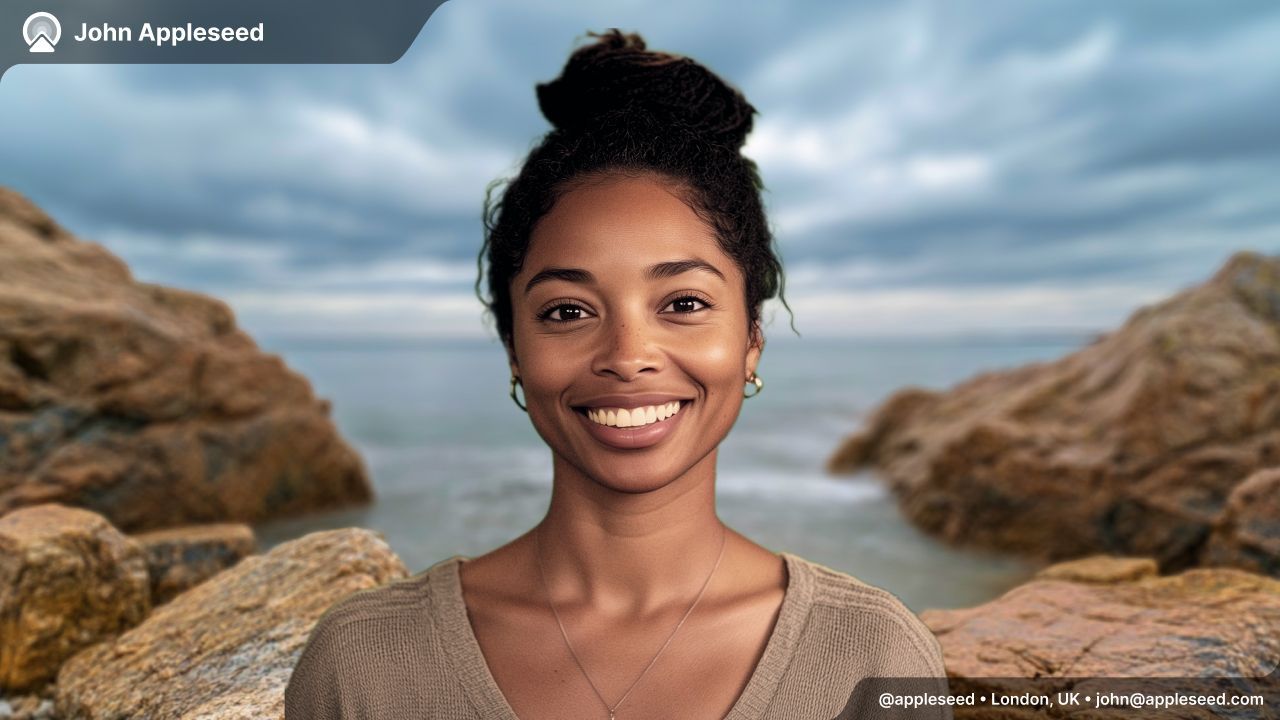
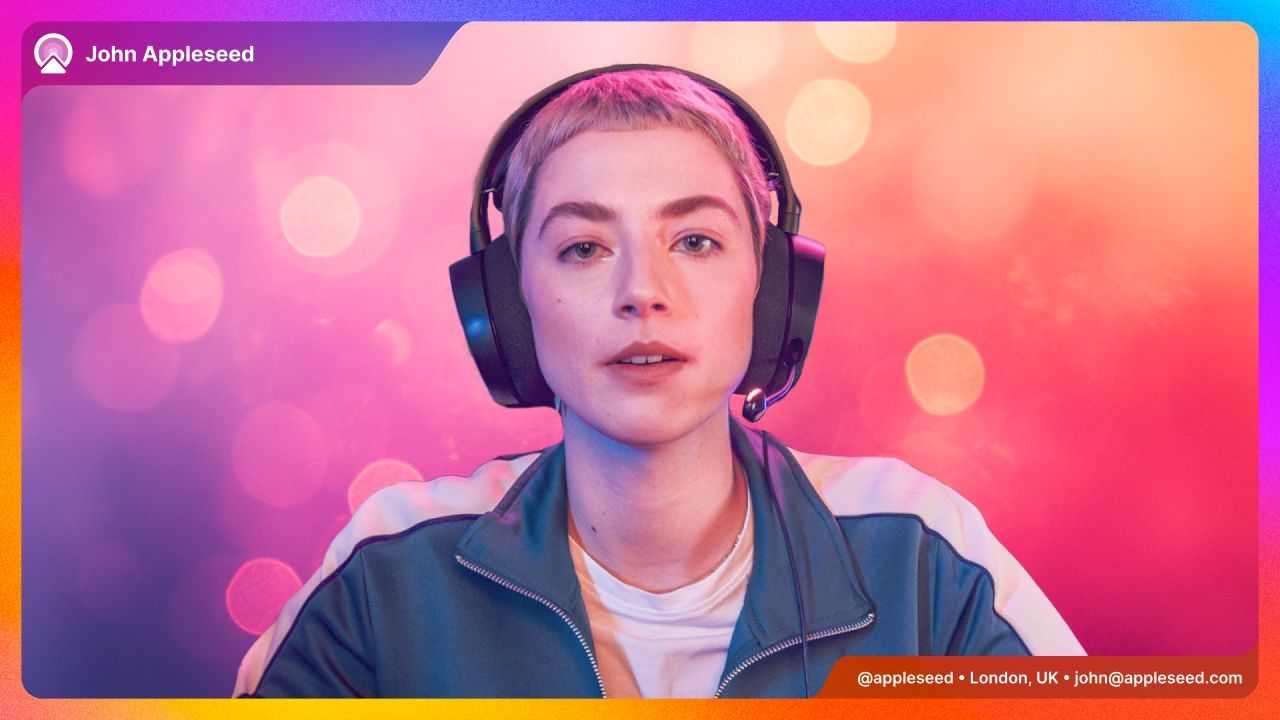
Enhance your scene with graphics, text and even images, from branding to dynamic elements. The editor has everything you need to make every scene unique.
Learn moreEffects & Filters
Stand-Out Tools
Soften or replace your background, correct your lighting, add a LUT, and dial in perfect framing that keeps up with you. AI-powered image analysis sees to it that your video has never looked so good.
Profiles & Recording
Lights, Camera, Action
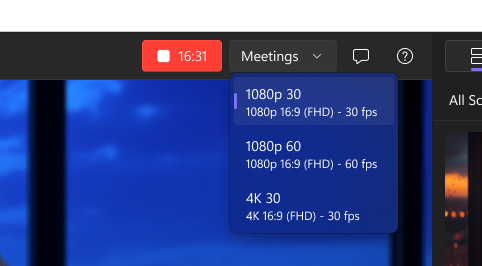
One click in profiles gives you the optimal resolution, framing and aspect ratio for your video. Amazing video couldn't be simpler: select your scene, pick a profile and start recording.
Scenes & Overlays
Captivate your audience through your video
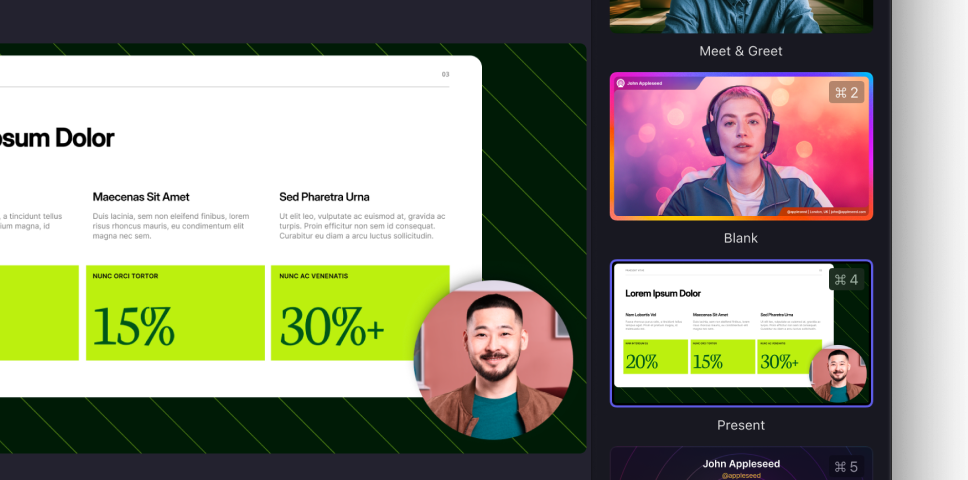
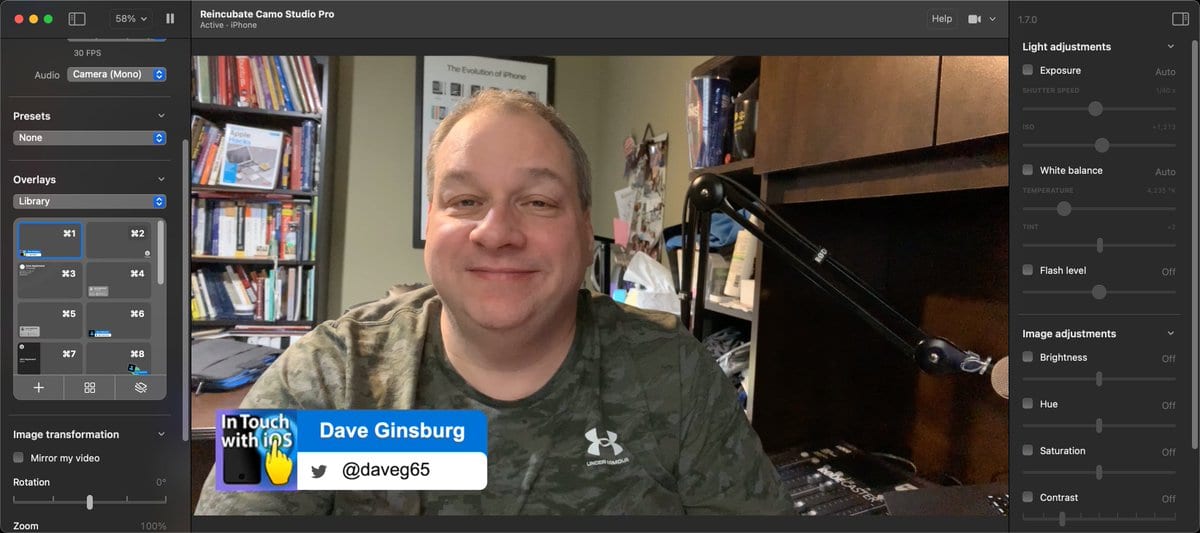
Shaping your video is about more than cameras and settings adjustments. Improve user engagement and inform your viewers through visual elements like lower-thirds and overlays.
Scenes & Personalise
 Scenes & Personalise
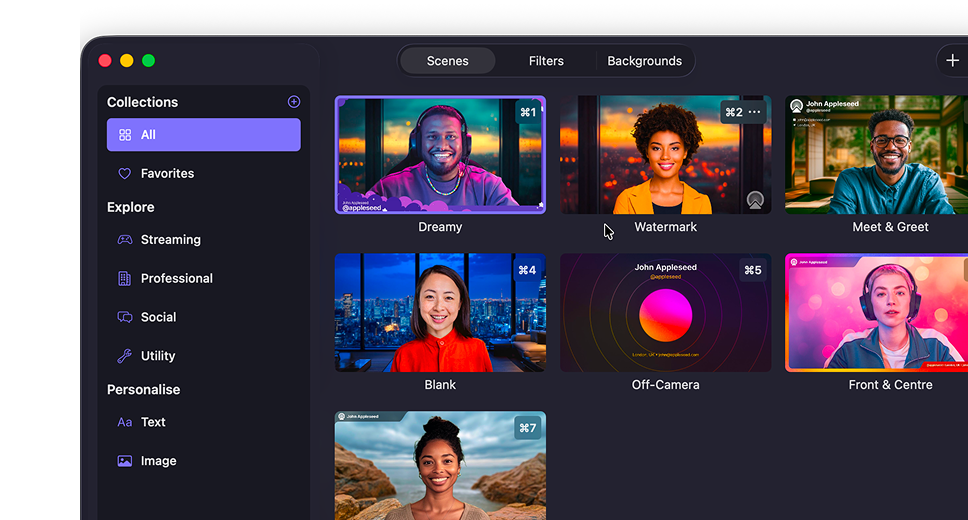
Set up a scene in seconds
Configure your Personalise settings and pick one of the default scenes to get started, or create your own to match what you need.
Gallery & Explore
 Gallery & Explore
All your content in one place
Manage your scenes, backgrounds and filters using the Gallery, and browse our curated set of content using the Explore section.
Scene Editor
 Scene Editor
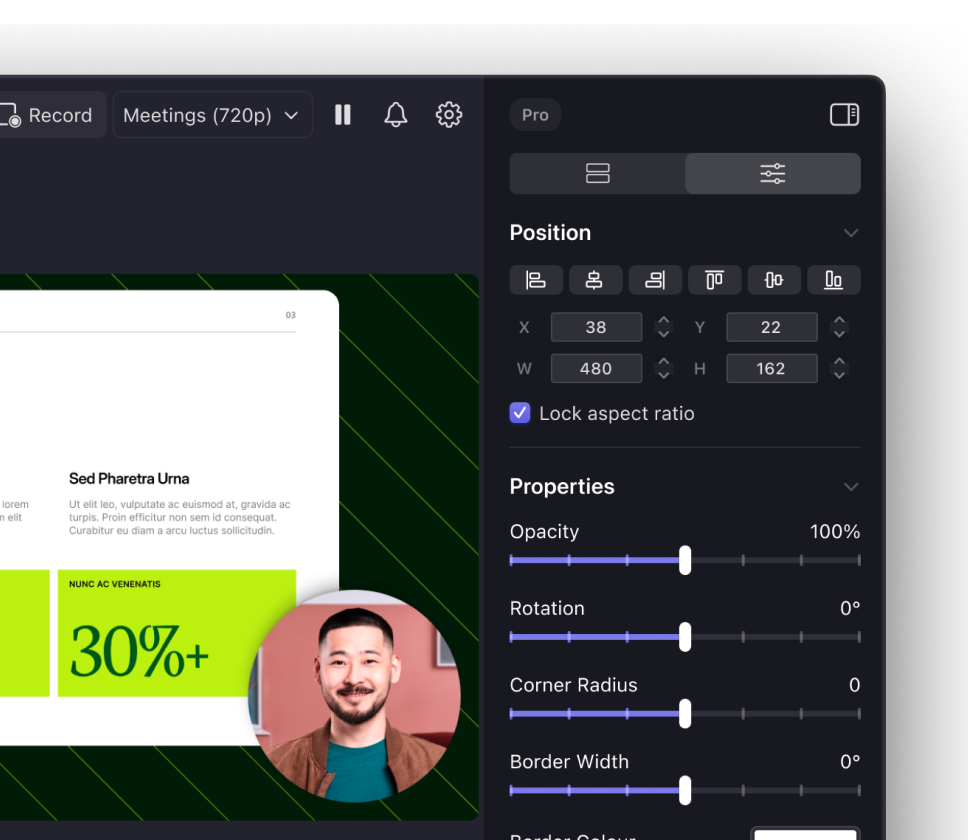
Shape every detail with our in-app editor
Compose exactly what you need, or edit existing scenes to make them just right for your next call, recording or stream. Combine text, logos, pre-made overlay elements and more in the powerful built-in scene editor.
Reviews
What users say
We've won Britain's highest business honour, the King's Award for Enterprise, and helped over 10,000,000 users in the last decade.


Greg Barbosa
@gregbarbosa
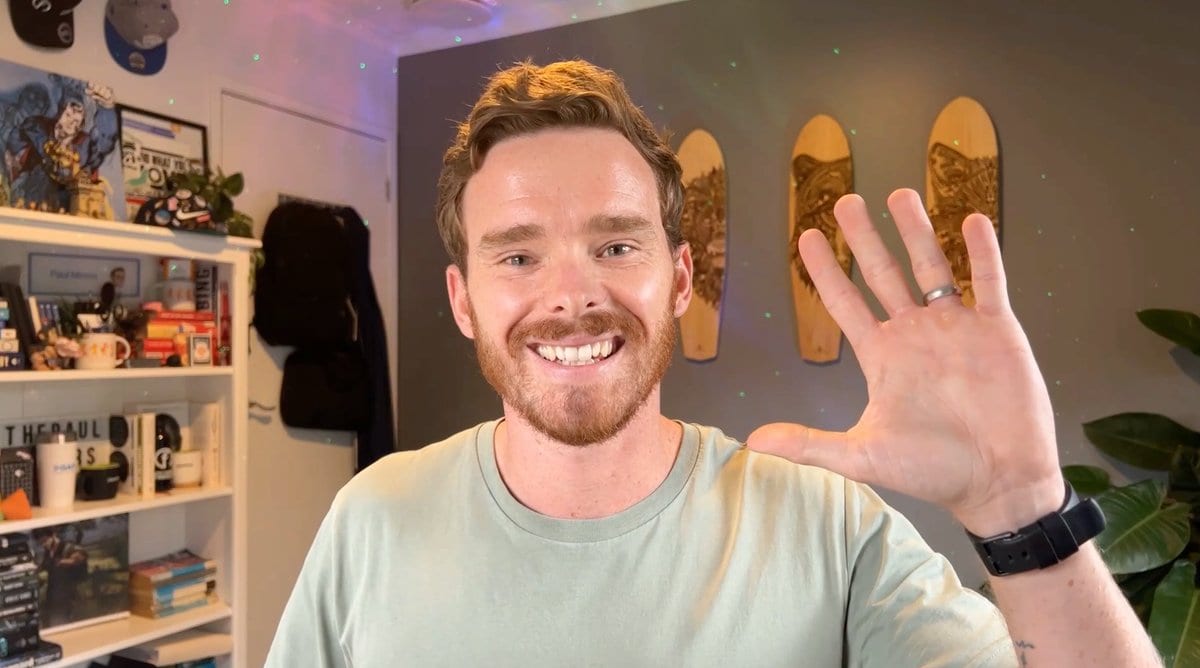
Camo is an incredible app. I'm selling my old 4K webcam because of it.


Siqi Chen
@blader
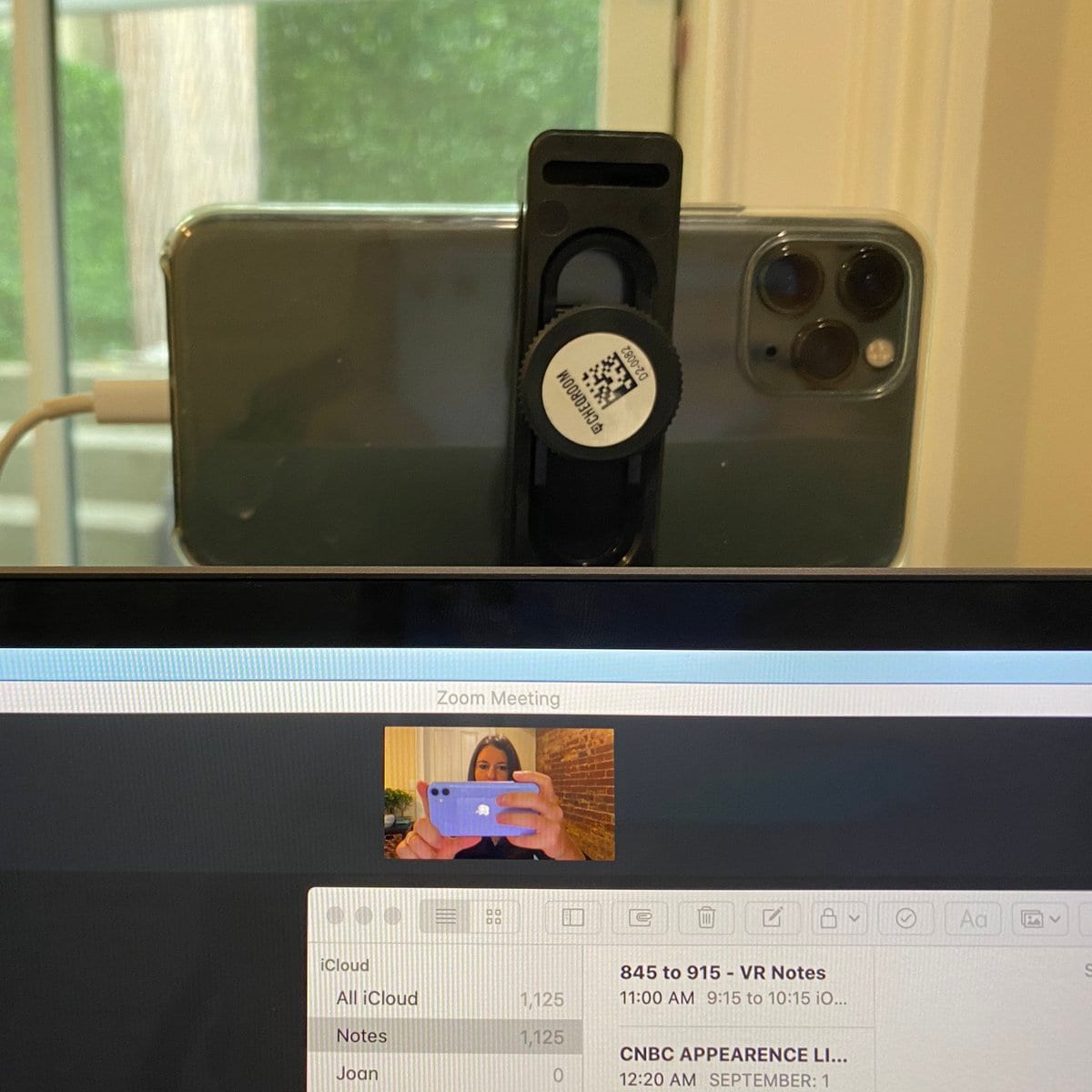
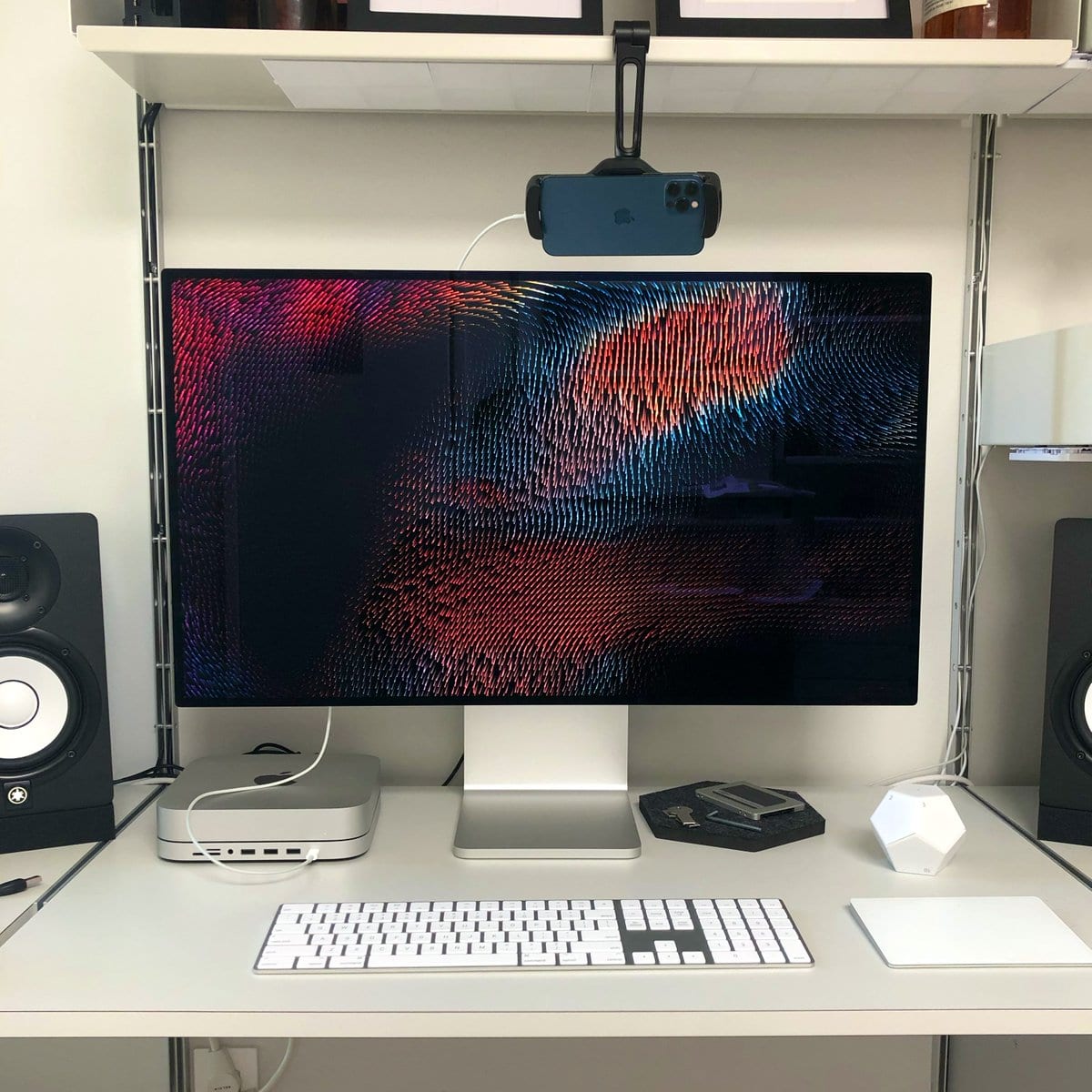
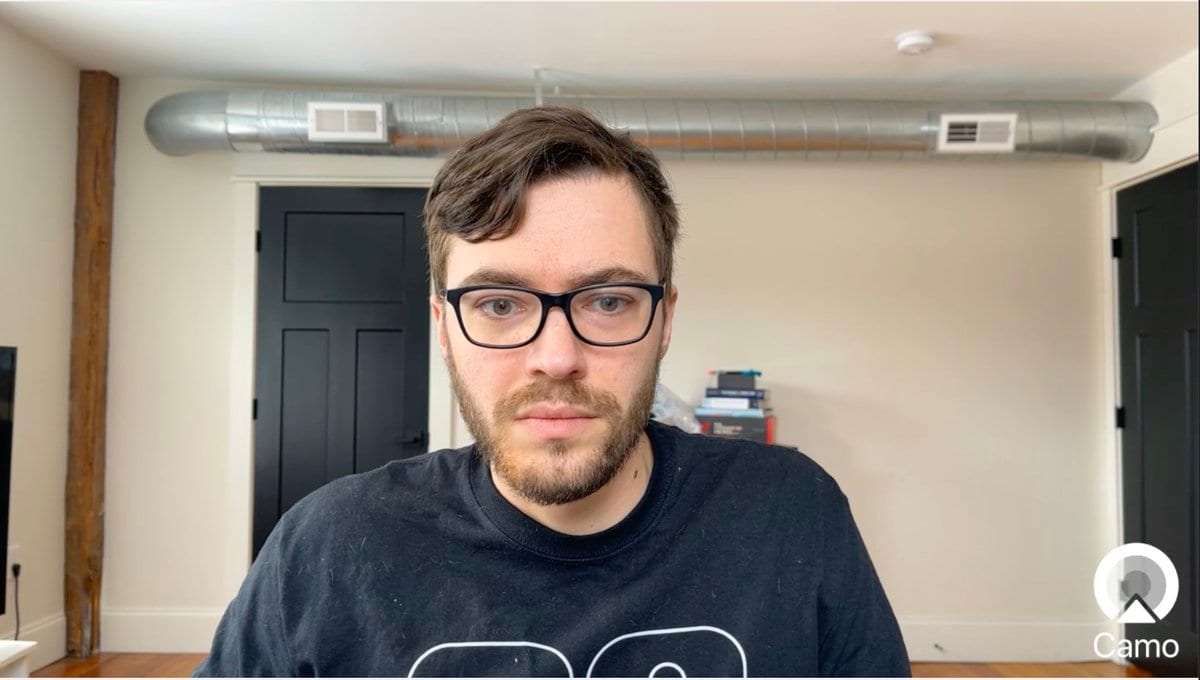
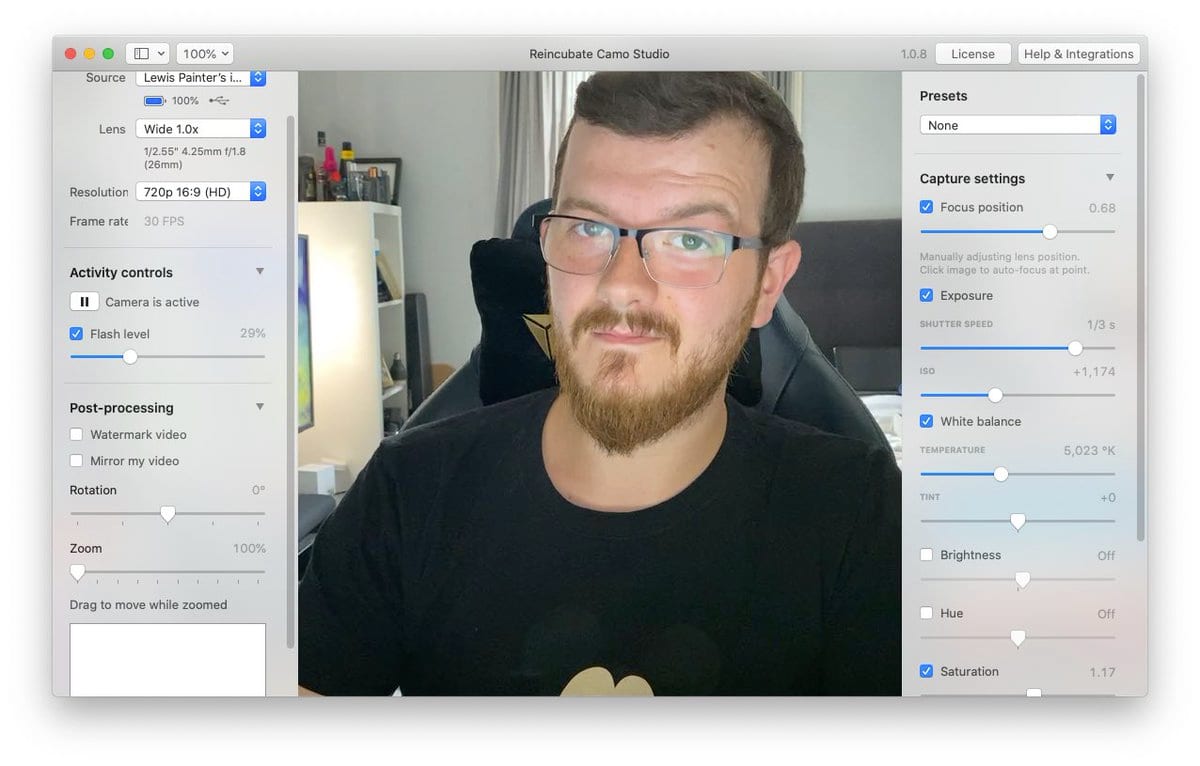
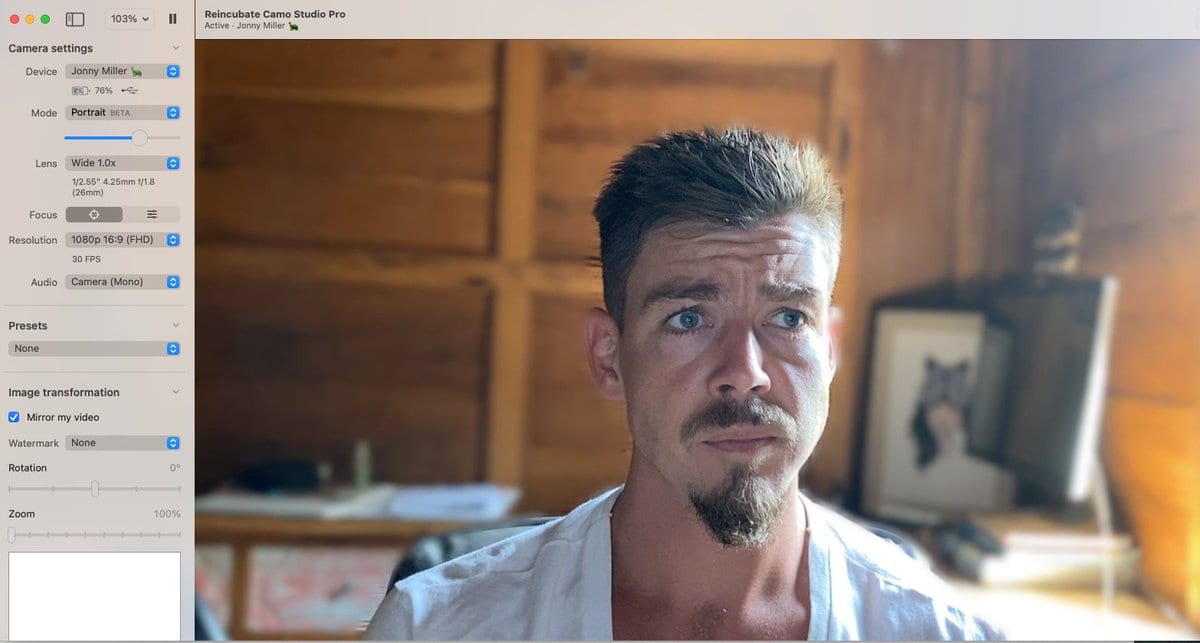
How is nobody talking about this Instead of spending $2K+ for a DSLR setup, you can use your iPhone as a webcam, in just a few minutes! It's MASSIVELY better than the FaceTime camera. Over Zoom, it's hard to see the difference between a iPhone 11 Pro and a DSLR:




Esme
@EsmeCrutchley
It is a little bit mind-blowing! I've been using @reincubate Camo for about a year, & love it! Can't wait to jump into @DescriptApp this week (now I've got Storyboards). I'll still be using @loom because I create a lot of SOPs & still want to upload & share links!








Downloads
Get started with Camo today for free.
Camo Studio
Runs on your Mac or PC, lets you control and adjust your video, and is available for other apps to use.
Camo Camera
Camo Camera runs on iOS, Android, iPadOS and visionOS devices, and forwards video from their cameras to Camo Studio.
FAQ
Which video apps is Camo compatible with?
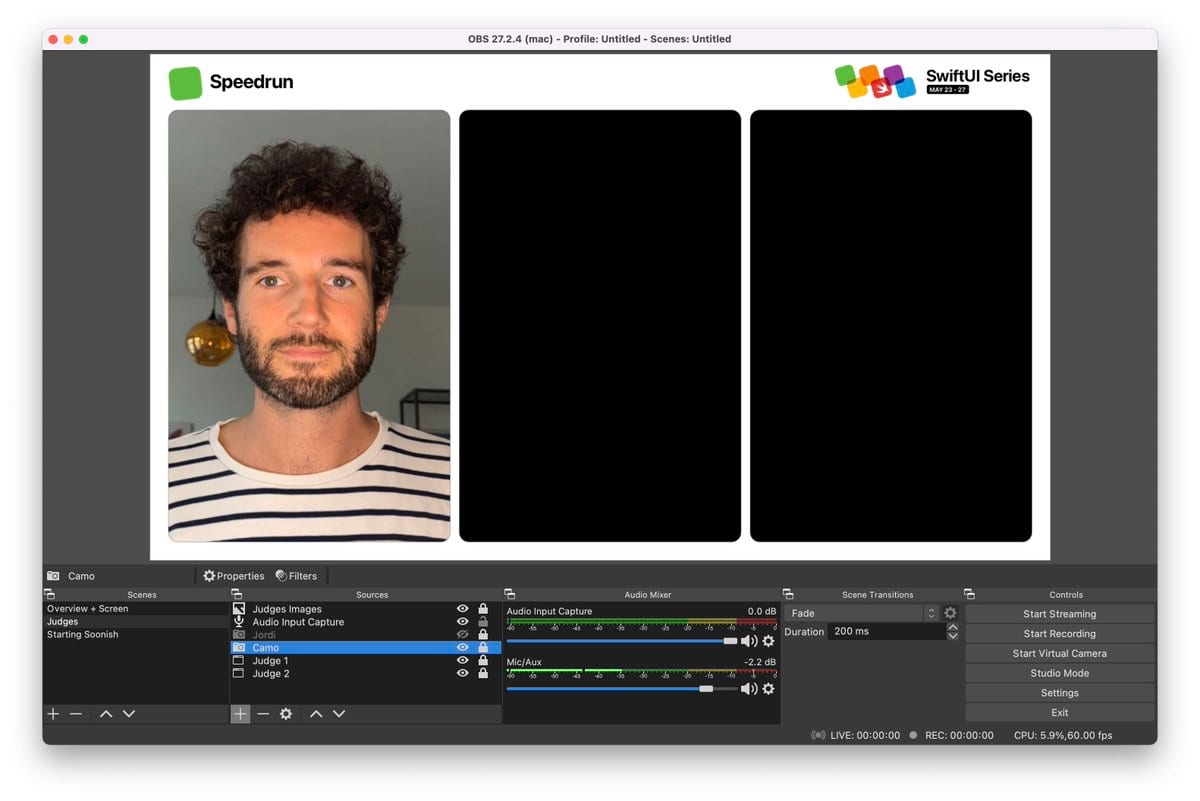
Camo works as a virtual camera in over 40 apps, including Zoom, Google Meet, Microsoft Teams, Slack, Discord, OBS, and any app that accepts a standard webcam.
Will Camo impact my privacy or security?
No. Camo processes your video entirely on your device. We never capture or transmit your video, and there are no ads or tracking in the app.
What's next on Camo's roadmap?
We ship frequently. Recent releases added streaming, audio, and new scene tools, and there's much more to come. See our FAQ for the latest.
Do you have non-profit or education discounts?
Yes. We offer discounts for non-profit and education users. Get in touch and we'll be happy to help.
How is Camo different?
Camo needs no drivers and no pairing dance, shows no ads, and includes a built-in uninstaller. It's a focused, privacy-first tool built to make you look great.
How does Continuity Camera compare?
Continuity Camera is great, but Camo gives you far more control: scenes, overlays, effects, framing, and support for Windows and Android too.
How can I mount my iPhone as a webcam?
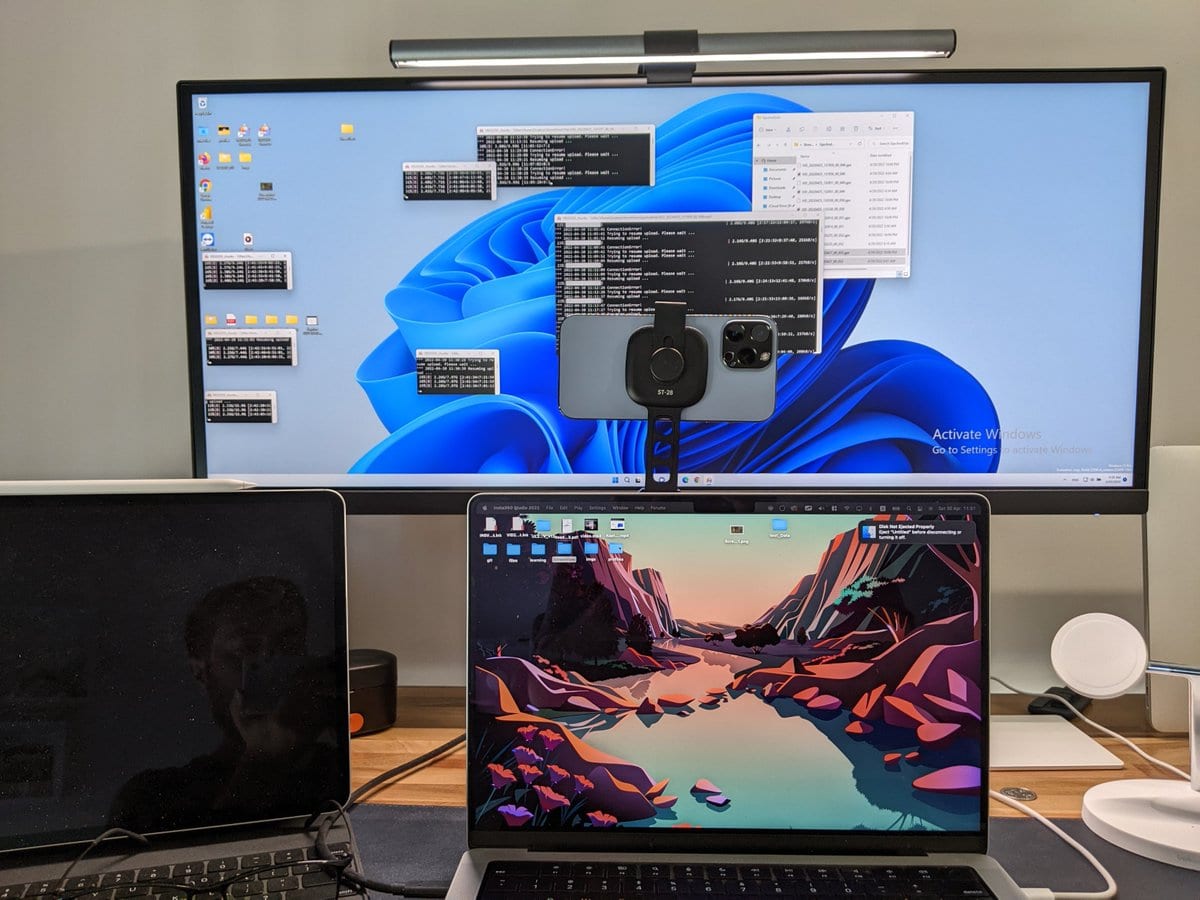
Any phone mount works. We've written a guide on the best mounts for using your phone as a webcam, with recommendations for every setup.
What is Camo compatible with?
Camo Camera runs on iOS 15+ and Android 7.0+. Camo Studio runs on macOS 12.3+ and Windows 10+.
Expert Guides
Take your video further
How to look your best on a video call
Taking a few simple steps to improve the quality of your calls, most of which can be done for free, lifts you above everyone else's expectations.
Read moreHow to mount a phone webcam: which mount is best
So, you're thinking about using your phone or tablet as a webcam. You've probably got a cable, and we hope you've got Camo, now you need a mount. I'll introduce you to the best options I've found.
Read moreHow to improvise a DIY webcam
You need to join a video call, but you don't have a webcam, your webcam's broken, or Amazon's out of stock. This guide takes you through ways to improvise a home-made DIY webcam.
Read moreAbout
The Camo Manifesto
We're building Camo to help you stand out with video, whether you meet, present, stream or create. Camo creates confidence on video, democratising fluent production of compelling, credible video on any platform.
Camo was born from my frustration with the quality of video I was able to get from my computer. Broadcast quality video was elusive, requiring expensive hardware, complicated software, post-production, and deep expertise.
I spent $350 on a high-end webcam, but the software was buggy, the colours were cold, and it kept refocusing. Experts told me to get a DSLR or mirrorless camera. That gave better image quality, but cost thousands and opened up a world of cable mess, battery and overheating drama.
Thus began our work with Camo…
Ready to start looking your best?
Give Camo a try for free, and get ready to explain why you stand out on your next call.