Camo Studio for iPhone: Out now, free on the App Store ·Find out more
Ideas in High Definition
Forward-thinking educators, academics and trainers around the world give their ideas greater impact with Camo.
Schools
Higher education
Training courses & tutorials
Public engagement & conferences
Clearer ideas
Education is communication
While you focus on verbal communication, Camo takes care of the visual, delivering broadcast-quality video and options like customisable lower-thirds to engage your audience and establish credibility.
Now, whether you're teaching, presenting, collaborating on projects, or sharing your work with the public, your expertise can have visuals to match.
You've spent years refining your ideas and methods - now share them clearly with Camo.

Communicate with quality
Unpixelate your insight
Using just your smartphone and Camo's intuitive interface, get set up in minutes and start sharing your expertise on Zoom, Meet, Teams, or other platforms.

Simple overlays
Communicate your expertise
Keep the focus on you with bokeh and zoom control, establish your credentials and affiliation with overlays, and refine your image with fine adjustments: you'll get high definition, professional video, with no IT support required. It just works.
I've been ecstatic with the Camo-enabled experience both on Zoom and Teams, and everyone comments on how great my video looks! I really love the beta Bokeh "Portrait mode" feature, which does such a nice job of keeping student focus on me, rather than background noise. I also really value the "preview" features you have incorporated, because they allow me to optimize the view prior to joining a meeting. That seems to me like a pretty big plus for those entering the virtual front of a lecture hall.
– Donald D. Anderson, Ph.D. Professor and Vice Chair of Research, University of Iowa
Plug and play
Get started in moments
- Simple to set up and use
- Pro-level video that affirms your expertise
- Clear communication for effective teaching
- Informative credentials and affiliations
- All with hardware you already have
Capable and compatible
Great video, no hassle
- Video quality – 1080p and super hi-res
- Overlay templates & creator
- Wi-Fi
- Phone as webcam
- Compatibility across all platforms and apps
Trusted by incredible educators



It just works
Clarity that connects
With Camo, what was a stopgap in place of in-person interaction becomes a powerful tool. Present your polished ideas to students, colleagues or the media from wherever you are, without having the experience downgraded by a subpar webcam.
It's the simplest way to create compelling, watchable video content, using hardware you already own.
Camo is the catalyst behind engaging online learning. Unlocking my iPhone's camera allows me to create inspiring video content for students to spark learning and cement growth. I was so delighted and comforted when I noticed you already had a section in the app to confirm it works with Mmhmm (and literally EVERY other tool I can think of).
– Professor Daniel Pfaltzgraf, College of Business & Innovation, University of Toledo
Works wherever you are
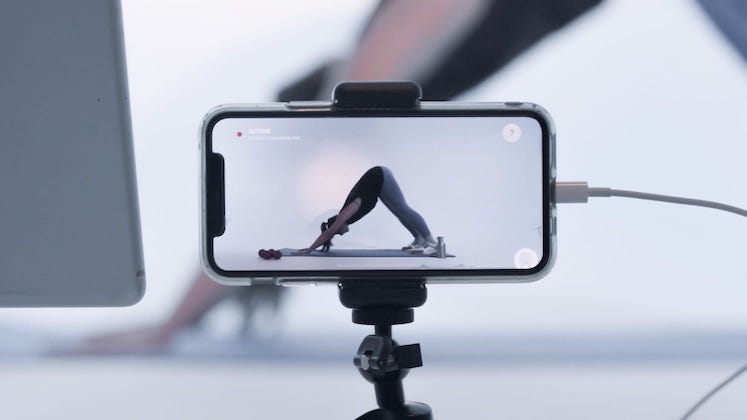
The flexibility to fine-tune your tutorials
Whether you're streaming live, recording content or both, you'll have all the options you need to tailor your visuals to your teaching.
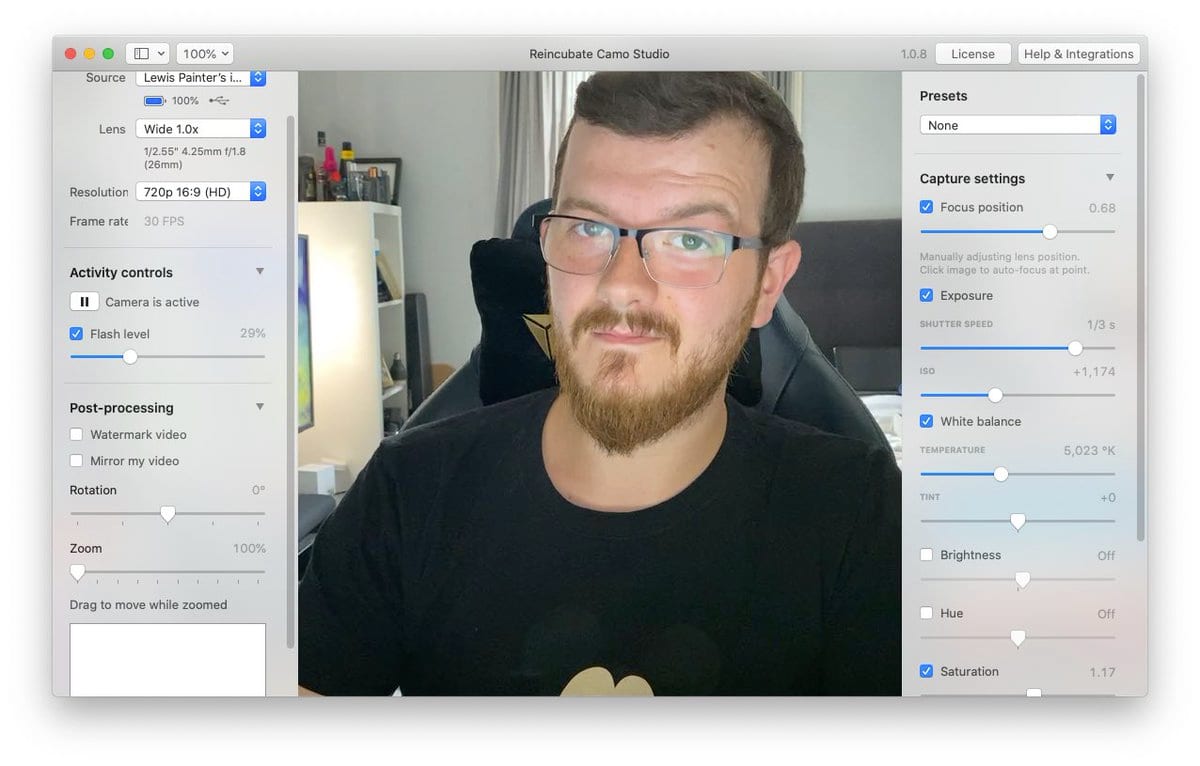
In Camo Studio, you can see how the image looks in real time as you choose the picture resolution, select frame rates, decide on landscape or portrait modes, configure multi-camera setup, and adjust the picture.
Stay plugged in and powered up with a USB cable, or get creative with different angles and greater mobility when connecting via Wi-Fi.
Camo is a wonderful and flexible resource for music teaching and streamed performance online, making dual or multiple camera set-ups very doable. I recommend it to all my colleagues and students.
– Simon Purcell, International Chair in Improvisation, Guildhall School of Music & Drama, London UK
Reuse devices
Tech you already have
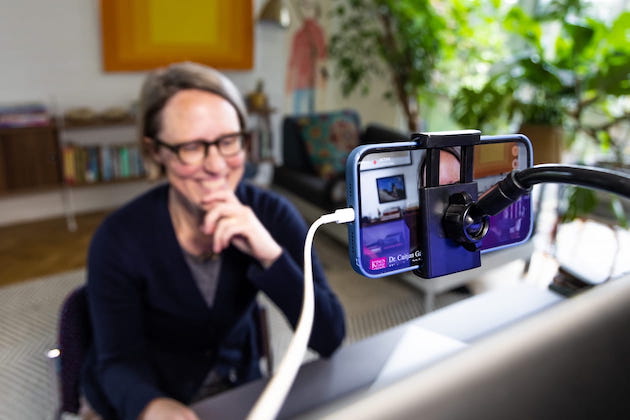
Camo is a boon to budgets. By using your current or retired smartphone, you'll save money for yourself or your institution, while reducing e-waste.
Your phone's camera has optics far more advanced that most webcams - download a free version of Camo today to try it out.
After spending months searching and researching a decent web cam, I finally realized my best option was left unused in my desk drawer. Thanks to Camo I am able to use my old iPhone to share a more professional face with my colleagues.
– Bjorn Bulthuis, Marlborough College Deputy Head (Academic)
Your Camo Studio, now in your pocket
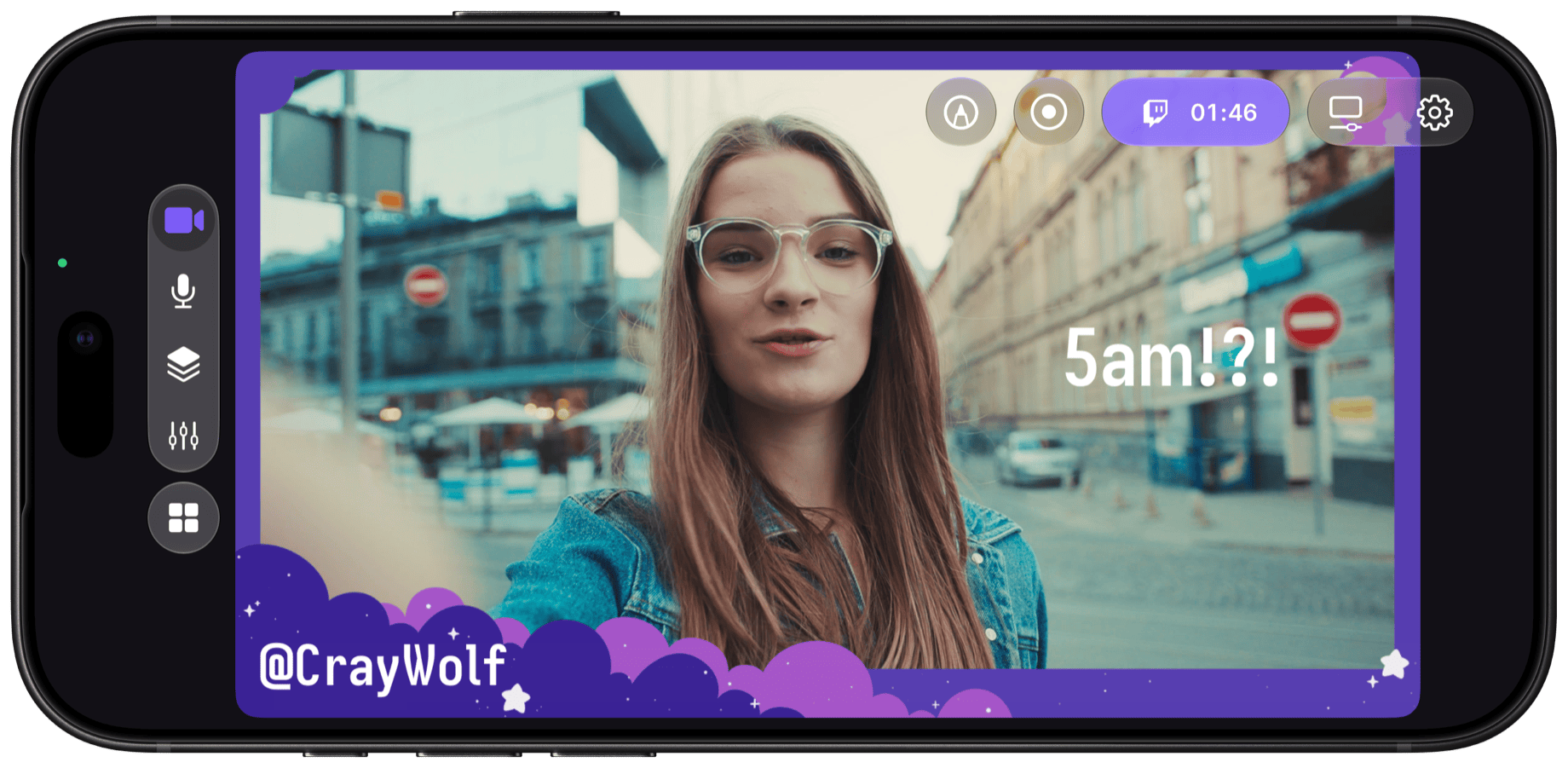
Build scenes for vertical and landscape, combine your front and rear cameras, capture your screen and add AI lighting and background effects. Then go live to Twitch, YouTube, Kick or any RTMP destination, recording as you go. Free on the App Store.
How it works
Getting started with Camo is simple
Install Camo Studio on your Mac or PC
Camo Studio controls the video from your camera devices.
Get Camo on your phone or plug in a camera
Use the cameras on your phone, a webcam, or a DSLR.
Select your device in Camo Studio
Camo Studio auto-detects your camera and gets you set up in seconds.
Fully compatible
Works with all the apps you use









Reviews
What users say
We've won Britain's highest business honour, the King's Award for Enterprise, and helped over 10,000,000 users in the last decade.


Greg Barbosa
@gregbarbosa
Camo is an incredible app. I'm selling my old 4K webcam because of it.


Siqi Chen
@blader
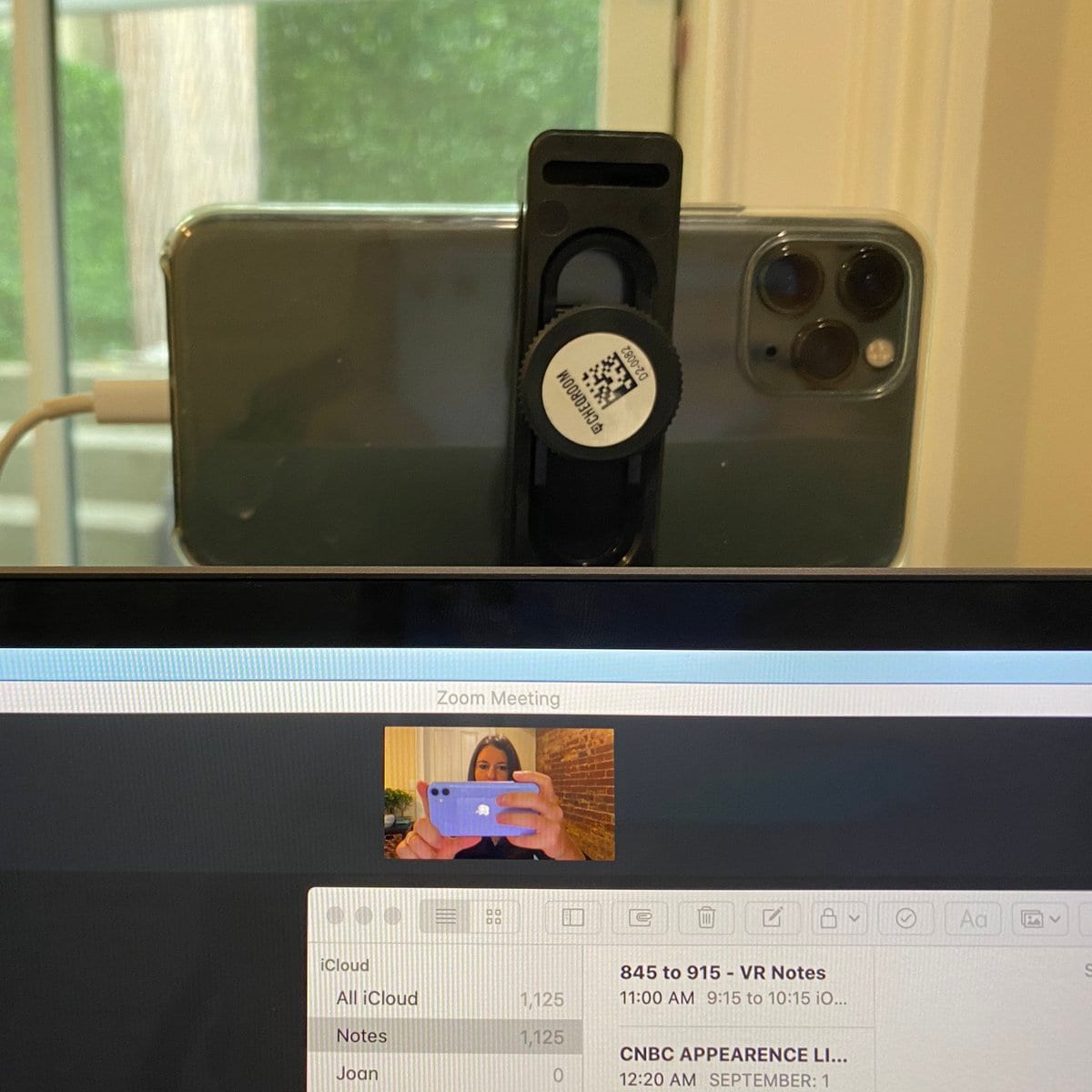
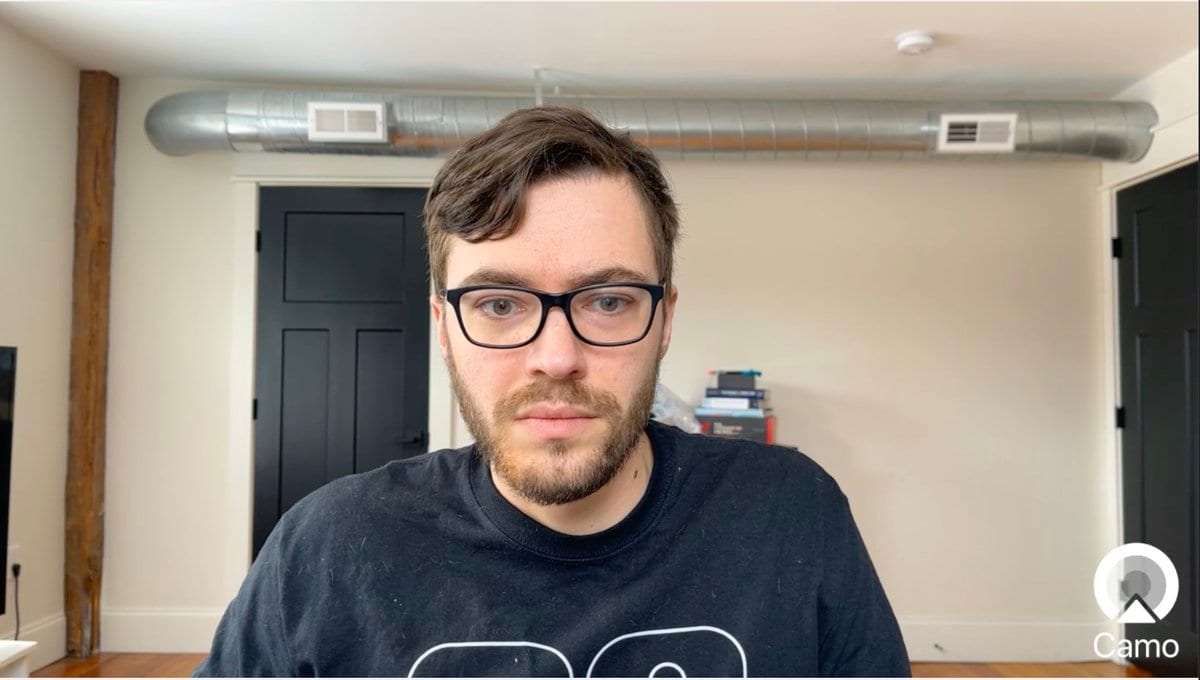
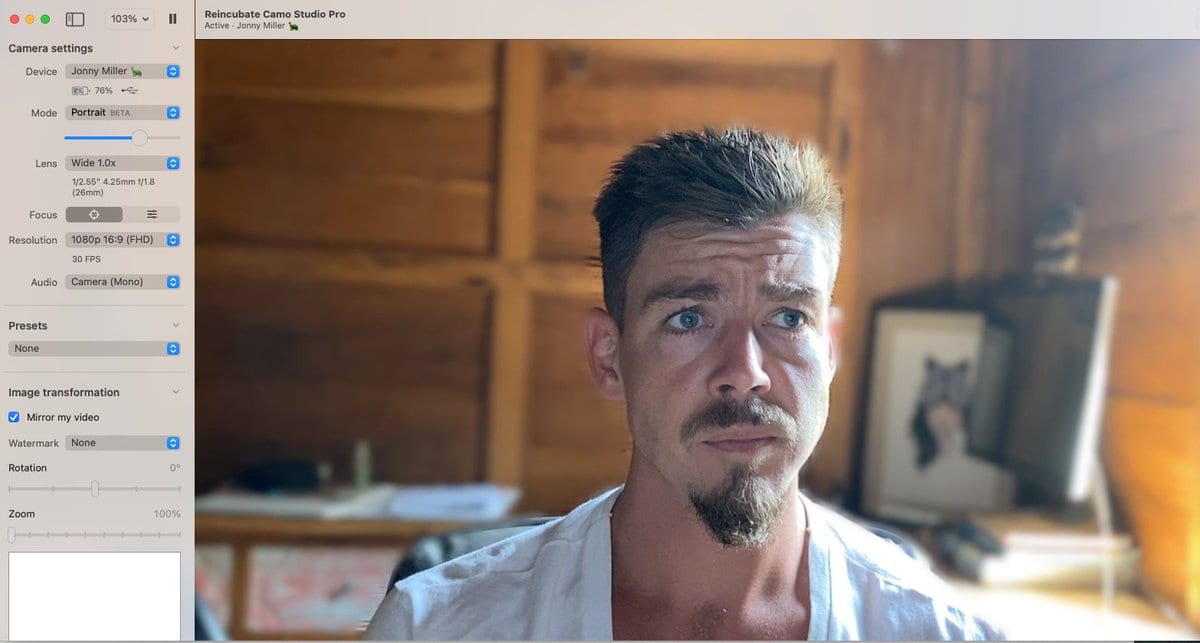
How is nobody talking about this Instead of spending $2K+ for a DSLR setup, you can use your iPhone as a webcam, in just a few minutes! It's MASSIVELY better than the FaceTime camera. Over Zoom, it's hard to see the difference between a iPhone 11 Pro and a DSLR:



Esme
@EsmeCrutchley
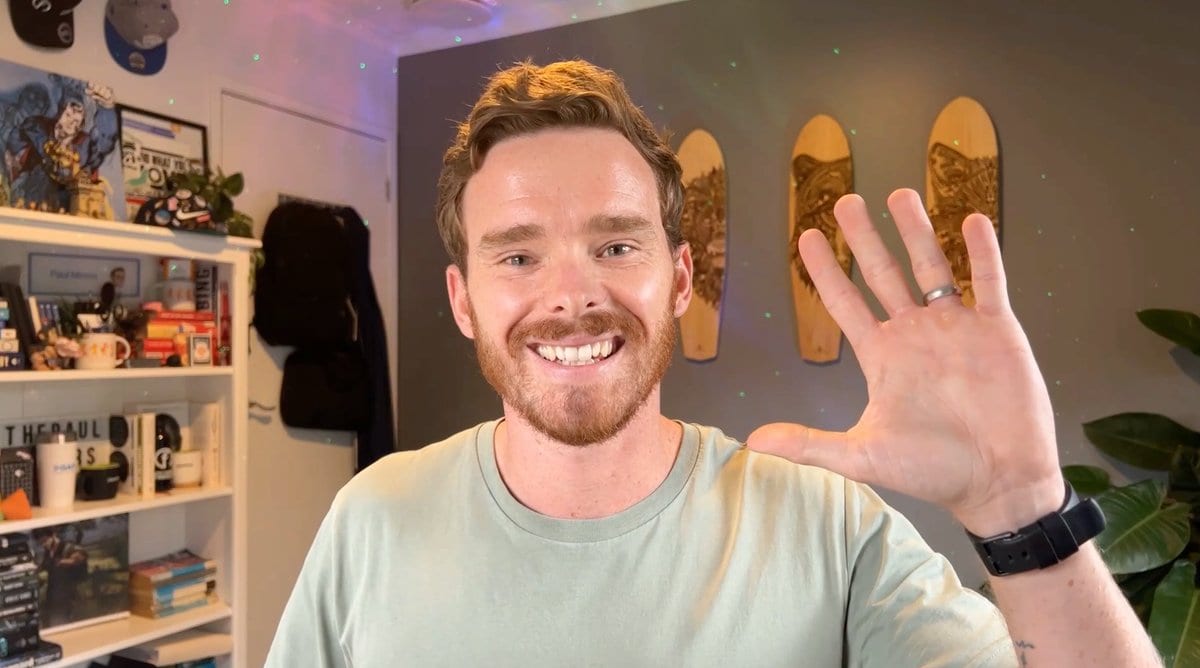
It is a little bit mind-blowing! I've been using @reincubate Camo for about a year, & love it! Can't wait to jump into @DescriptApp this week (now I've got Storyboards). I'll still be using @loom because I create a lot of SOPs & still want to upload & share links!

Downloads
Get started with Camo today for free.
Camo Studio
Runs on your Mac or PC, lets you control and adjust your video, and is available for other apps to use.
Camo Camera
Camo Camera runs on your iOS or Android device and forwards video from its cameras to Camo Studio.
Expert Guides
Take your video further
How to look your best on a video call
Taking a few simple steps to improve the quality of your calls, most of which can be done for free, lifts you above everyone else's expectations.
Read moreHow to mount a phone webcam: which mount is best
So, you're thinking about using your phone or tablet as a webcam. You've probably got a cable, and we hope you've got Camo, now you need a mount. I'll introduce you to the best options I've found.
Read moreHow to improvise a DIY webcam
You need to join a video call, but you don't have a webcam, your webcam's broken, or Amazon's out of stock. This guide takes you through ways to improvise a home-made DIY webcam.
Read moreAbout
The Camo Manifesto
Want to look your best on video calls? The camera on your iPhone or iPad is leagues ahead of any webcam on the market, and Camo makes it easy to use your iPhone as a webcam.
iPhone cameras are getting better but webcams are getting worse. As the Wall Street Journal reported, many newly-released laptop cameras are worse than 2010 models, and many only do 720p, which even YouTube doesn't consider "HD".
We're taking a fresh approach to solving this: no ads, no spam, no fiddly pairing, bulletproof drivers, and a polished, simple app that lets you make the most of the amazing camera you already own.
FAQ
Which video apps is Camo compatible with?
Lots! More than 40, including Zoom, Google Meet, Microsoft Teams, FaceTime, Chrome, Safari, Firefox, Edge, GoToMeeting, Cisco Webex, QuickTime, Slack, Discord, WhatsApp and more. You can see the list on our site, or in Camo Studio itself. Camo will never ask you to run some random command. We're not like that.
Will Camo impact my privacy or security?
No. Camo doesn't know what you're using it for, and doesn't capture or transmit your feed. Our privacy policy is here, but the tldr is that your data is your business, not ours.
What is Camo compatible with?
Camo Camera is compatible with any iOS device running iOS 15 or above, so you could run it on an iPod Touch just as well as your iPhone 17 Pro. Or iPad Pro. Camo Camera for Android is compatible with devices running Android 7.0 or later. It'll run on any Mac with macOS 12.3 or newer, and on any PC with Windows 10 or newer.
How is Camo different?
Camo gives you control of everything from your Mac, with rich image adjustments, and it does all the processing on your iOS device, freeing up your computer's power for work. It has a beautiful native app with Dark Mode support and full iPad support, up-to-the-minute compatibility with over 40 apps, and detailed guides on everything from mounts to calls. Camo doesn't bother you with complicated and unreliable drivers, insecure pairing, or ads.
How does Continuity Camera compare?
Camo and Continuity Camera share an original thought: that you can achieve great video using just the camera you already have in your pocket. Camo started from this idea and in the years since has been continuously improved and upgraded. Check out our comparison of Camo and Continuity Camera to find out more.
How can I mount my phone as a webcam?
We bought every type of phone mount on Amazon, and tried them all. We photographed the lot of them, and wrote up our experiences and recommendations in a dedicated guide.
Ready to start looking your best?
Give Camo a try for free, and get ready to explain why you stand out on your next call.