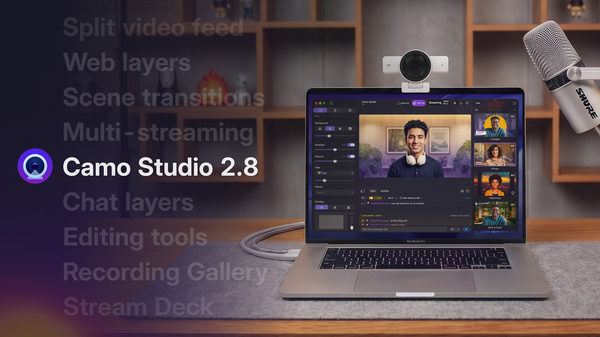
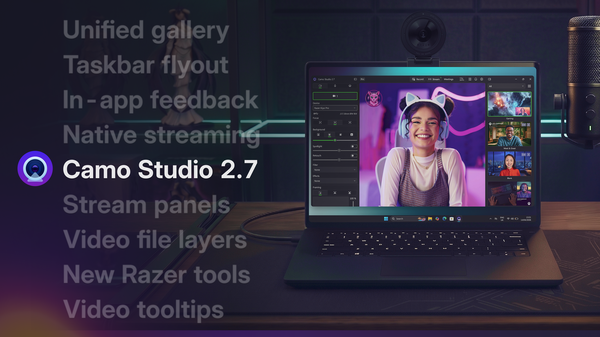
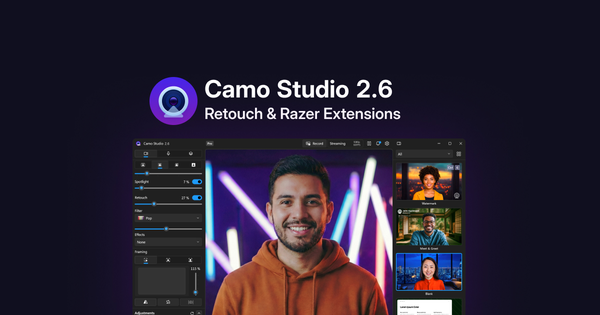
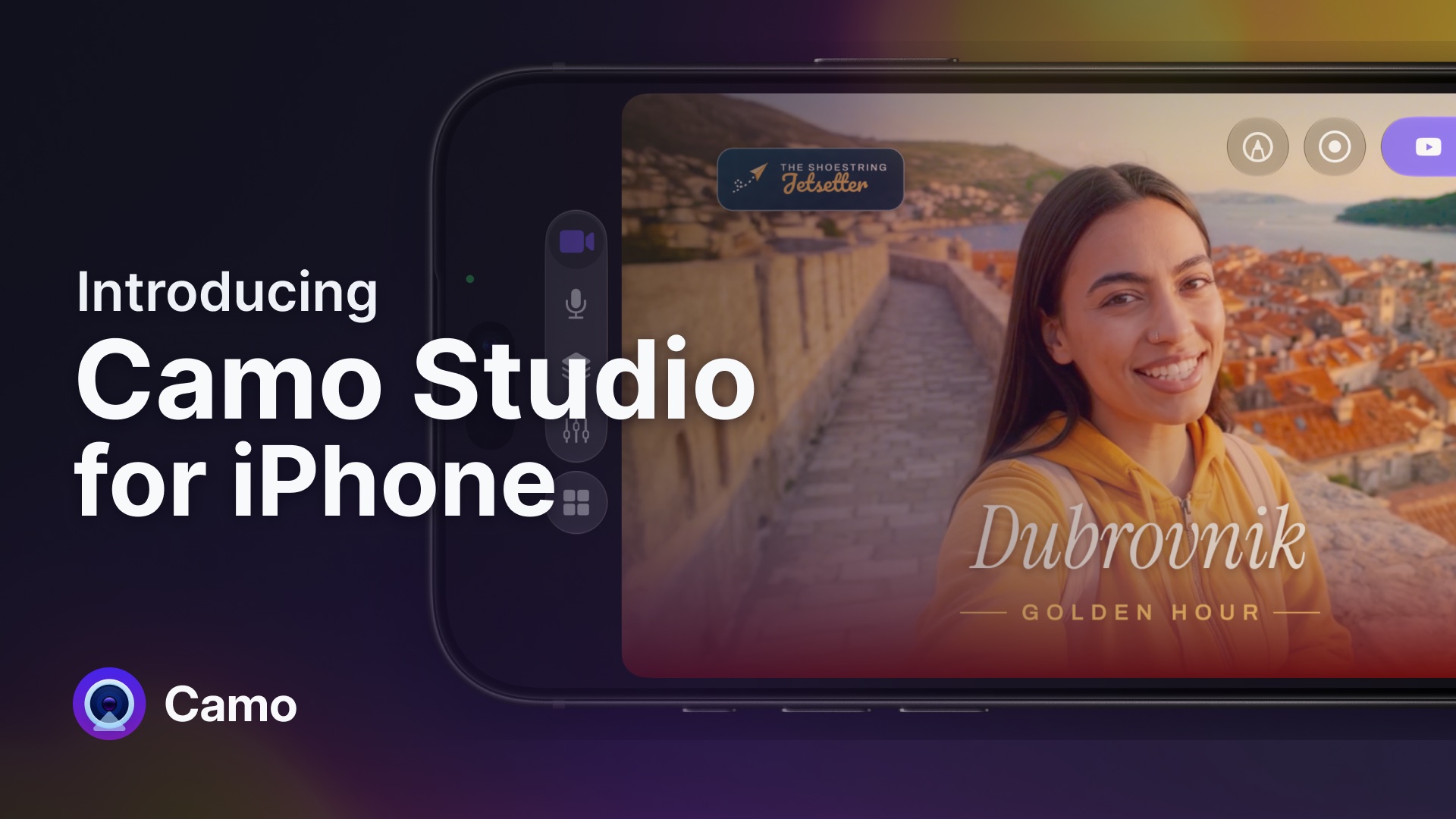
Camo Studio 2.9 has landed, and following our recent audio and scene updates, it focuses on levelling up and expanding capabilities across both Windows and macOS, giving creators deeper control over their workflows, and bridging the gap between live broadcast and post-production.
As promised, multistreaming, web layers and Stream Deck support are here to level up PC users. Dual-format video and isolated recording are here on Macs. Expanded streaming tools for Instagram and Facebook are here for everybody. And it doesn’t stop there — get the update to try it out, and read further for a closer look at what’s new and why we built it.
What’s new in 2.9
Native multistreaming and dynamic web layers
Even before we brought multistreaming to macOS last month, we were hard at work delivering it to Windows users as well. Camo Studio 2.9 levels the playing field, giving streamers on both platforms a seamless way to reach wider audiences. Thanks to new native integrations, those destinations now include Facebook and Instagram (with the addition of Kick on Windows) — all manageable directly from the Stream Manager or Settings menu.
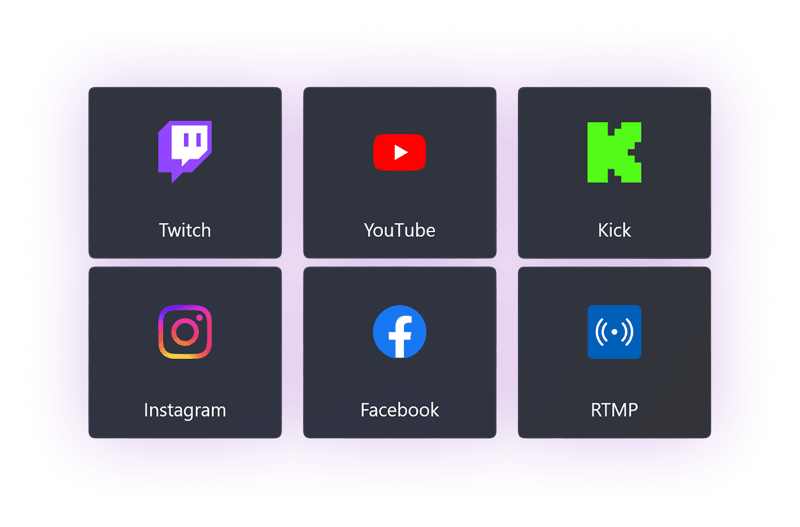
Multi-select any of the destinations you’re signed in to, and go live everywhere at once
Whether you’re running live viewer alerts or embedding web pages on the fly for a reaction stream, web-based content can turn a static video feed into something far more dynamic and engaging. The PC level-up continues in 2.9 with dynamic web layers that let you drop those essential tools directly into your scenes, all without needing clunky workarounds or extra software. No plug-ins. No extensions. Just Camo.
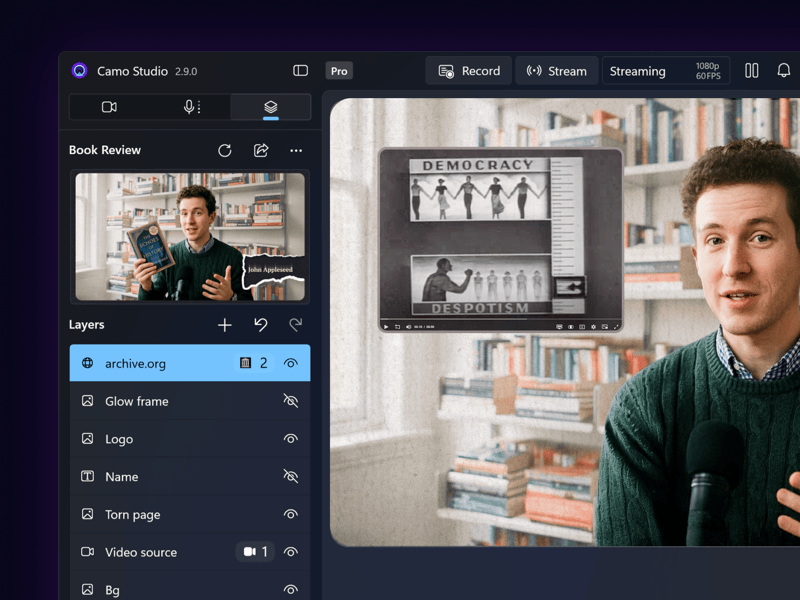
Web layers sit in the scene editor alongside every other element
Greater flexibility with dockable panels on Windows
Because keeping track of viewer chat and stream activity can clutter your screen and make managing a live broadcast feel like herding cats, we built dockable stream panels to bring order to the chaos.
Camo’s new stream panels keep your audience chat, stream activity and quick actions neatly organised right inside the main Camo window. And if you prefer a multi-monitor setup, you can pop them out onto a second screen for maximum visibility while you go live.
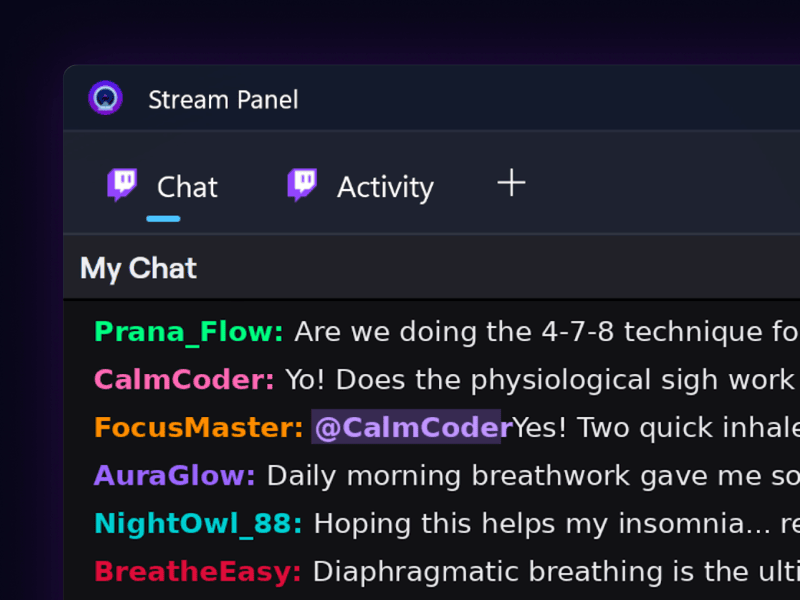
Chat and stream activity, docked in the Camo window or popped out to a second screen
Streamlined workflows for your Elgato Stream Deck
When you’re live or recording, staying in the zone is everything, and switching scenes or muting a mic shouldn’t have to take your attention away from your delivery. That’s why Camo Studio 2.9 on Windows joins its macOS counterpart with a dedicated Elgato Stream Deck plugin.
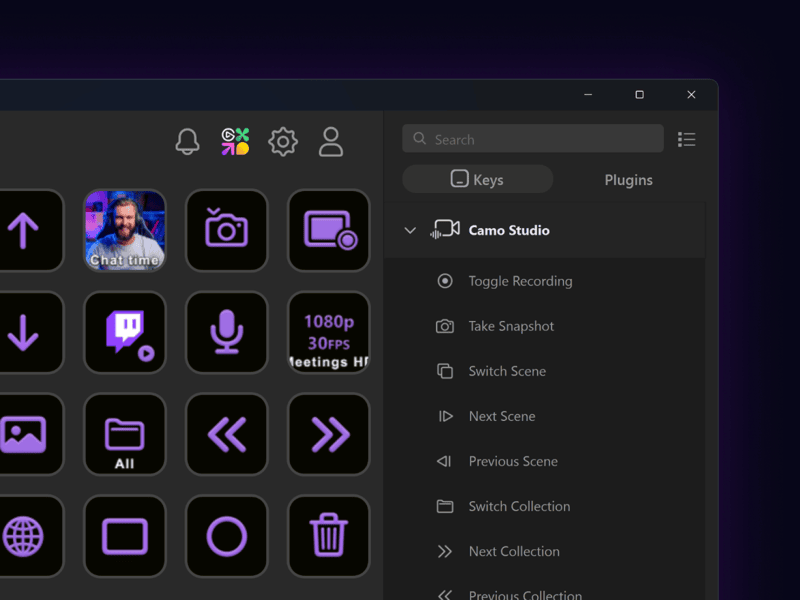
Over 20 Camo actions, ready to map to any Stream Deck key
To give creators seamless physical control over their production, essential Camo actions can now be mapped directly to any Stream Deck’s key layout, making scene changes, camera switching and stream controls instant and intuitive.
Helping each video go further on macOS
For creators on macOS, Camo Studio 2.9 addresses the headaches of versioning content for horizontal platforms and vertical platforms, along with the need for flexibility in post-recording editing. It also delivers substantial additions to streaming destinations, audio, and scene design. Here’s Eden with a tour of what’s new on Mac.
Dual-format video and isolated recordings
No more cropping horizontal footage after the fact or running two separate recording setups — Camo now supports dual-format streaming and recording. You can compose and capture both horizontal and vertical layouts simultaneously during a single session, leaving you with perfectly-framed video that’s ready to go on any platform.
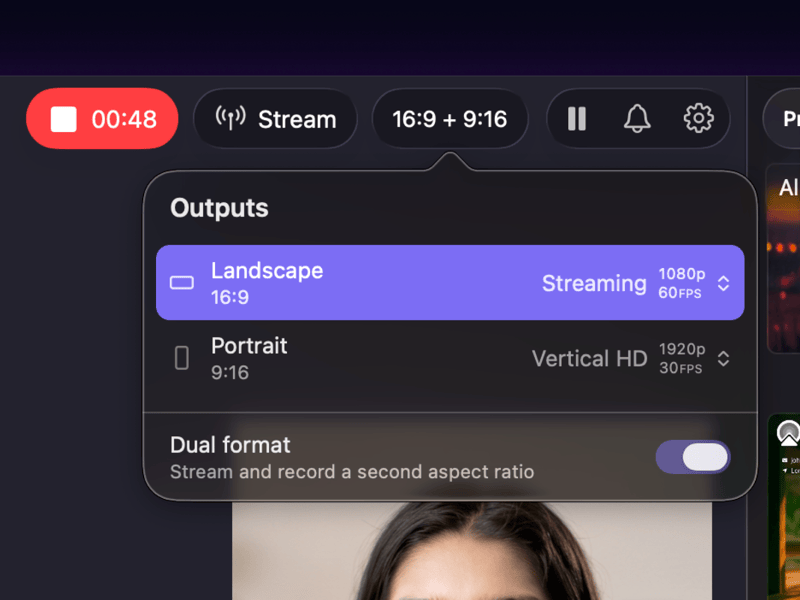
Turn on dual format to stream and record a second aspect ratio at the same time
We’ve also introduced isolated recordings to give you complete freedom during editing. Camo can now save separate, clean video and audio tracks for any of your sources, and when it’s time to edit, you’ll have separate files for your camera, screen share, and audio sources, making post-production fine-tuning a breeze.
Audio noise reduction
To ensure your voice sounds as polished as your video, we’ve also integrated built-in audio noise reduction into our macOS update. Camo automatically filters out background hums, fan noise, and room echo, keeping your microphone audio crisp and clear.
New Scene Editor tools and auto-stacks
For Mac users who love rolling up their sleeves and digging into design, we’ve introduced new gradient and masking tools to give you even more scene-building options. Your Scene Editor also now has automatic layout stacks, helping you group, align, and auto-arrange visual elements instantly. Combined with broader performance improvements, these changes mean your layouts can go from basic to broadcast-ready faster than ever.
AI agent interaction (MCP server)
Video tools are evolving rapidly, and we want Camo Studio to be ready for the future of automated creation. In our macOS update, we’ve added support for AI agent interaction via an integrated Model Context Protocol (MCP) server. This allows external AI tools and agents to communicate directly with Camo Studio, unlocking brand-new automation possibilities for scene changes, automated camera adjustments, and intelligent production assistance.
Ready to level up your studio?
Update to Camo Studio 2.9 today, try out the new features, and let us know what you think! For the complete list of optimisations, bug fixes and performance tweaks in this release, check out our full release notes for Windows and macOS.
As always, thank you for being part of the Camo journey — get the update and be sure to share with us what you make with it!