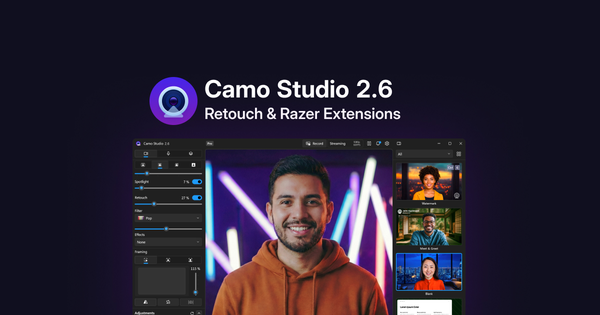
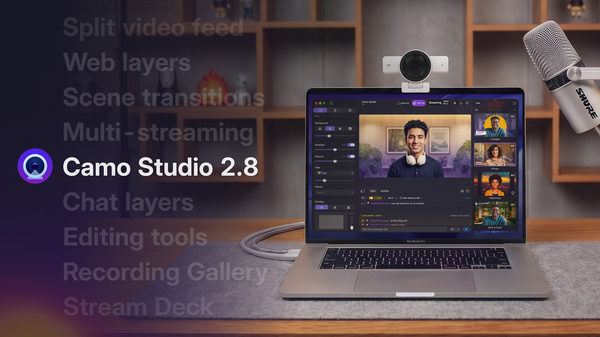
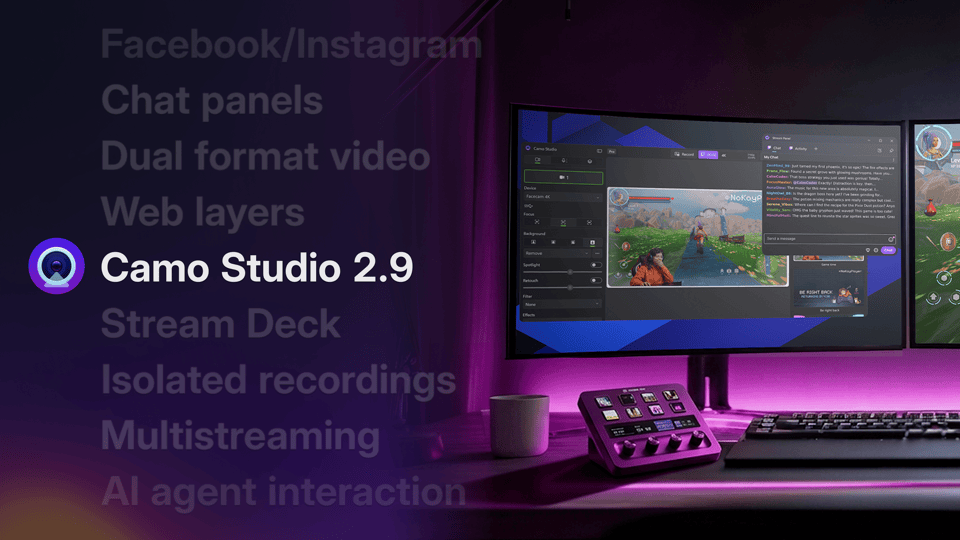
With Camo Studio 2.7, we’re levelling up the user experience on Windows, introducing powerful native streaming features for macOS, and expanding our deep support for Razer’s Kiyo cameras to the Kiyo Pro and Kiyo Pro Ultra. You can watch Eden’s video below to see the highlights, and read on for a closer look at what’s new and improved in this release.
A more unified experience across platforms
We want you to feel right at home in Camo Studio, no matter which operating system you use, and with version 2.7, we’re taking a significant step in aligning the Windows and macOS experiences. PC users join their Mac counterparts in enjoying a unified gallery, and can now make use of the new, versatile Flyout control and in-app feedback mechanism. Your insights drive our development, and this new feedback tool makes it easier than ever for all of our users to share their thoughts directly with our team.
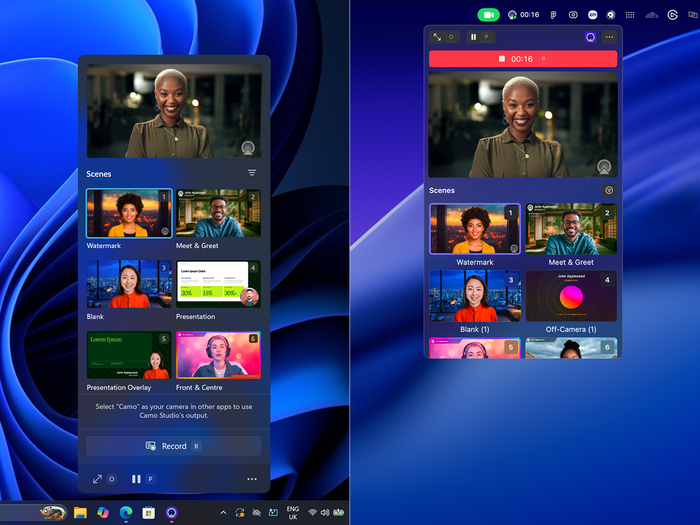
Matching Flyout controls on macOS and Windows.
New streaming capabilities on macOS
This release delivers new native streaming capabilities for Mac users, beginning with the promotion of Streaming out of add-ons and into the core app experience. To further support streaming on macOS, we’ve added support for the Kick platform, and introduced new Stream Panels that let you manage your stream and view your chat directly within Camo Studio.
Multi-cam also moves out of add-ons with this release, making support for multiple camera layers in Scenes a fully-integrated part of the Camo workflow. And we’ve added support for Video File layers, giving you even more options for how you create content with Camo on macOS. If you’re a Windows user, rest assured - we’re hard at work and will be bringing these streaming features to Windows in a future release.
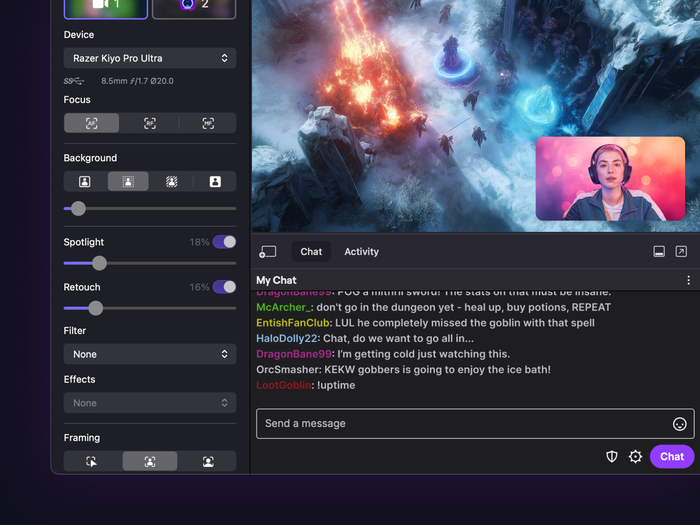
An active in-app chat stream panel.
Expanded support for the Razer Kiyo Pro and Kiyo Pro Ultra
Earlier this year, the Razer Kiyo V2 webcams received a major set of adjustment features within Camo Studio. With 2.7, we’re introducing expanded support on both platforms for the Razer Kiyo Pro and Kiyo Pro Ultra. Users of these powerful webcams can now access deep adjustments like HDR, responsive autofocus, video noise reduction, and more. In addition, this update adds another powerful tool to the lineup: a Field of View control exclusive to the Kiyo Pro and Kiyo Pro Ultras. One click will crop your shot and correct lens distortion, instantly streamlining your camera framing.
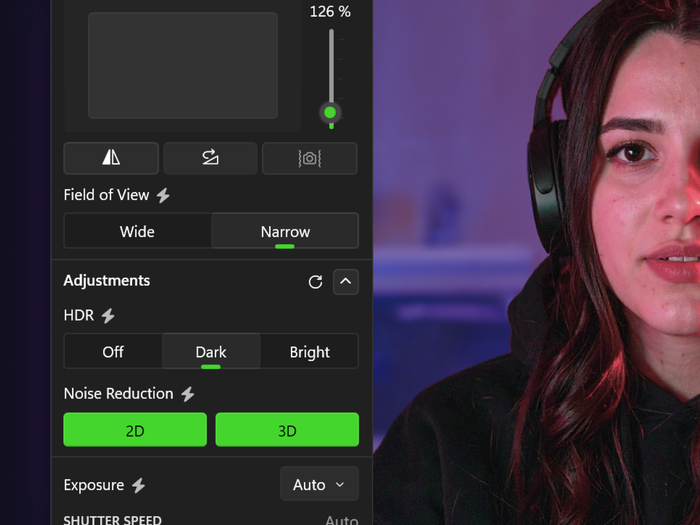
The Field of View tool for Razer's Kiyo Pro and Pro Ultra webcams.
Refining the details
We’ve also spent time refining the smaller details that make a big difference in your daily use. To make the information you need readily accessible, we’ve added in a helpful new Video Source tooltip, and we’ve made thoughtful improvements to the user experience all the way from connecting a device through pressing Record.
There’s plenty more under the hood. For a complete rundown of what’s new, improved, and fixed in this release, head over to our full release notes.
As always, thank you for being part of the Camo journey. We can't wait to see what you create with Camo Studio 2.7.