Your Camo Studio. Now on iPhone.
Build multi-camera scenes. Stream your gameplay. Go live from anywhere. The full Camo Studio experience in your pocket, for free.
Free on the App Store · Best on iPhone 15 Pro or newer
4.5 · 2.6K ratings, Camo Studio on the App Store
App Store Awards 2025 finalist
 King's Award for Enterprise
Pick your setup
Made for however you go live
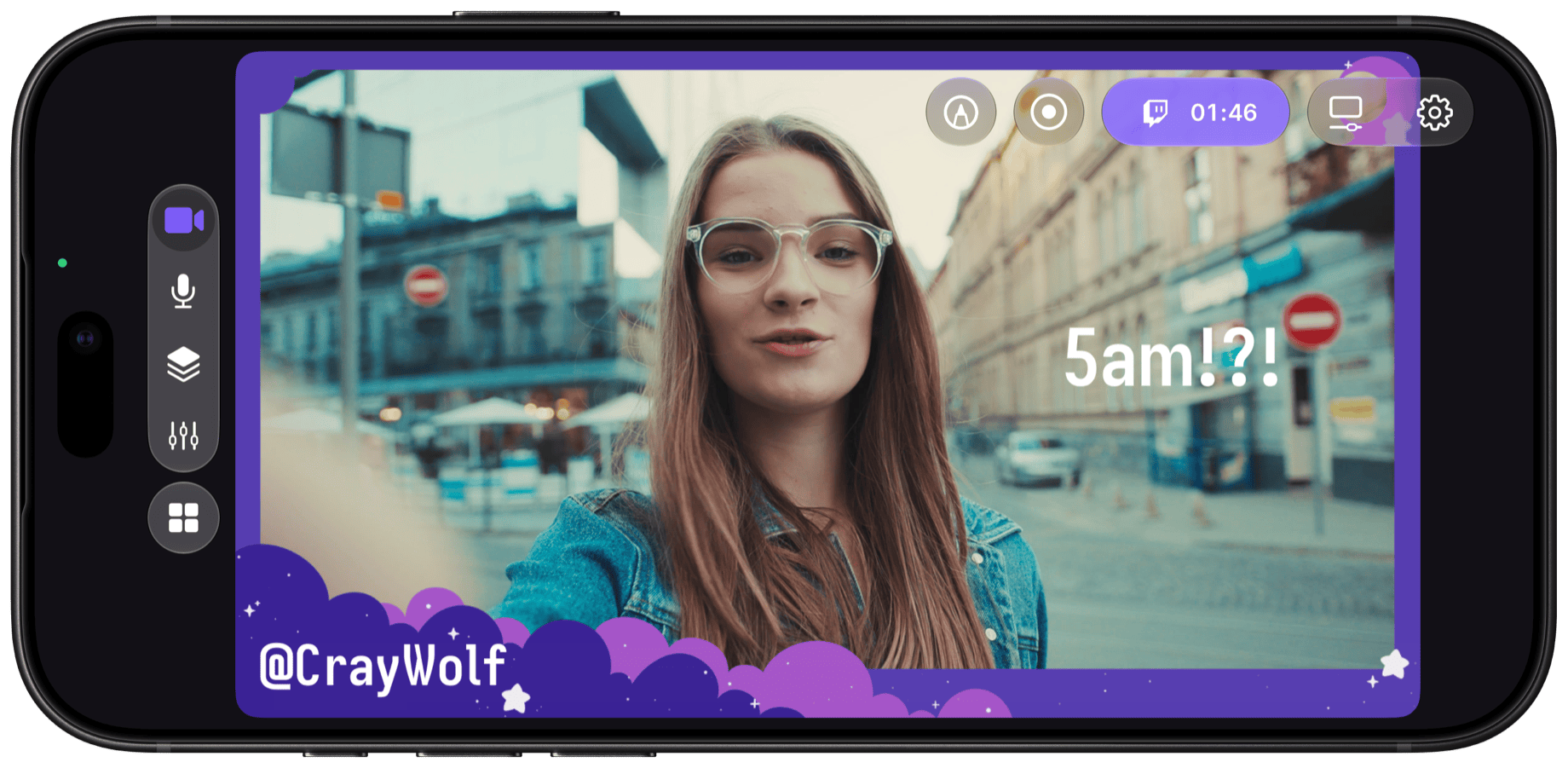
IRL & Just Chatting
Unscripted, not unpolished.
Stream in portrait or landscape, keep an eye on chat in the stream panels and add a second camera view. Connect Bluetooth mics like AirPods or plug in a USB mic for perfect sound.
- Full scene customization with text, shapes, logos, images and web layers
- Front + rear camera sources
- Lighting correction and background effects
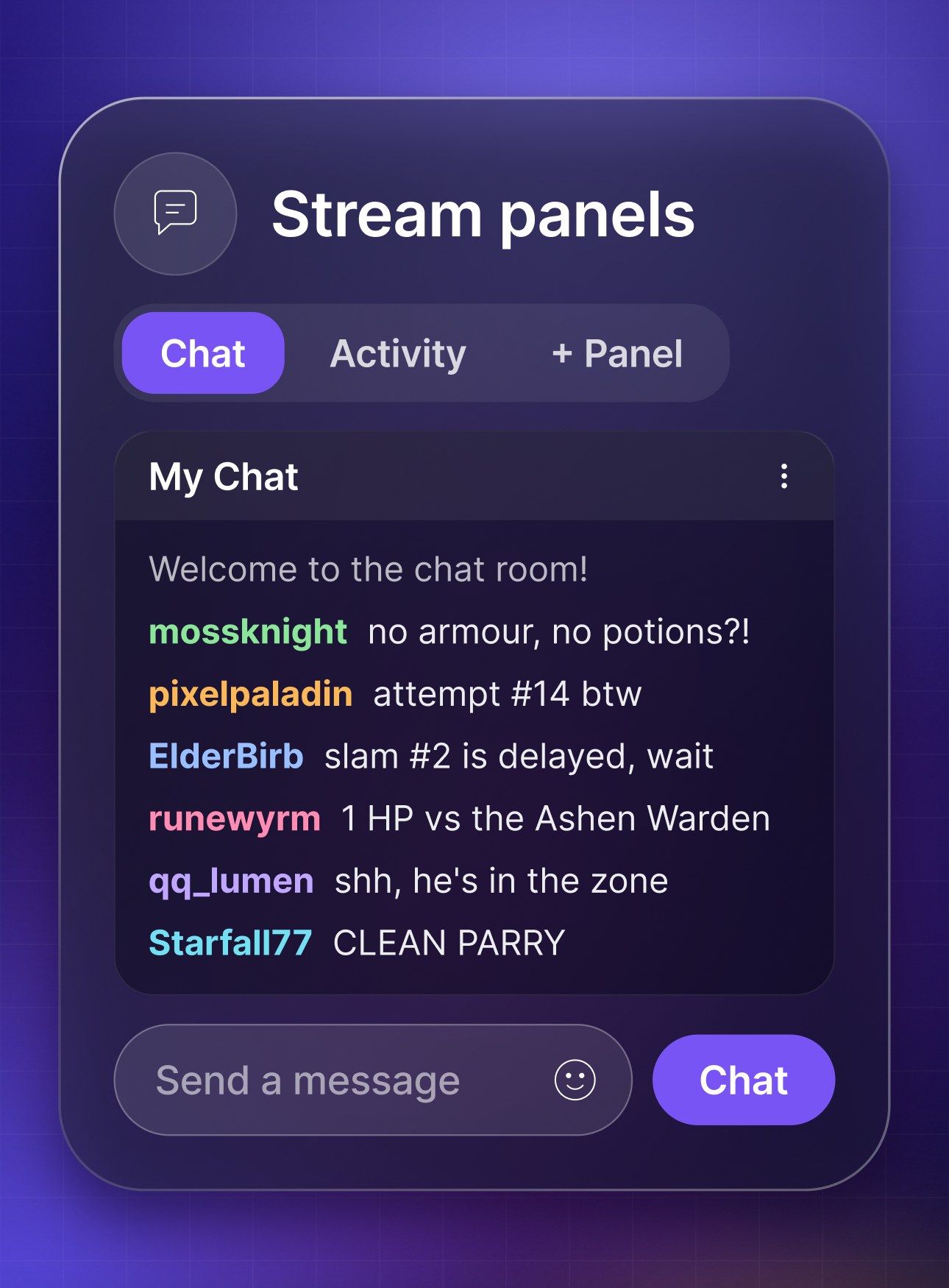
- Monitor your chat and stream health using our stream panels
- USB and Bluetooth mic support
- Flick the controls away for a clear view
- Heat-smart streaming for long sessions
For mobile gamers
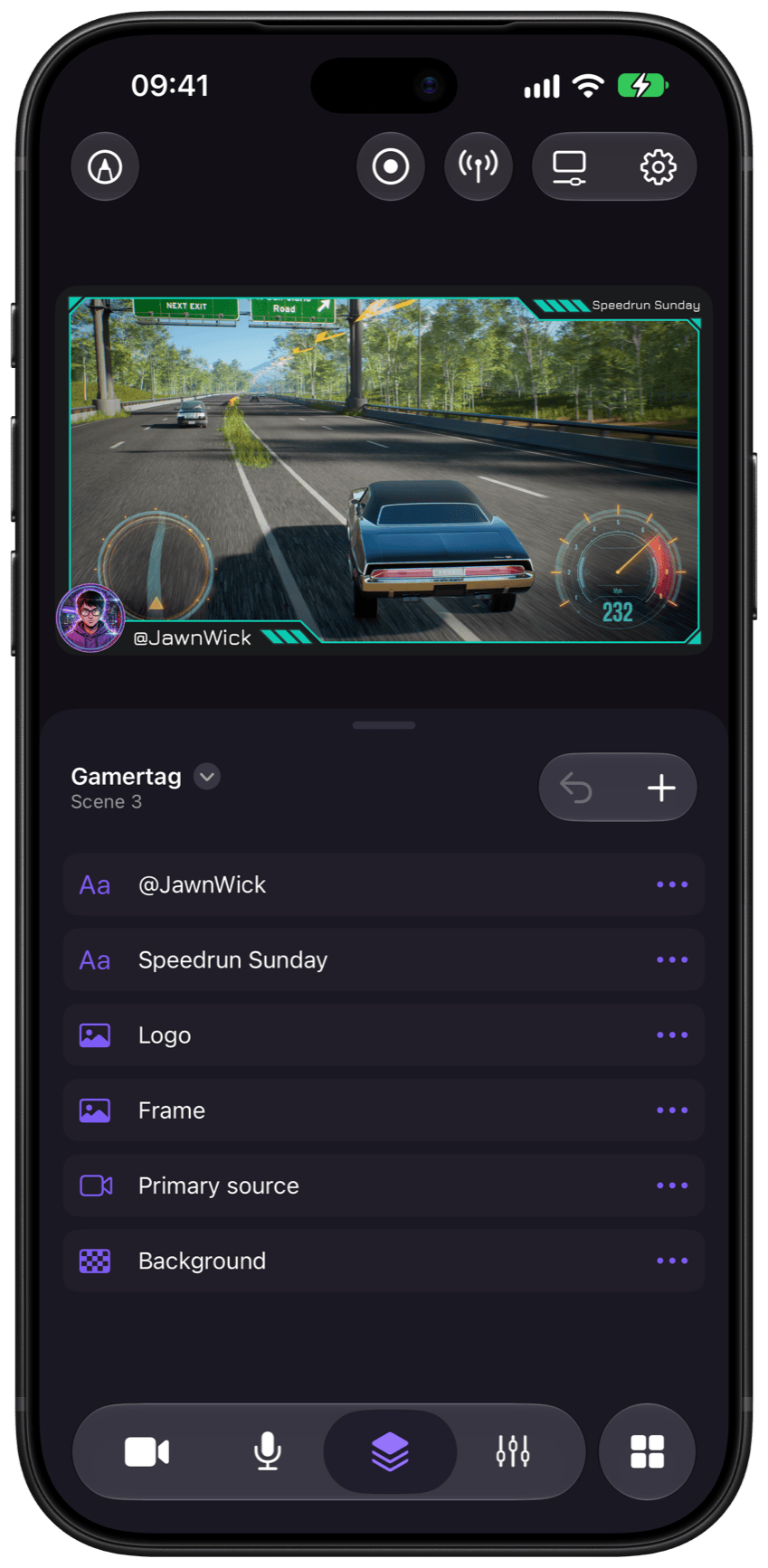
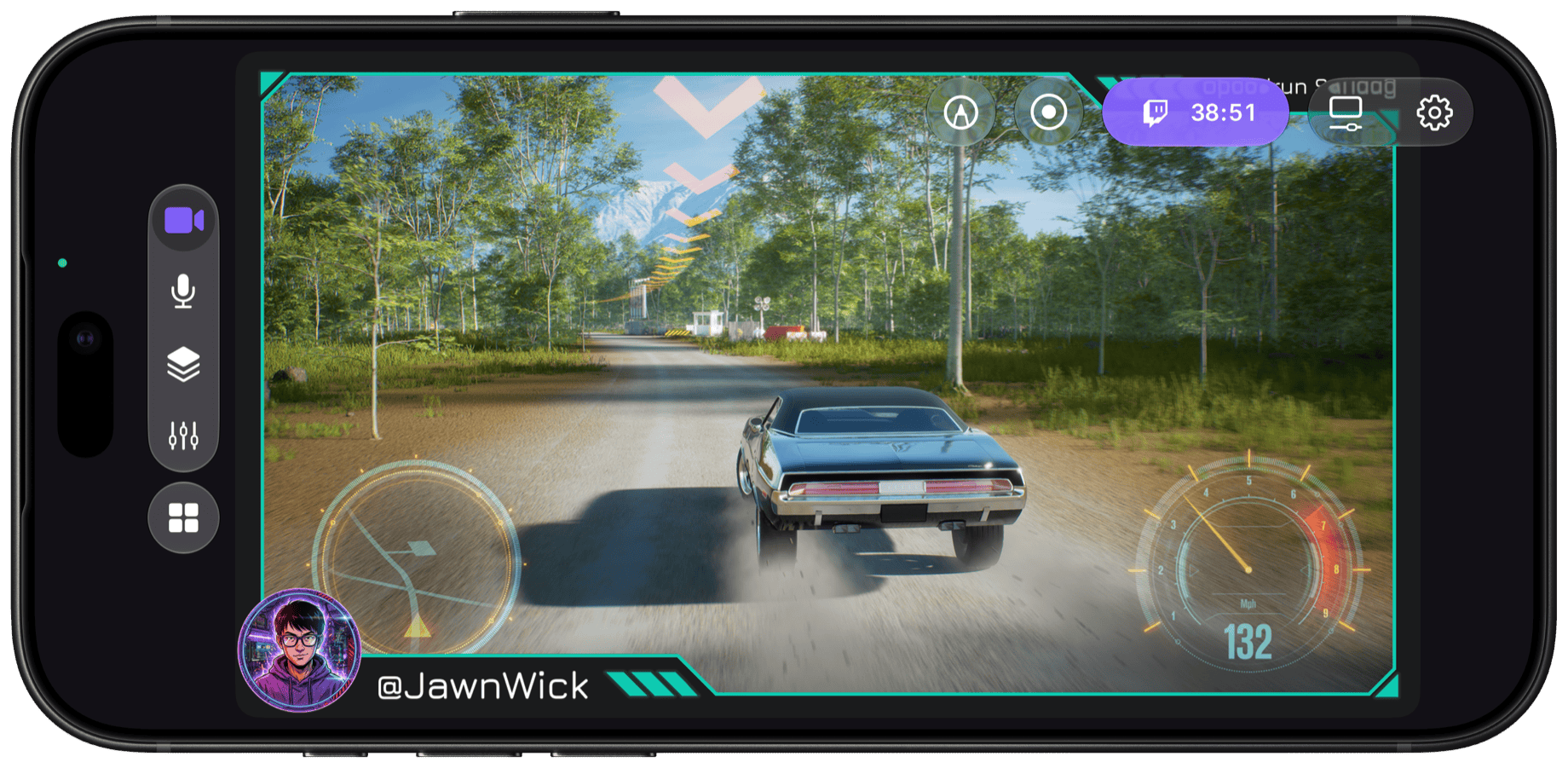
Stream your mobile games, straight from your iPhone
Capture the game you're playing and go live from the device in your hands. No PC, no capture card, no mirroring.
- Stream your iPhone screen as you play
- Facecam from a spare phone running Camo Camera
- Text, image, video and web layers for overlays and alerts
- Heat-smart streaming eases the frame rate instead of dropping
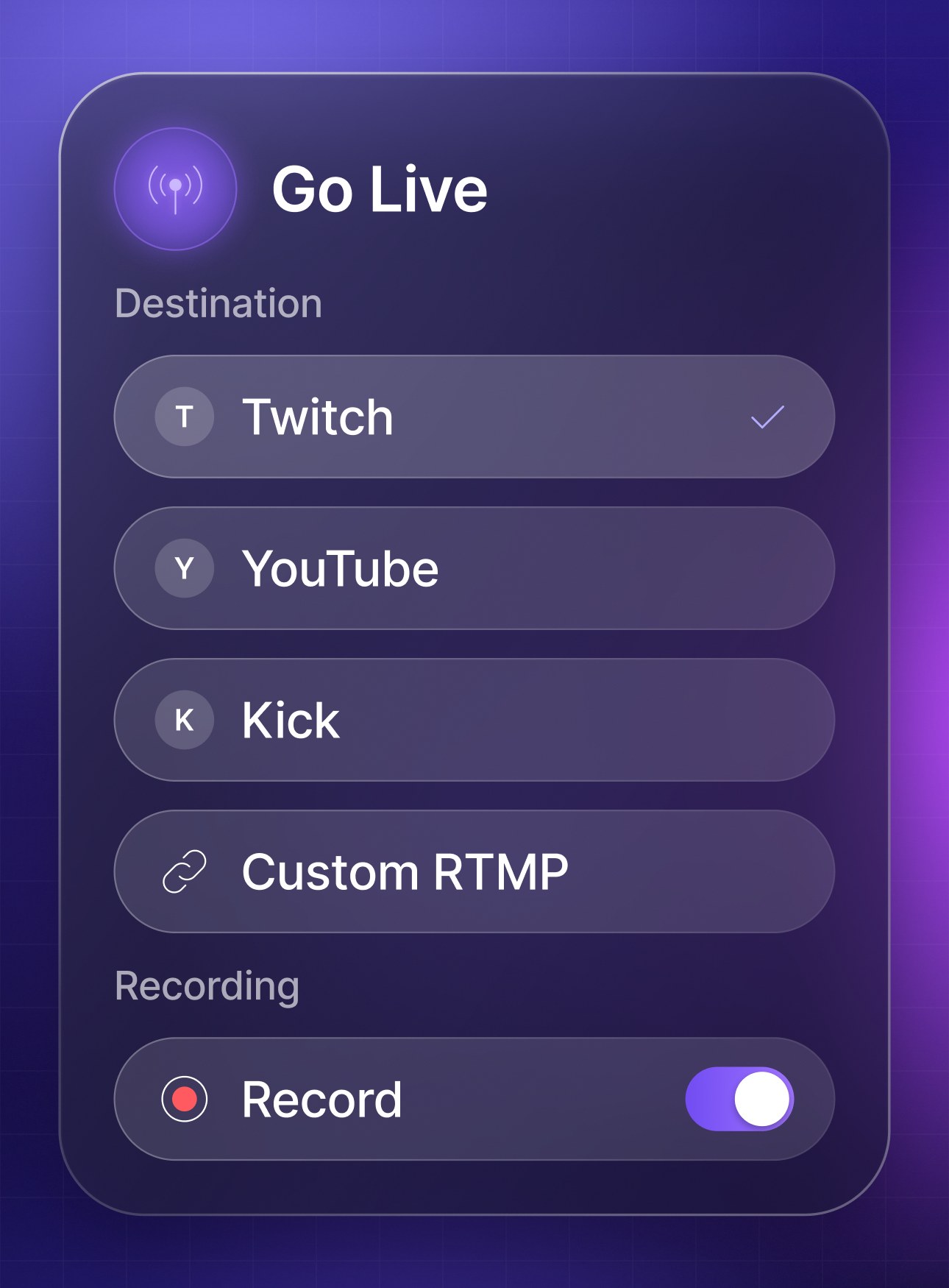
- Go live to Twitch, YouTube, Kick or any RTMP destination
- Record while you stream for highlights and clips
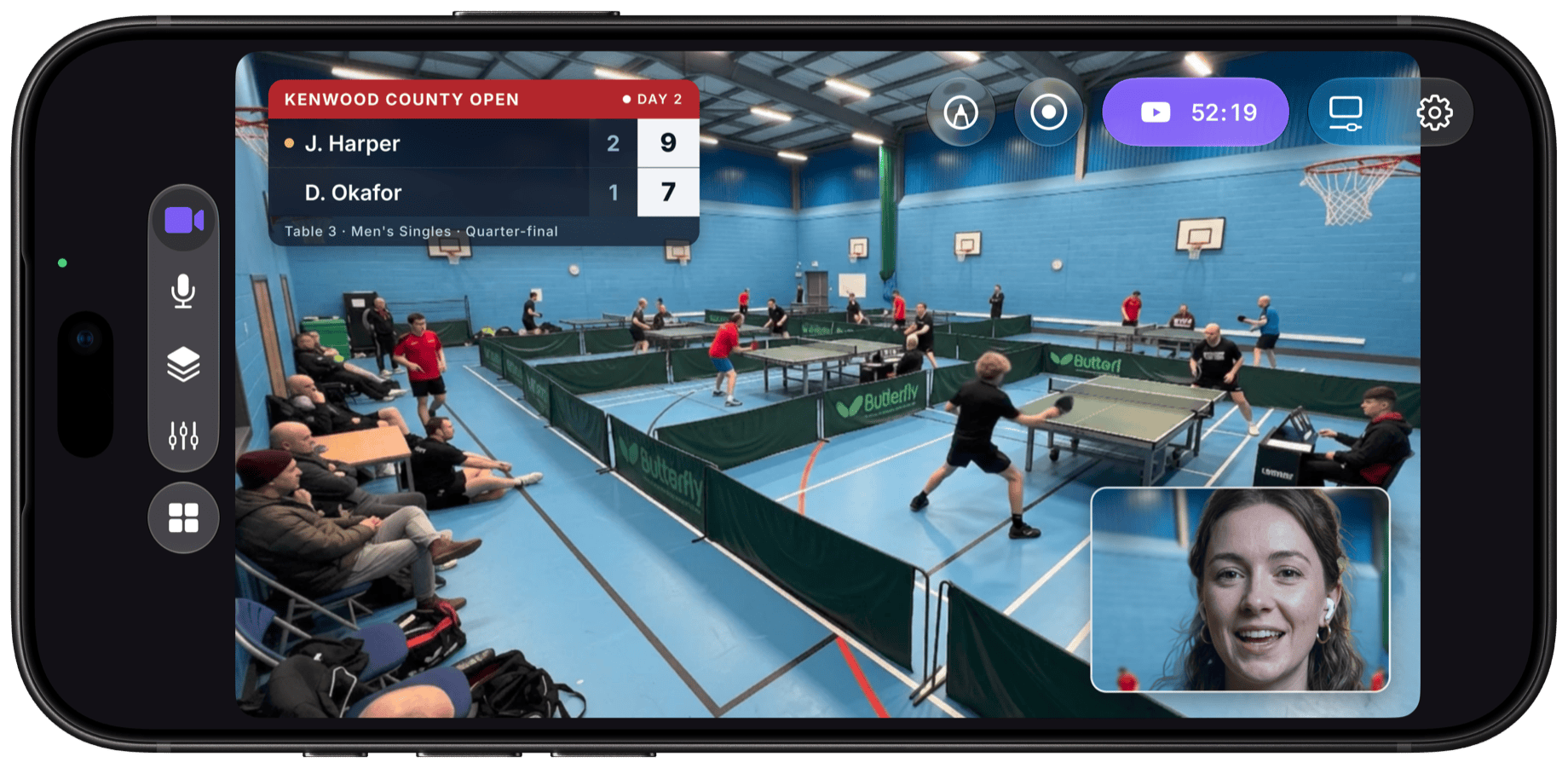
For events & local sports
Cover all the action as it happens
Put your iPhone on the main angle, add a spare phone or tablet with Camo Camera for a second view, and keep viewers in the loop with text layers for scores, teams and sponsors.
- Extra angles from a spare phone or tablet
- Front and rear cameras at once
- Text and image layers for scores, teams and sponsors
- Heat-smart streaming eases the frame rate instead of dropping
- USB and Bluetooth mic support for commentary
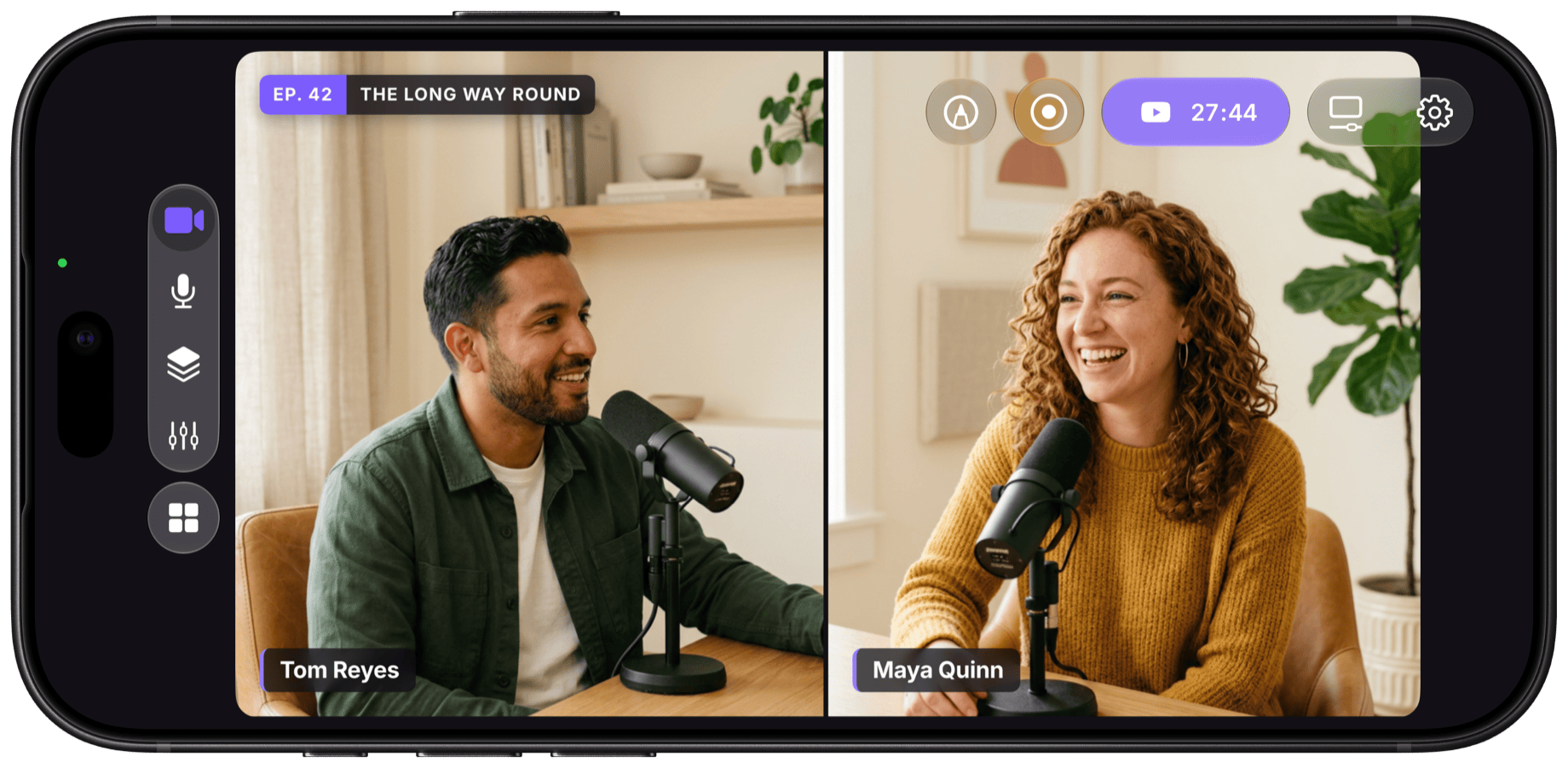
For video podcasters & musicians
Your show, your way
Plug in a USB or Bluetooth mic, frame the room with two camera angles, and stream or record your episode or set in vertical or landscape.
- USB and Bluetooth mic support
- Two angles: front, rear or a spare phone
- Name, logo and lower-third layers
- Vertical scenes for Shorts and Reels
- Record while you stream
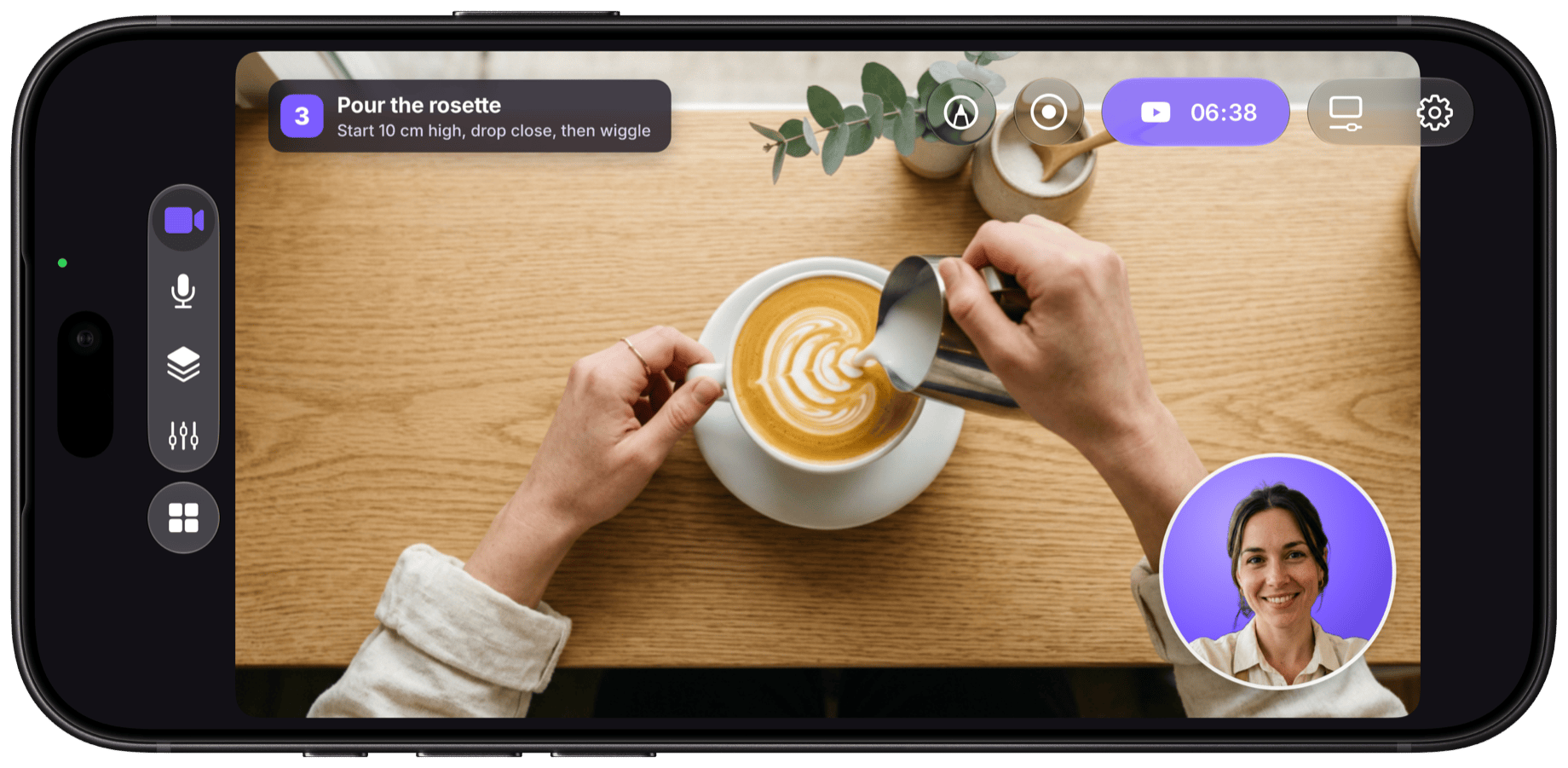
For tutorial & how-to creators
Show them how it's done
Keep the front camera on you and the rear camera on the close-up, or use app capture to walk viewers through another app step by step.
- Dual camera: you and your close-up in one shot
- App capture for on-screen demos
- Text and shape layers for steps and callouts
- Background removal
- Record to Photos for edited tutorials
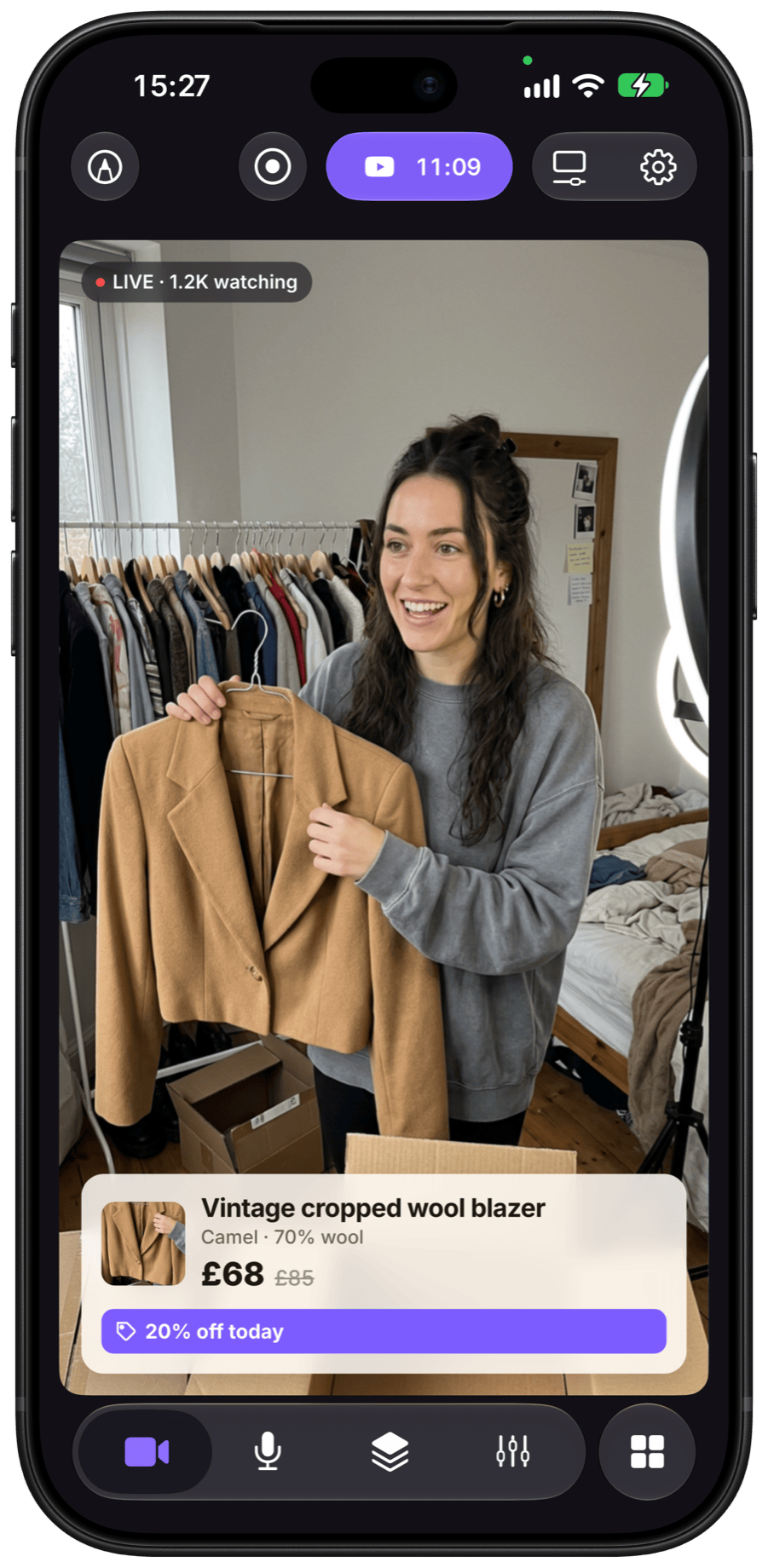
For social sellers
Show it. Sell it. Ship it.
Hold it up, talk it through and close the sale, live from wherever you work. Add price and offer details with text and image layers, switch between scenes as you go, and record the show to clip into Reels and Shorts.
- Custom layers for price, offer and logo
- A second angle from a spare phone or tablet for close-ups
- Vertical and landscape scenes for every platform
- Record while you stream for replays and clips
- No watermark
- No ads
- No trial
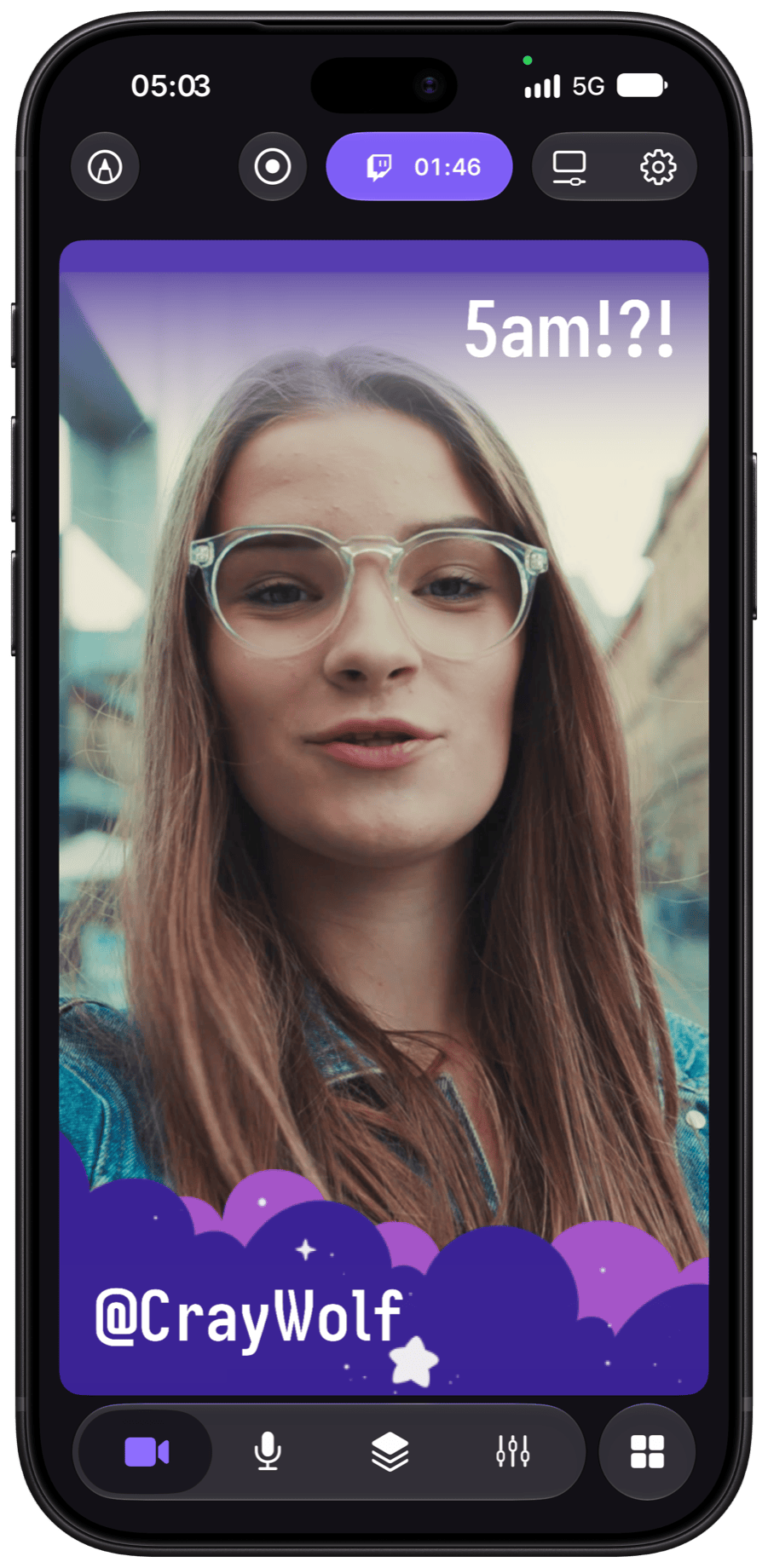
Vertical, square & landscape
One scene. Any shape.
Build your scene in vertical, square, landscape or any ratio you like, so it's ready whichever way you go live.
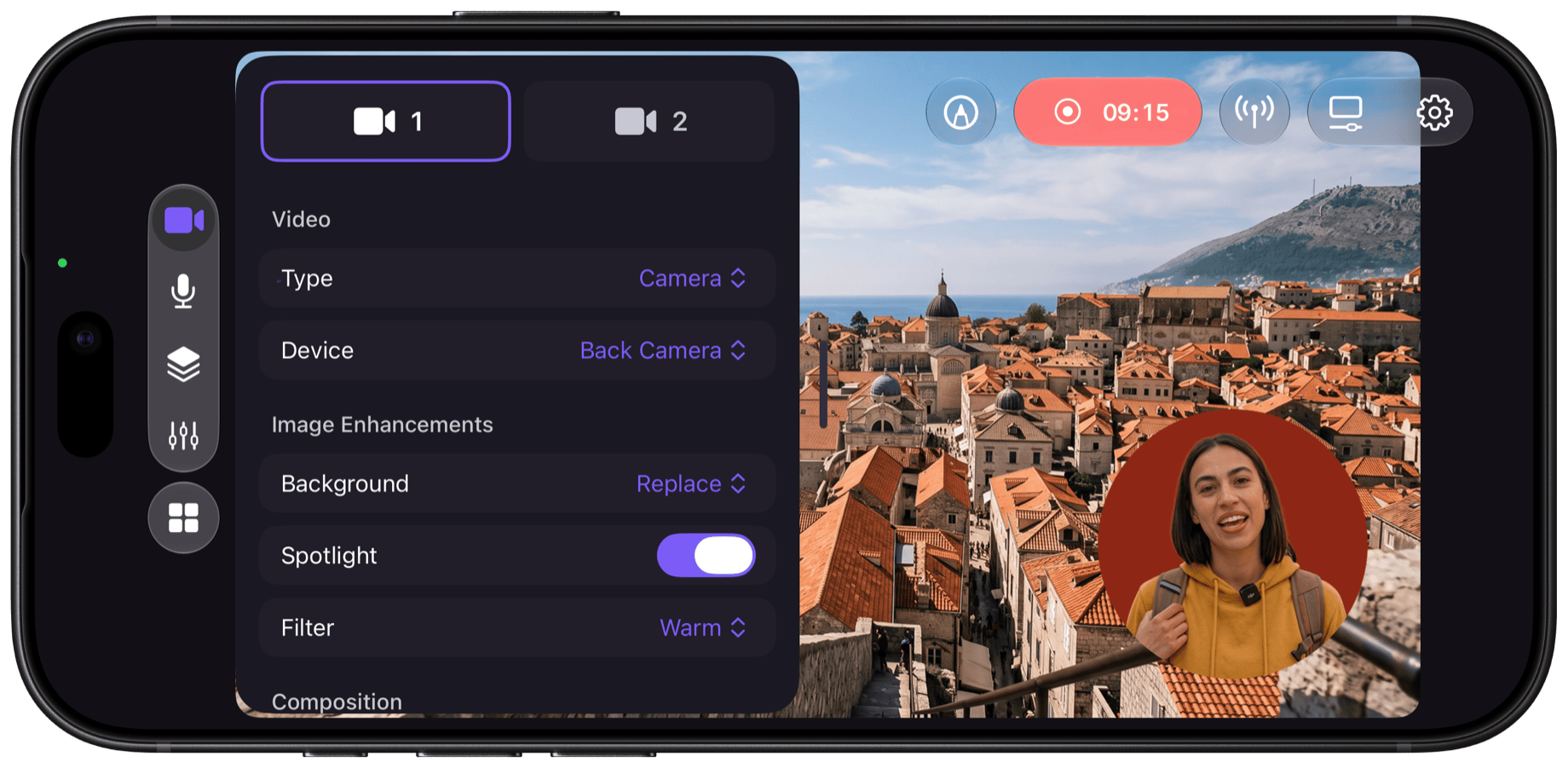
Multicam & Camo Camera
Every angle, from phones you already own
Use the front and rear cameras together, or even add a spare phone or tablet as a wireless camera with Camo Camera. Cut between them with a tap.

Scenes & Overlays
Set your scene with a pinch, tap & swipe
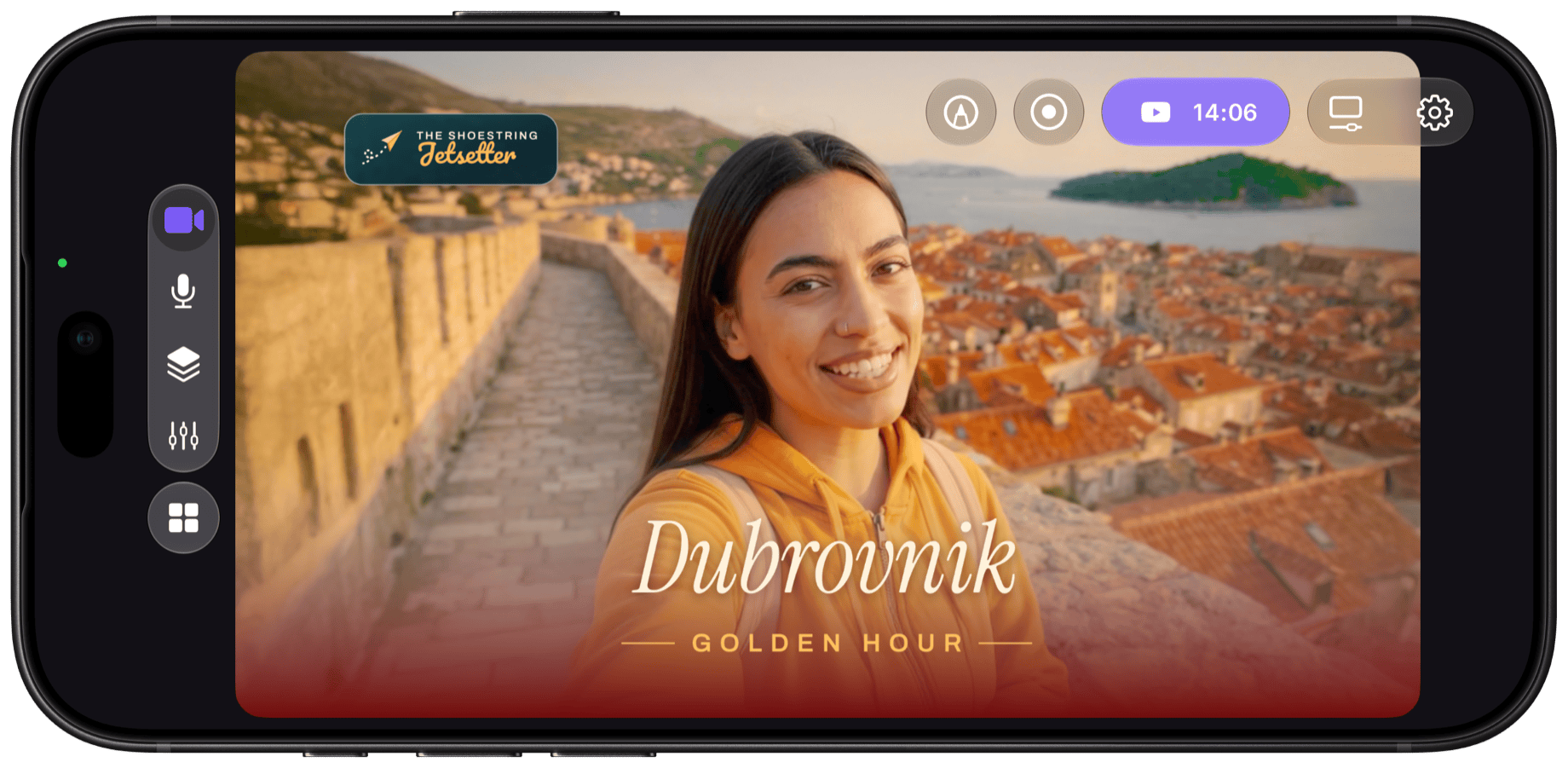
Add your logo. Type your titles. Stack camera views, images, shapes and even video and web layers. With the full-featured Scene Editor, you can layer on the perfection.








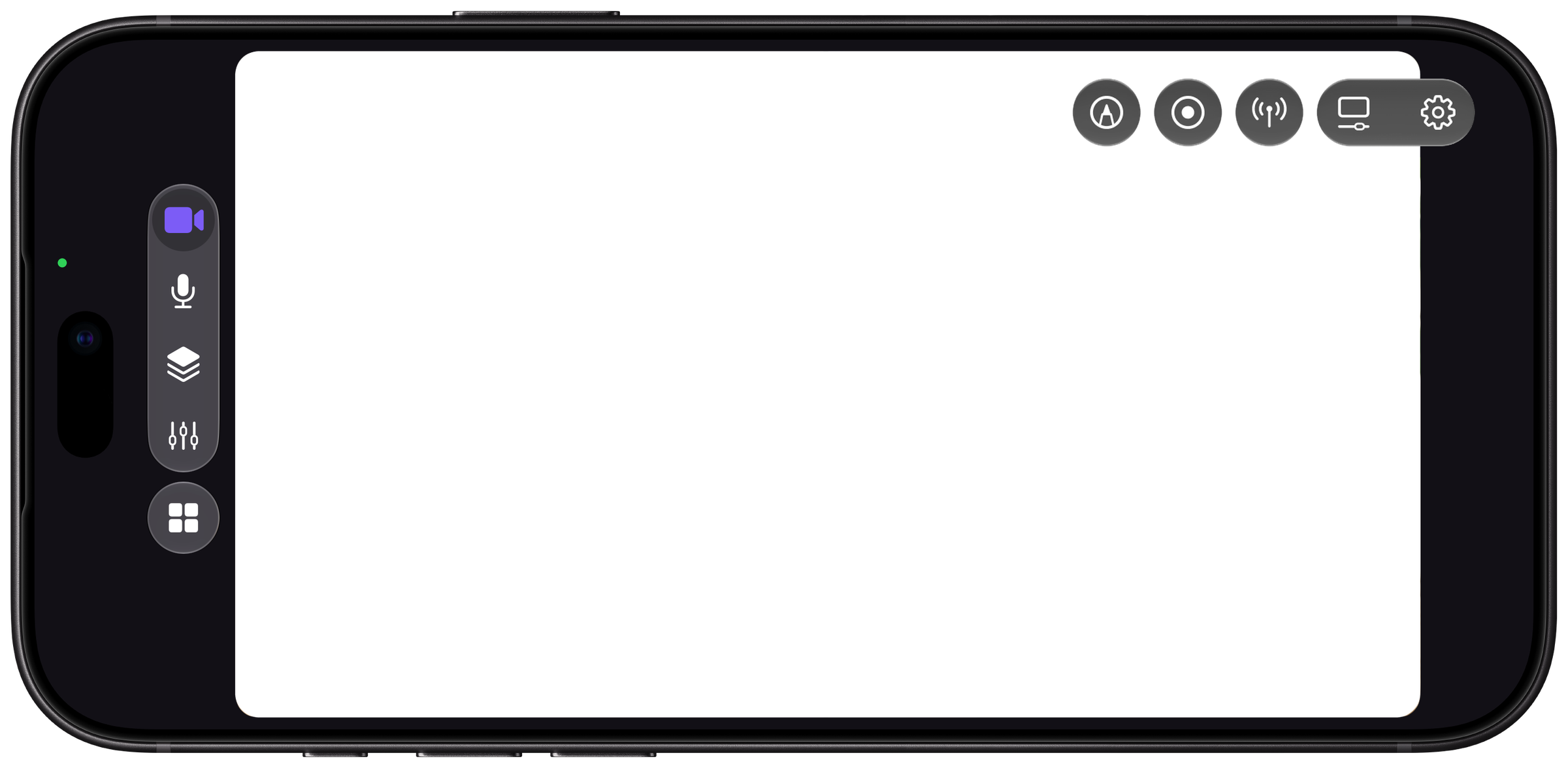
Enhancements & Adjustments
Your best look, live.
Fix tricky lighting. Add a signature look with LUT filters. You also get full control over your background, whether you want it softened, removed or replaced. No green screen, no extra kit.
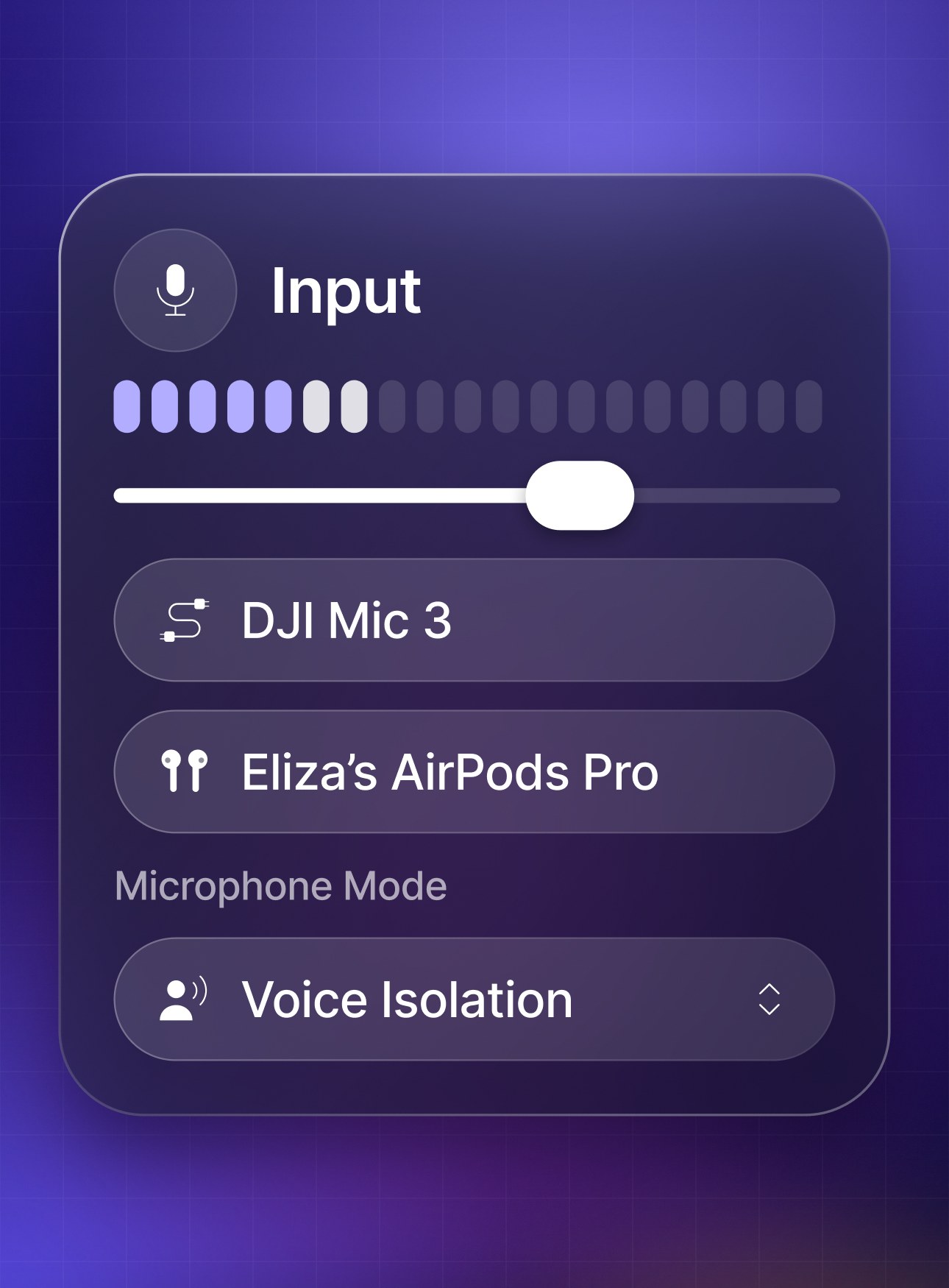
External mic support
Connect to perfect audio
Plug in a USB mic, or connect a Bluetooth mic like AirPods, and sound as good as you look.
Stream panels
A control room in one hand
Read chat, check stream health and edit stream details without leaving your scene.
Streaming & Recording
Stream it, record it
Record your scene to your iPhone for Shorts, Reels and VODs.
New · iPhone Duo
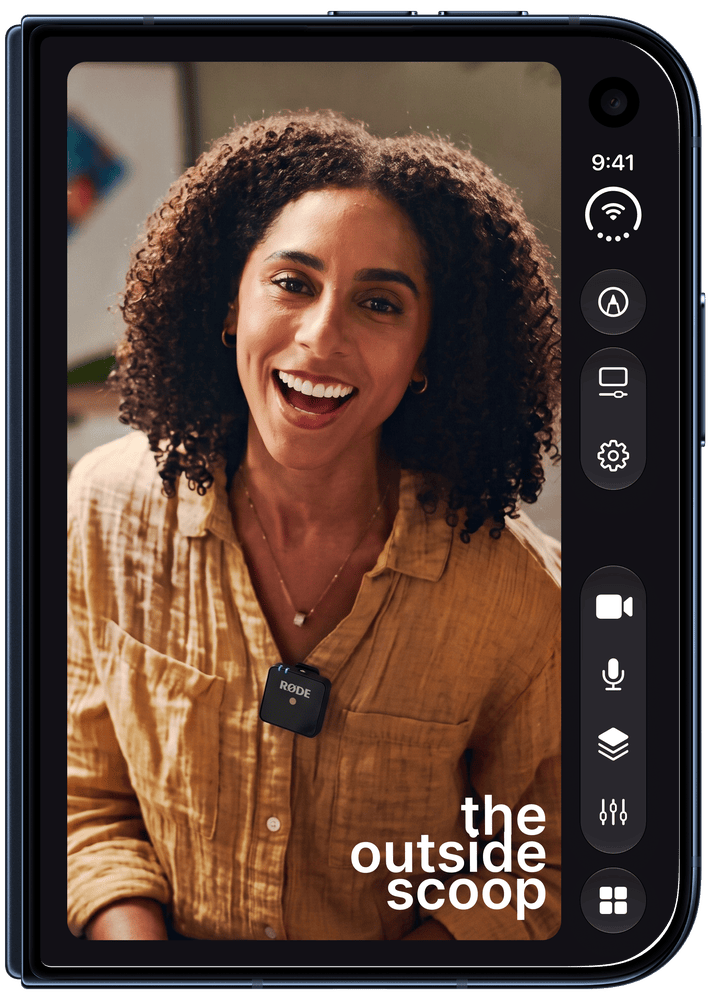
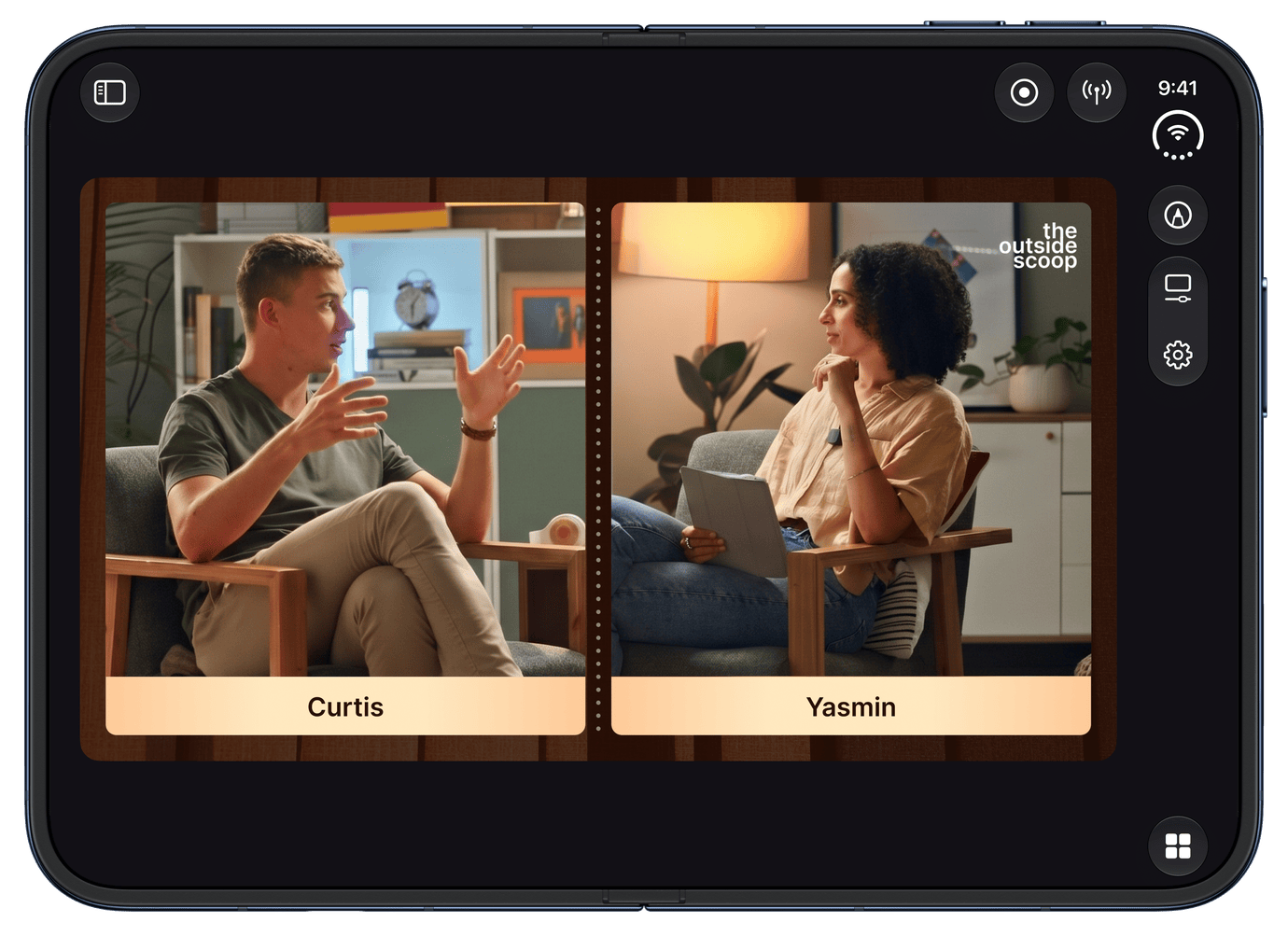
Ready for iPhone Duo
Fold the Duo to set its cameras at an angle and shoot two angles at once from one device. Open it up to run Camo Studio in Split View beside another app on the 7.6-inch display. And the A20 Pro is built for sustained performance, for longer, steadier streams.
How it works
Go live in three steps
Sign in to Twitch, YouTube or Kick, or add any RTMP destination.
FAQ
Questions, answered
Yes. No watermark, no ads and no trial.
Get it free →Sign in to your channel or add any RTMP destination, pick a scene and go live. You can record at the same time.
Yes. You can also add a spare phone or tablet running Camo Camera as another angle.
Get Camo Camera →Yes, with no PC or capture card. Add a spare phone running Camo Camera as your facecam. For demanding games, we recommend iPhone 15 Pro or newer.
Yes. USB mics and Bluetooth mics like AirPods both work.
One Camo, every screen
Five Platforms.
One Studio.
Learn it once, use it everywhere. Scenes, layers and effects feel familiar on iPhone, whether you know them from Mac, Windows, iPad or Apple Vision. Export a scene on one, open it on another.
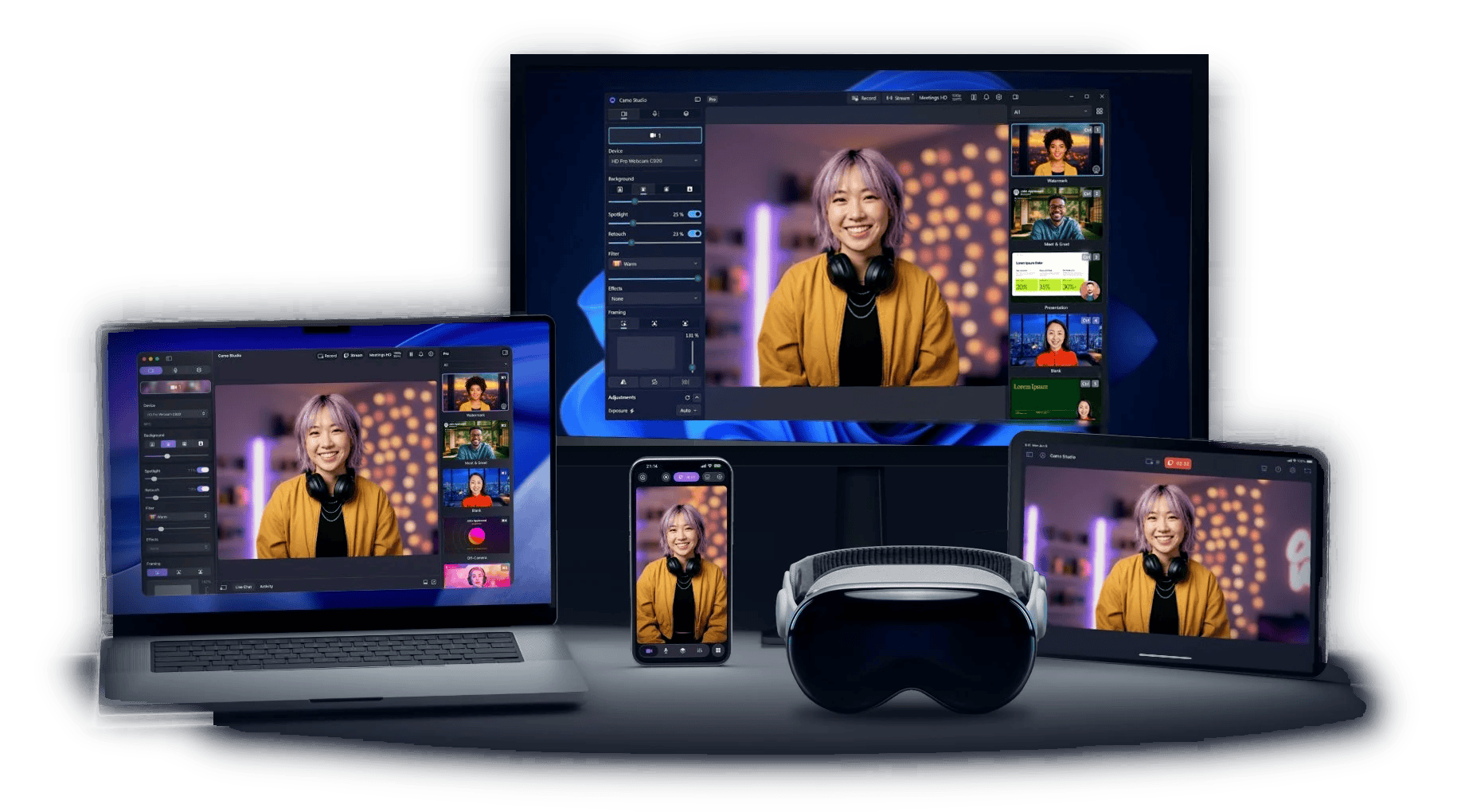
Mac & Windows
The full studio, with multistreaming
iPad
Plug in cameras and capture cards
iPhone
Both cameras and a USB or Bluetooth mic, anywhere
Your next stream starts here.
Download Camo Studio, pick a scene and go live from your iPhone in minutes. It's free, with no watermark, no ads and no trial.
or scan the QR code