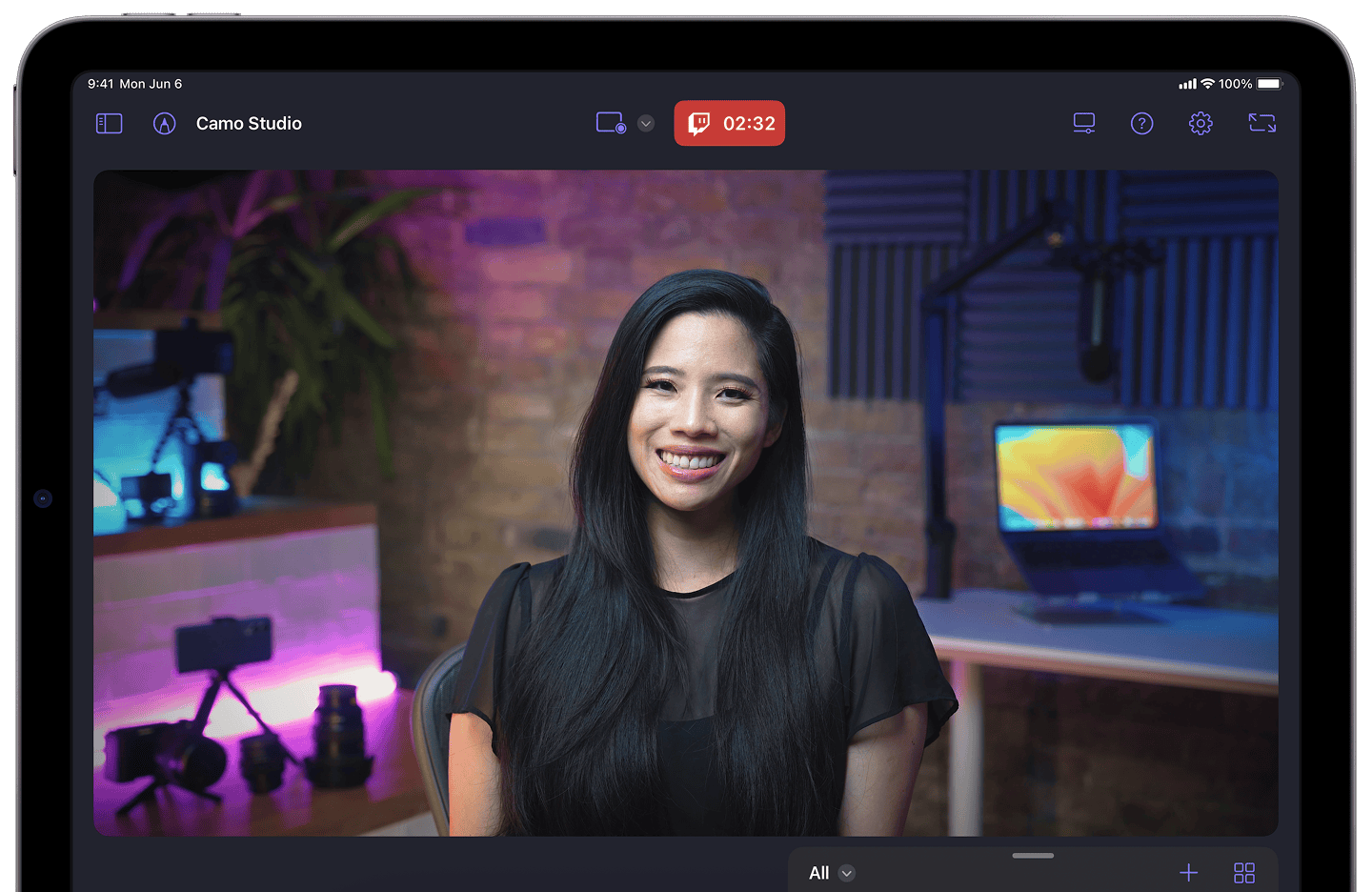
Camo Studio for iPad
Start a stream or record your next video in a few taps – hone your scenes, connect a camera, and start creating with ease – all straight from your iPad.
Requires iPadOS 17 or later
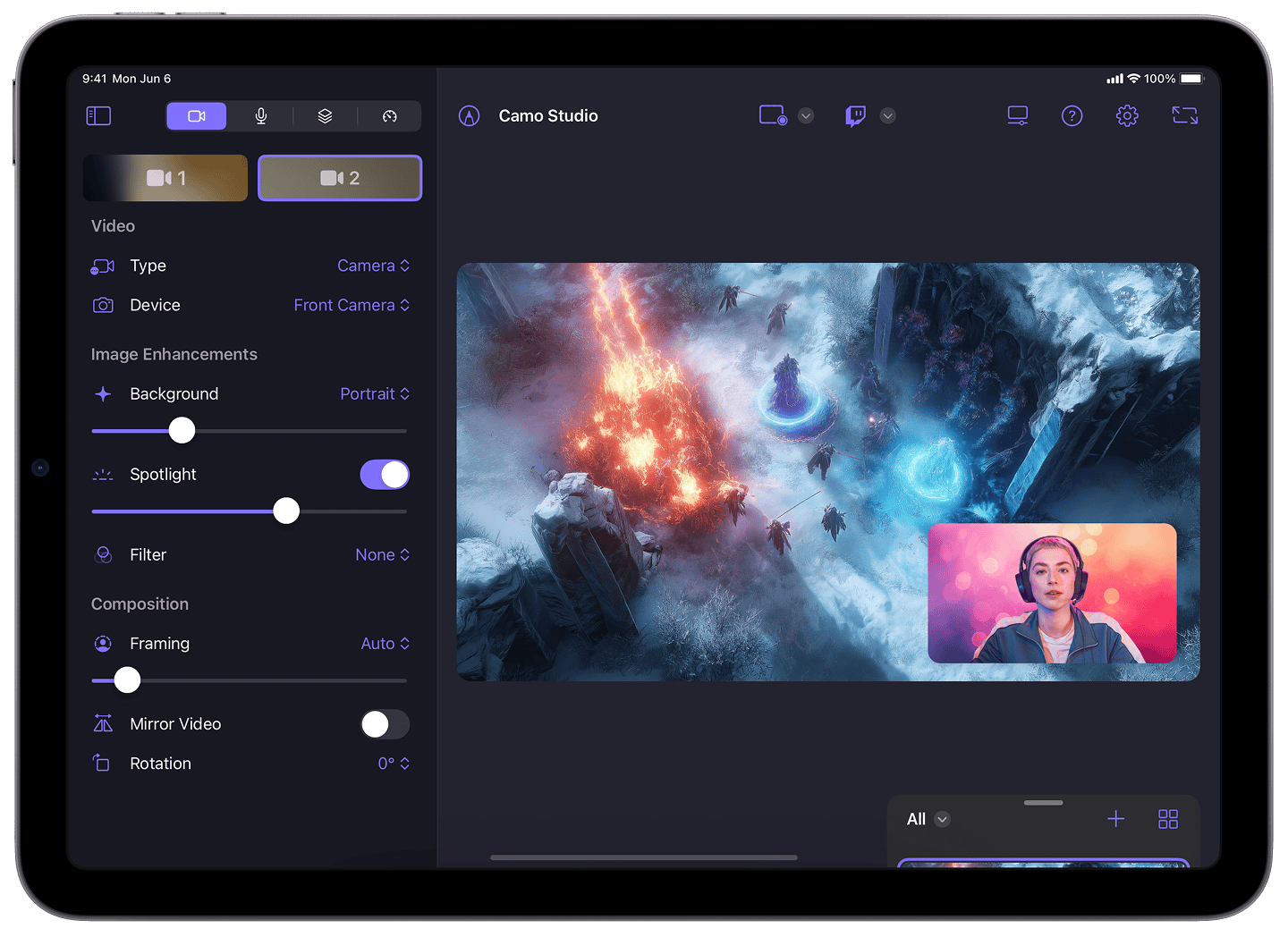
Streaming & Recording
Stream and Record from Anywhere
Connect a camera and mic to your iPad and stream on the move, and simultaneously record to built-in storage or a connected USB/SD card.
Console Gaming
Share Your Console Gaming Moments
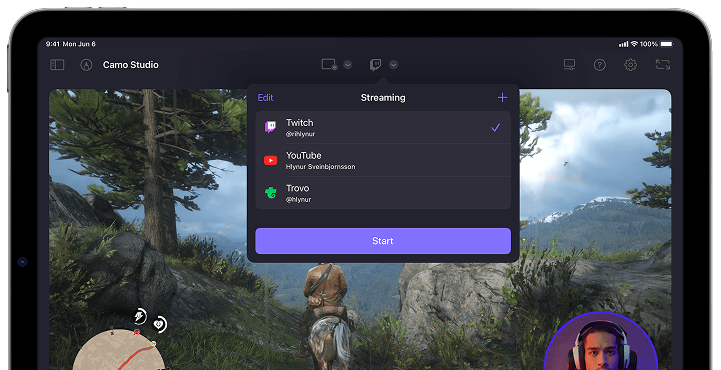
Stream console games with a capture card to Twitch, YouTube and more, with PiP, web overlays, and integrated stream controls.
Portable Monitor
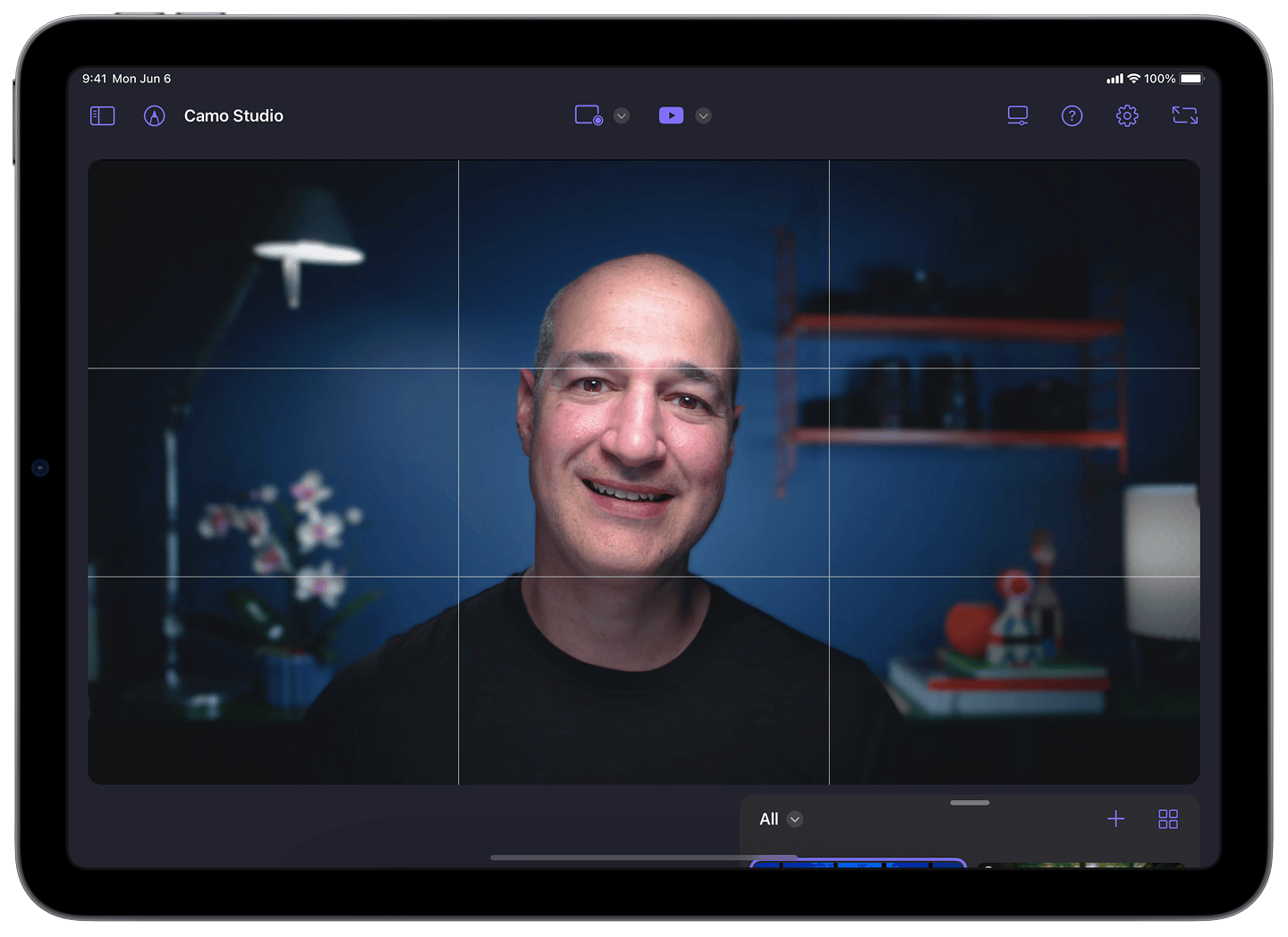
See More of Your Games & Live Video
Connect your portable console to your iPad via a dongle or USB hub and use it as a bigger screen. Or, if you're looking to get a larger viewfinder for your camera, plug it into your iPad and use it as a monitor.
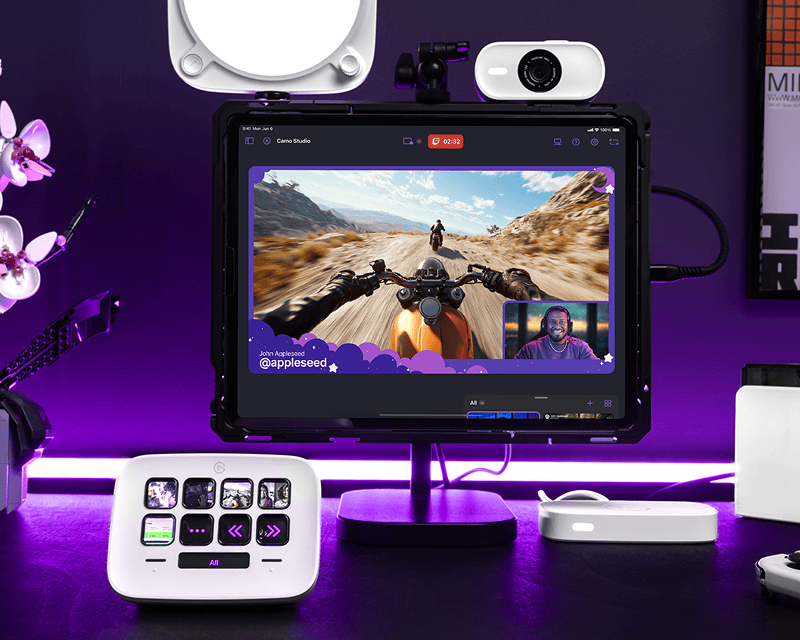
Stream Deck Support New in 2.3
Stream Control at Your Finger Tips
Effortlessly switch between your favourite scenes and collections, react to streaming surprises, and navigate the app - from checking chat to scene editing - in a tap.
Learn moreMulticam & Camo Camera
Get Creative with Your Cameras
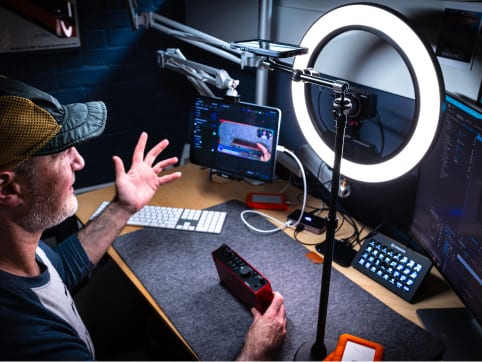
Use your phone as a wireless camera to capture video from any angle. Or compose a multicam scene in seconds by plugging in a webcam or digital camera.
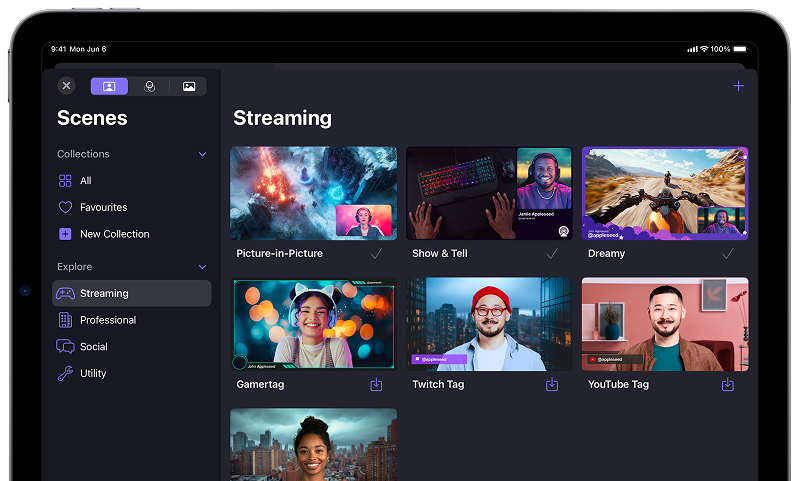
Gallery & Explore
All Your Content in One Place
Manage your scenes, backgrounds and filters using the all-in-one Gallery, and browse our curated set of content using the new Explore section.
Scenes & Overlays
Set Your Scene With a Pinch, Tap & Swipe
Pick a pre-made scene or create your own. Import one from Camo Studio desktop, or from a custom web overlay link. Switch scenes in a couple of taps.
See how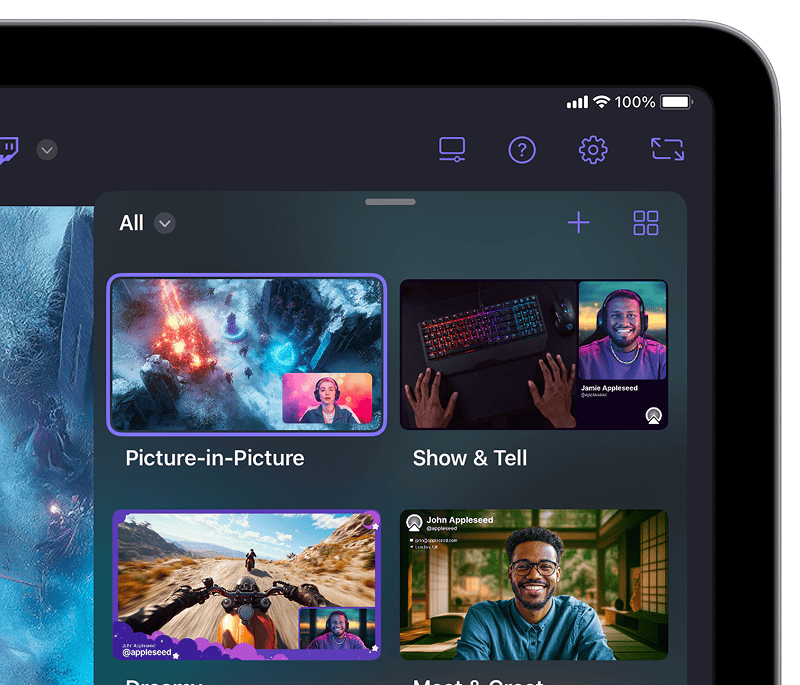
Stream Panels
A Control Room for Your Streams
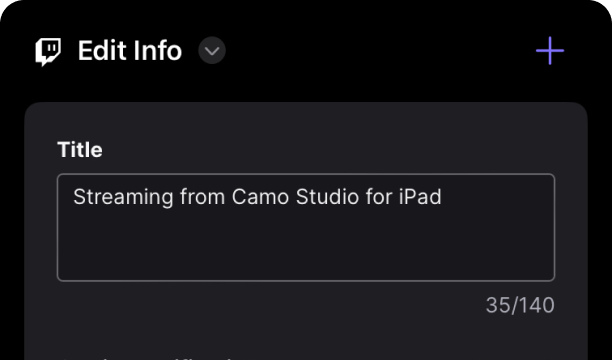
Stream panels let you check in on your chat and moderators, edit stream details, monitor stream health, and much more.
Markup Toolbar
Draw on Your Creativity
Use the familiar drawing tools on your iPad to guide your users' attention to important parts of the frame, or just use it for fun!

Enhancements & Adjustments
Powerful Tools to Help You Stand Out
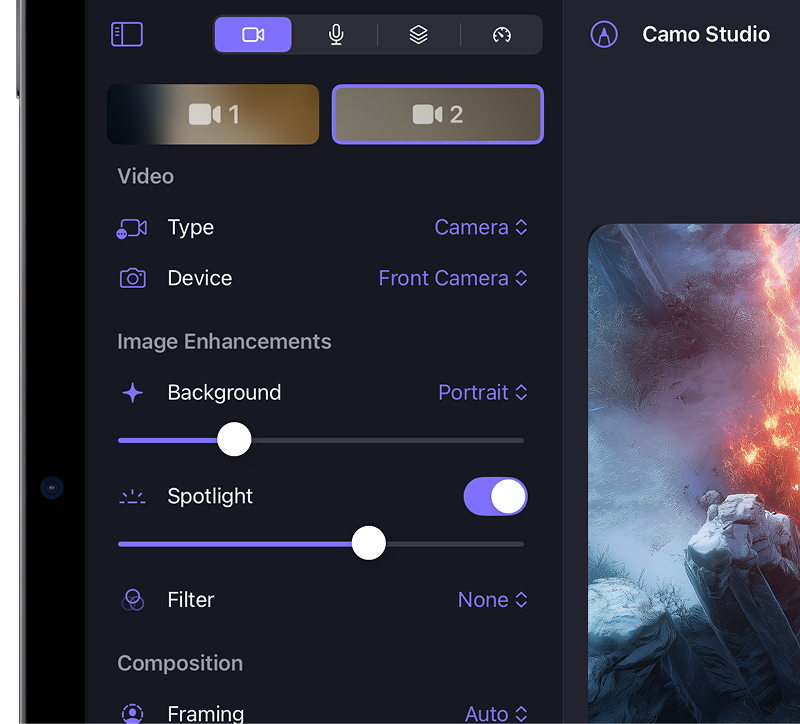
Apply a subtle Bokeh effect to your background, or replace or remove it entirely. Adjust framing and orientation of each input feed, including Auto-framing modes that help keep you in shot.
FAQ
Is Camo Studio for iPad really free?
Yes! Camo Studio for iPad is available completely free and there are no plans to change that. The app is our opportunity to explore new functionality with our users on the platform, and we want to get it into the hands of as many people as we can – let's create together!
What hardware does Camo Studio for iPad work with?
There is a broad range of webcams, capture cards and mics that will work great with your iPad. We've looked at a few; you can find our hardware recommendations in the manual.
For external mics, due to limitations in iPadOS, only the mic that was last plugged into your iPad will be useable in the app at any given time. For tips on getting around these limitations, watch our guide on capturing multi-source audio.
What is Camo Studio for iPad compatible with?
You'll need an iPad that can run iPadOS 17 or later, with an A12 processor or newer, and a USB-C port. That includes:
- iPad Pro 13-inch (M4)
- iPad Pro 12.9-inch (2nd generation and later)
- iPad Pro 11-inch (1st generation and later)
- iPad Pro 10.5-inch
- iPad Air 13-inch (M2)
- iPad Air 11-inch (M2)
- iPad Air (4th generation and later)
- iPad (9th generation and later)
- iPad mini (6th generation and later)
Note, an M1 or M2 chip is required for Camo to use your device's cameras while backgrounded, but all of the other functionality works great.
Expert Guides
Take your video further
How to look your best on a video call
Taking a few simple steps to improve the quality of your calls, most of which can be done for free, lifts you above everyone else's expectations.
Read moreHow to mount a phone webcam: which mount is best
So, you're thinking about using your phone or tablet as a webcam. You've probably got a cable, and we hope you've got Camo, now you need a mount. I'll introduce you to the best options I've found.
Read moreHow to improvise a DIY webcam
You need to join a video call, but you don't have a webcam, your webcam's broken, or Amazon's out of stock. This guide takes you through ways to improvise a home-made DIY webcam.
Read moreCamo Community
Join the Camo Community
Join the Camo Community to get the latest news on our apps and events, such as Office Hours and Camo Classroom, and get in touch with our broad group of other users with a passion for video and streaming.
Ready to make the most of your iPad?
Camo Studio for iPad is free for all users, so give it a try for your next streaming or recording session.