News & Announcements
We share content on product tips and updates, as well as the occasional paper from the engineering and product teams.
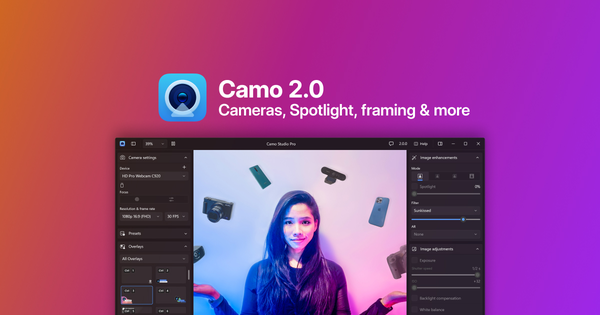
Launching Camo 2
Camo 2 takes all the magic of Camo, improves on it, and brings it to any webcam, built-in camera, connected pro camera or action camera to give them next-gen capabilities.
 Aidan Fitzpatrick
Introducing Camo 1.9: Wi-Fi connectivity
In our latest update, we’re pleased to be bringing Wi-Fi connectivity to Camo, across all supported platforms. The flexibility of wireless versus the reliability of a wired connection.
 Lucas Canino
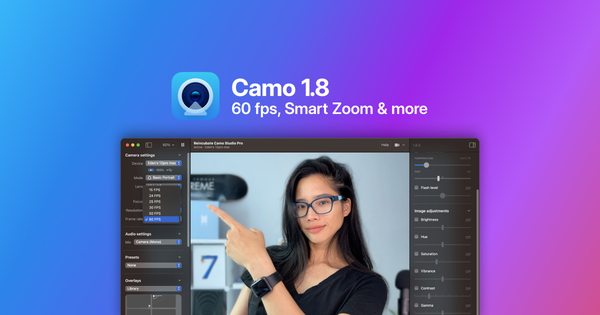
Introducing Camo 1.8: 60 fps, smart zoom & stabilisation
Camo 1.8 brings support for 60 fps video and adjustable frame rate controls, along with “Smart Zoom”, video stabilisation, and new and improved colour and brightness adjustments.
Aidan Fitzpatrick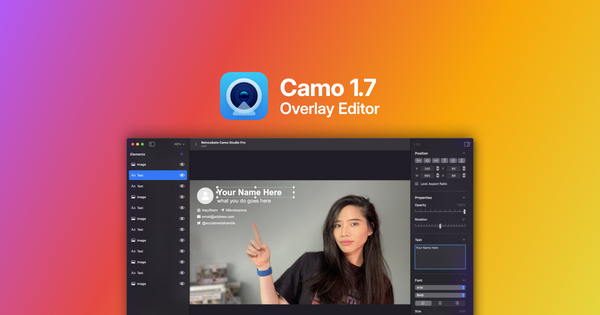
Introducing Camo 1.7: Overlay editing & templates
Camo Studio 1.7 for macOS adds a drag and drop overlay editor, a gallery of editable templates, a preview tool and hotkeys to switch between overlays.
Aidan Fitzpatrick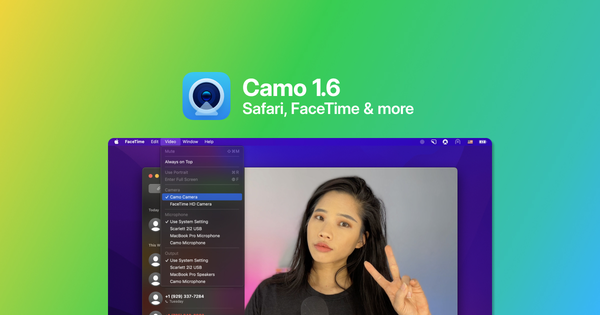
Introducing Camo 1.6: Support for Safari, FaceTime & more
Today we’re thrilled to launch a long-awaited feature in Camo: full compatibility with Safari, FaceTime, QuickTime, and more.
Aidan Fitzpatrick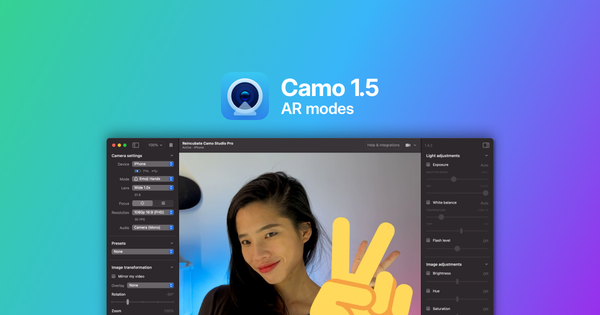
Camo 1.5: Snap AR lenses for your webcam on Mac and PC
Camo 1.5 adds Snap AR lenses to your webcam on Mac and Windows, from portrait effects and muted backgrounds to emoji faces, all processed on your phone.
Aidan Fitzpatrick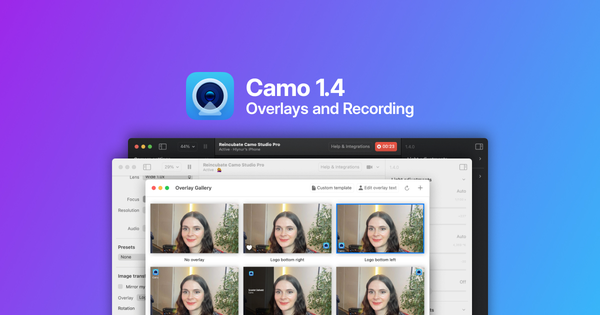
Introducing Camo 1.4: Overlays and Recording
Today we’re excited to be launching the next steps in Camo’s development with two new features: high-quality recording, directly in Camo Studio, and a new, customisable overlay system.
 Scarlet Salkeld
Camo SDK launches with Switcher Studio as first partner
We’ve partnered with Switcher Studio to bring Camo’s virtual camera technology to all Switcher Studio users through the Camo SDK platform.
Lucas Canino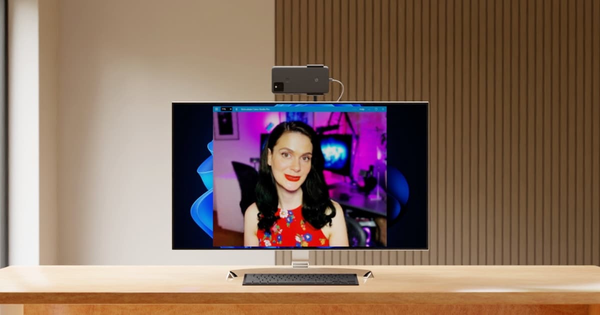
Camo for Android is now in public beta
I’m excited to be announcing the public beta release of Camo for Android today. Now, you can use your Android with Windows or Mac as an amazing webcam.
Aidan Fitzpatrick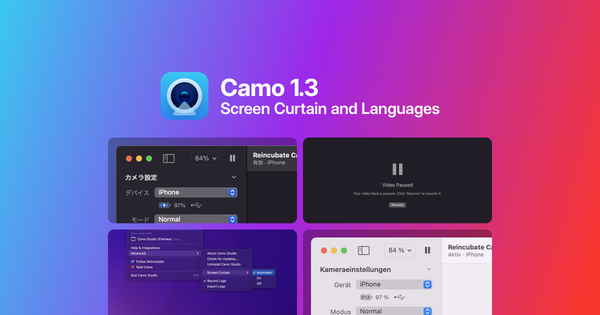
Introducing Camo 1.3: Screen curtain, shots & languages
Today, we’re excited to be launching Camo 1.3 with new features to make your use of video better, more energy efficient, and more accessible.
Aidan Fitzpatrick