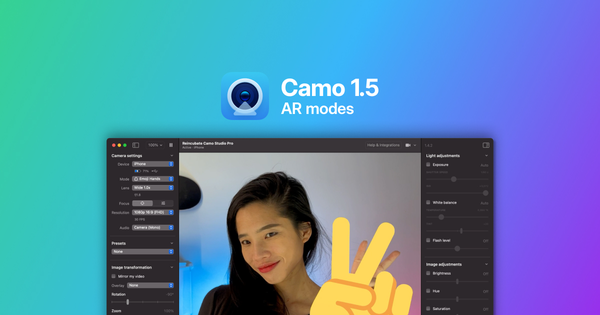
A guiding principle for building Camo has long been to enable our users to make more of their devices regardless of whether they have the latest, cutting-edge iPhone or are running on a years’ old machine. By crafting performant, native apps for each platform we release to, and through deliberate design decisions we ensure we make the most of the power our users have at their disposal.
Camo is at the forefront of what comes after webcams, and that means devices with entirely new capabilities – with AI, machine learning, LiDAR and AR – to help users unlock the full spectrum of their personal and professional image and identity.
With the release of Camo 1.5, we’ve partnered with Snap in bringing AR mainstream and making it easily accessible to all our users and a broad set of unique, new use cases. We’re already using Apple’s fantastic ARKit technology, and are now building on that with this additional layer.
For the first time, PC and Mac users have the power to use AR technologies without needing an expensive setup. By offloading the AR processing to your cell phone, we take advantage of their incredible cameras and specialised processors for a smoother, faster experience.
This takes AR far beyond bunny ears and beauty filters. It now becomes a strategic tool that levels the playing field for small businesses and creators looking to use augmented reality features to boost sales (according to a Deloitte report 100 million people are already using AR to shop) or personalise how they appear and interact while streaming, gaming, or videoconferencing.
“It’s exciting to see how Camo is using Camera Kit to bring AR to streams, meetings and presentations, while also leveraging our Lens Creator community to extend their creativity to Camo’s users.” – Elliot Solomon, Director, Camera Platform Partnerships, Snap Inc.
The new AR webcam features are available free and fully unrestricted for all users. Accessing the AR lenses is as simple as selecting them in the Mode dropdown in Camo Studio, and the launch set comprises a dozen lenses across the following categories.
Focus – Lenses that help users focus on the speaker in streams, with aesthetic techniques such as “Portrait Mode” and background muting.


Focus AR lenses: Basic Portrait and Muted Background
Accessibility – Lenses that help streamers and presenters convey visual cues for emotion and reaction more clearly, with face-tracking and use of emoji for face and hand signals.
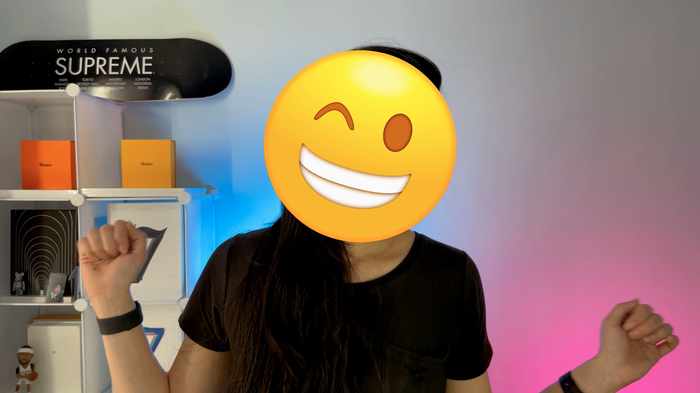

Accessibility AR lenses: Emoji Face and Emoji Hands
Masking – Lenses to render the user with varying degrees of fidelity, such as with a light beauty filter, reduced colour-set, or even in sketch form. These lenses may help reduce presenter overwhelm on streams, combating the effects of “Zoom fatigue”.
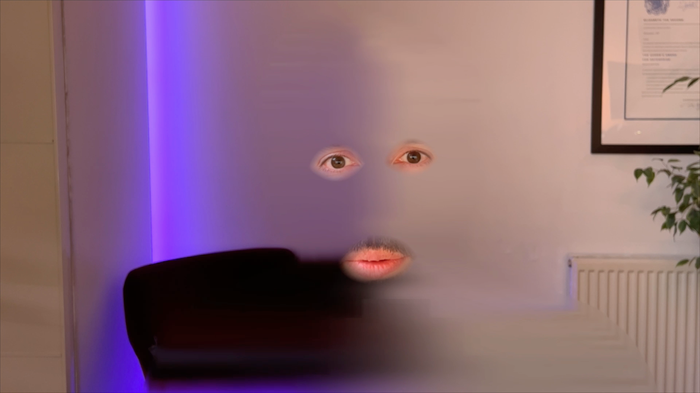

Masking AR lenses: Invisible and Sketch
Novelty – A collection of more entertaining lenses from the Lens Creator community, which range from adding a photorealistic cat to the streamer’s scene through chromatic lighting effects to making them largely invisible!


Novelty AR lenses: Chromatic and Fred’s on your Head
Camo’s AR features are live as of today on iOS, macOS and Windows, with support for Android coming later in 2021, along with new tools to help the Lens Creator community monetise their work. We can't wait to hear and see what our users make of AR. Camo’s new AR capabilities will be explored and celebrated during a roundtable on the future of video and AR at 10 am PT / 6pm BST on Thursday, October 28. Join us live at: camoapp.com/live
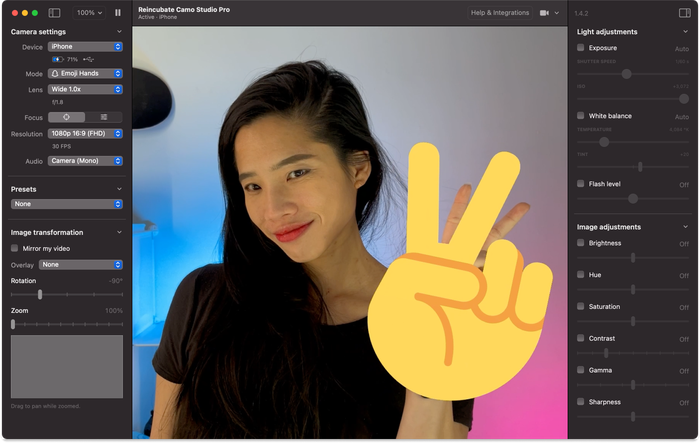
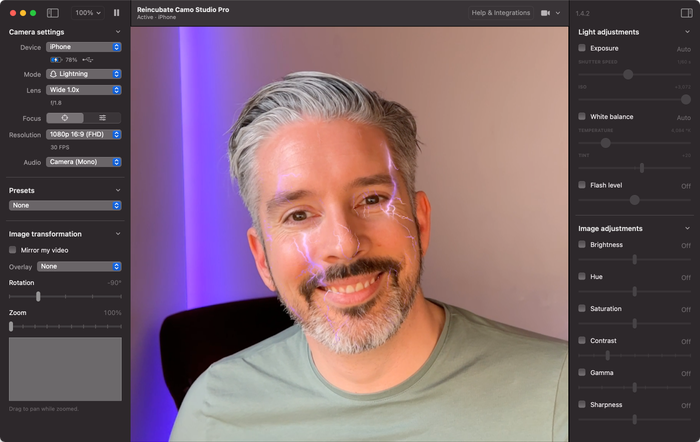
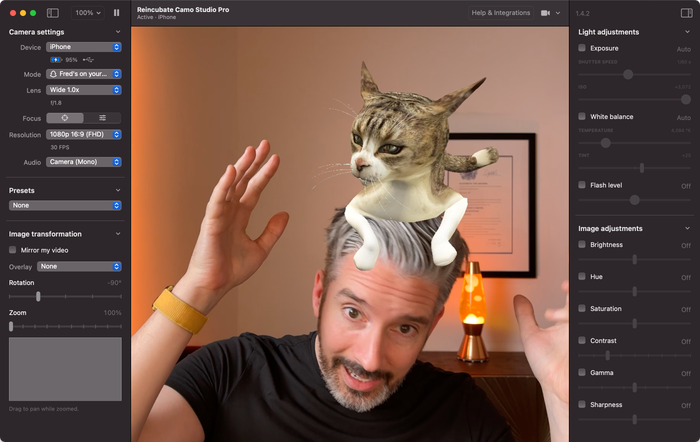
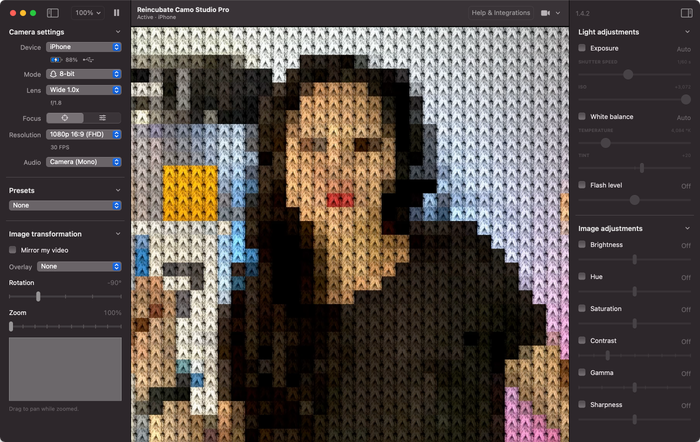
AR lenses running in Camo Studio