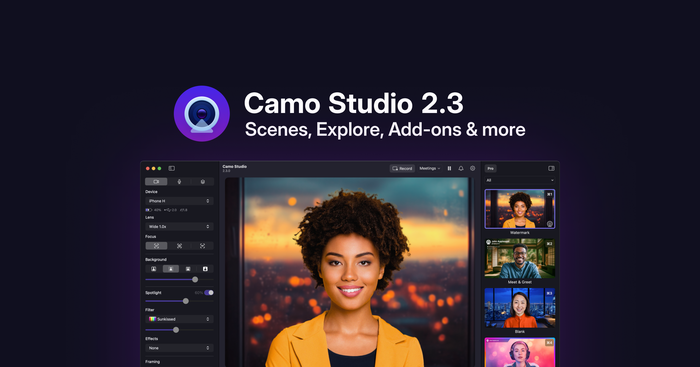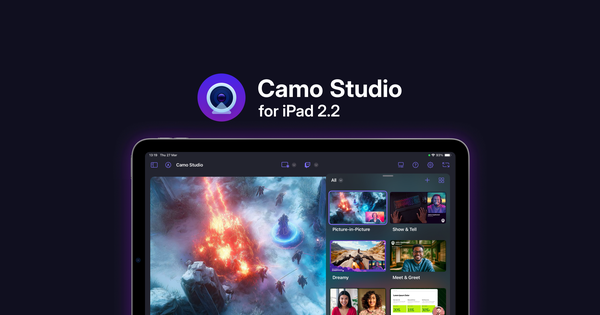
Today’s release makes the Camo Studio for iPad experience better than ever. Dive into our curated collections of scenes, backgrounds and filters in the Explore section of the now all-in-one Gallery. Enjoy more intuitive navigation, quicker profile selection and greater device control thanks to an interface rework. And tell us what you think of the updated Camo experience via the all-new, in-app feedback mechanism.
An all-in-one Gallery, with brand new assets to Explore
We've made significant improvements to how you access and manage your creative assets. The scene, filter, and background galleries are now unified into a single, all-in-one Gallery. Simply use the segment control in the top left to switch between the different asset types.
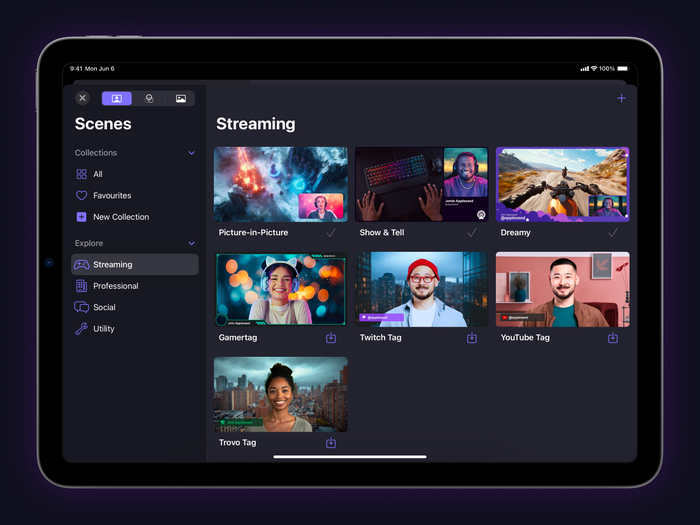
The new Explore section of the gallery comes packed with scenes, background and filters for you to use.
The new Explore section, which you’ll find within each gallery, comes loaded with a curated set of new scenes, backgrounds and filters – each with updated thumbnails for simpler browsing. If anything strikes your fancy, just tap the download button to add it to your gallery and start using it in your next stream or recording.
Interface rework and a refreshed theme
We’ve continued to iterate on Camo Studio’s interface to improve usability and bring a bit more colour to the app; let us know how you like it!
In the left sidebar, the primary and secondary video panels have been merged to make navigating between different panels easier. The master volume control, previously in the toolbar, can now be found in the audio panel alongside streamlined controls for your audio input devices. The profile selection dropdown takes its place in the top-right of the toolbar.
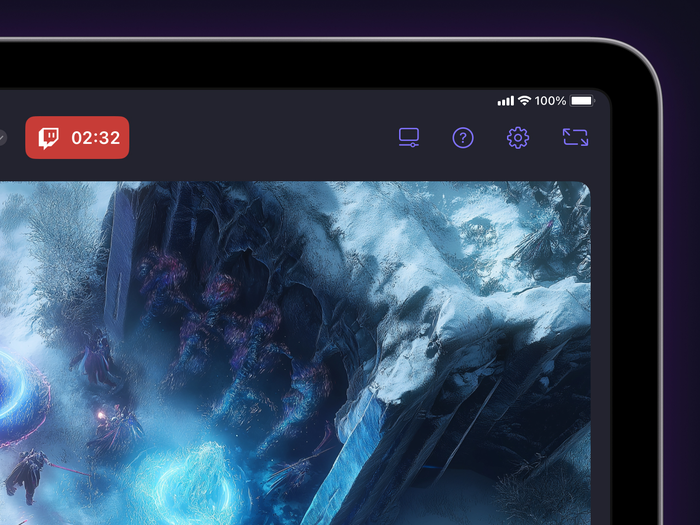
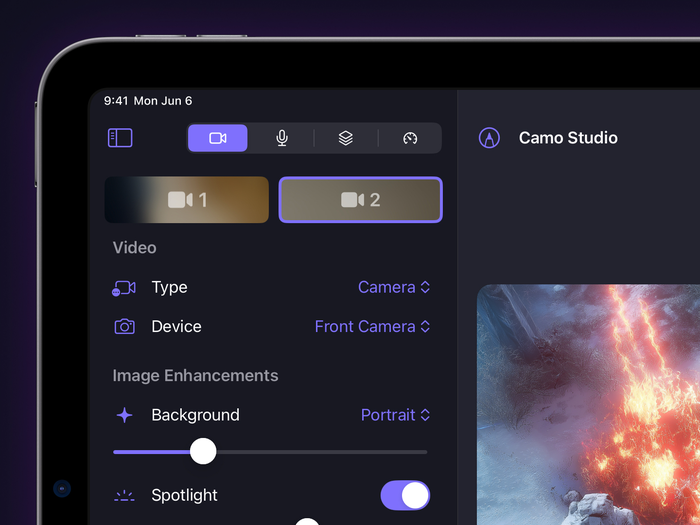
Changes to the top navigation gallery and sidebar panels in Camo Studio 2.2 for iPad.
The layers panel has also been enhanced, with a thumbnail preview and quick access to scene controls, including a handy set of tools to update and customise your scene thumbnail.
Built-in feedback mechanism
We are constantly striving to make Camo Studio the best tool for your creative needs, and have always built our next release on our users’ feedback. That’s why we’ve added an in-app feedback mechanism so we can hear more about your experience and how we might make it even better.
Now, it’s easier than ever to share your thoughts, suggestions, and report any issues you encounter – just select “Send feedback” in the Settings dropdown, and help shape the future of Camo!