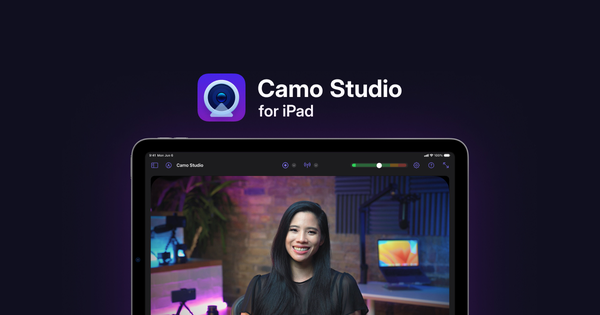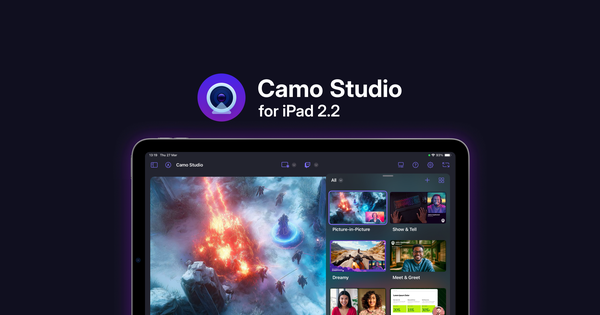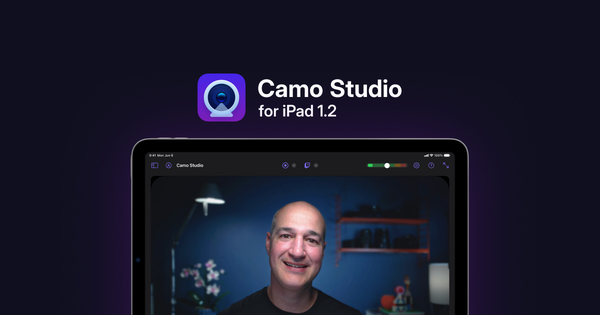
Today’s update to Camo Studio for iPad brings support for using mobile devices running the Camo companion app as cameras, a reworked flow for screen recording and a host of quality-of-life improvements, including rich scene thumbnails, a new home for stream panels, and tweaks to the scene editor.
Mobile device support
This long-standing Camo experience is coming to Camo Studio for the iPad! You can now use the high-quality cameras and microphones on any iOS or Android phone or tablet running the Camo mobile app – available on the App Store and Google Play.
Simply download the free Camo mobile app to your device, pair it wirelessly, configure your scene, and start your next stream and recording. You can find out more about the process in the manual.
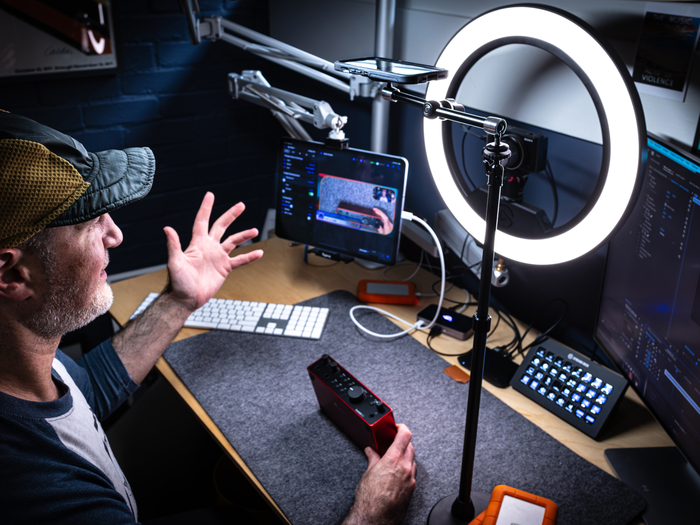
Creating new scenes with Camo Studio's mobile device camera and microphone support.
Using a mobile device in this way gives unmatched freedom in setting up your shot, without sacrificing quality. It also provides a simple way to work around the multi-source audio limitations in iPadOS: no more fiddling with audio input devices!
Reworked screen recording
Camo’s new screen recording experience makes previewing your scene simpler. By starting the screen capture separately, you can then take your time positioning the built-in picture-in-picture element in your scene before starting a recording or stream. Also, when a screen recording layer is added to a scene it now automatically has the default aspect ratio for your iPad.
Note, older devices with processors older than the M1 do not support simultaneous screen recording and secondary picture-in-picture.
For a demonstration of how screen recording is changing with this update, check out Eden's walkthrough in the video above.
Scene thumbnails, stream panels and more
Scene thumbnails are now generated with full frame previews to make them identifiable at a glance. These can be refreshed at any time, or disabled entirely if you prefer a simpler interface.
The stream panels have been moved into the left sidebar to make them simpler to use while continuing to preview the feed in real time.
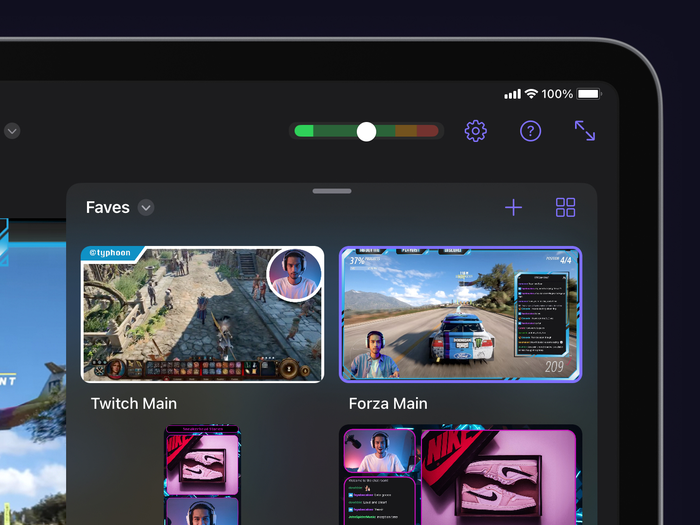
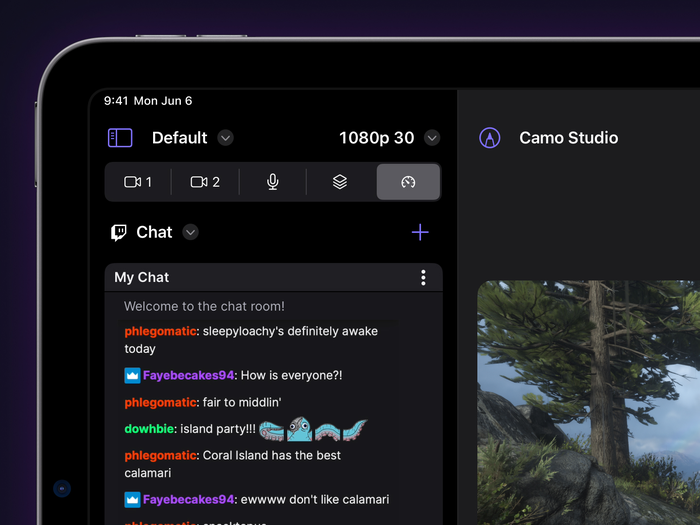
Changes to scene gallery and stream panels in Camo Studio 1.2
For a rundown of the remaining changes, check out the release notes. We're always looking for ways to improve Camo Studio based on your feedback. Download the 1.2 update from the iPad App Store and explore the changes.
For any questions or suggestions, feel free to reach out to our team. We appreciate your input and look forward to hearing from you!