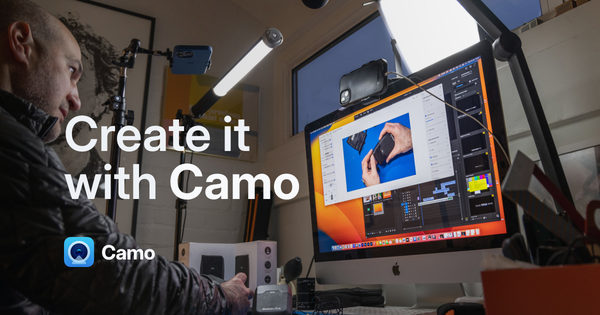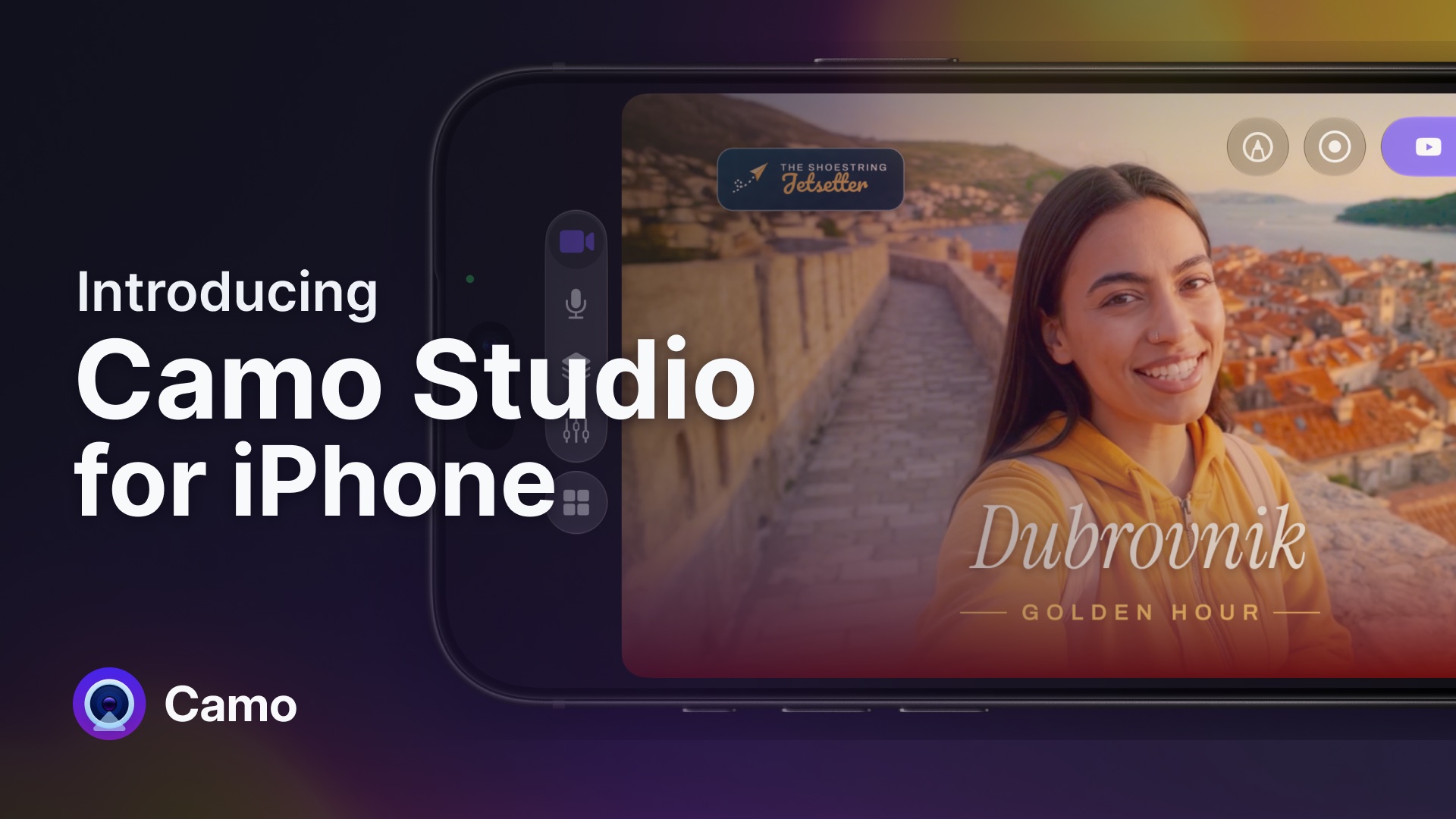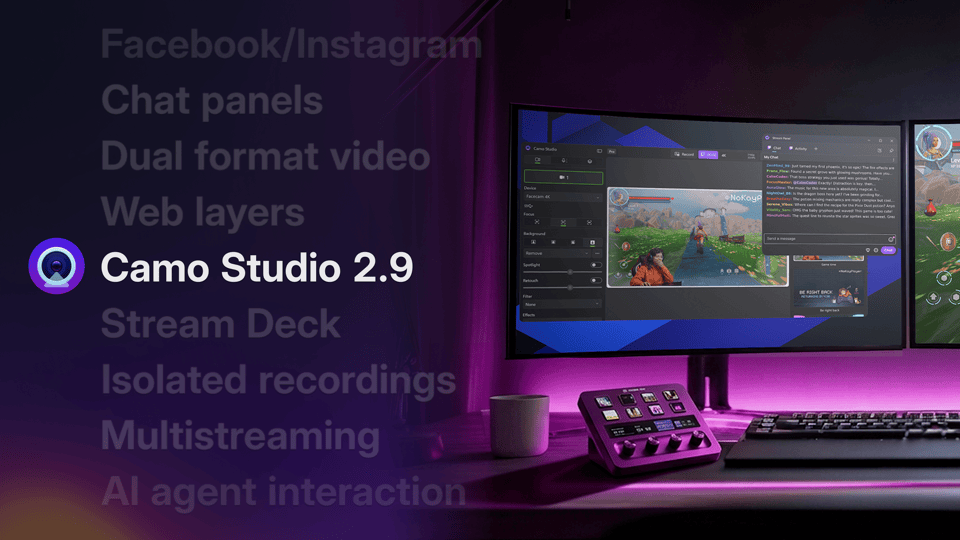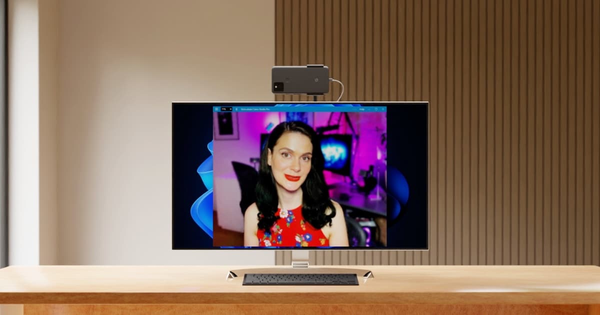
今天,我很高兴地宣布 Android 版 Camo 正式开放公测。现在,你可以将 Android 设备与 Windows 或 Mac 搭配使用,把它变成一部出色的摄像头。点击这里下载。
** "The beta of Camo for Android is so good that I have already been recommending it to audiences at talks I give. It's the least ‘beta’ beta I've ever tried. A real game-changer." — Rich Mulholland **
就在一年多以前,我们推出了 Camo,因为我厌倦了传统摄像头糟糕的画质,也对使用单反相机作为摄像头这种笨重又不直观的替代方案感到却步。从那以后,我们一次又一次地看到,Camo 的表现远远超越传统摄像头,也超越了那些价格更亲民的单反机型。
The app @JoannaStern mentioned on NY1 today is "Camo." It allows you to use the high-quality camera on your phone as your laptop camera. Because most laptop cameras suck. (And Joanna notes that laptop makers are aware of the suckiness.) https://t.co/nKRhg4azEh pic.twitter.com/bXnXHN4qK6
Using my iPhone as a webcam with @reincubate Camo Studio, and aside from full manual camera control, you can have virtual background via Zoom, but also a virtual *foreground* via the 'watermark' feature pic.twitter.com/zO2bKbX0Q0
Yoga with @appleyoga tomorrow 9am GMT - donate from £0.50 and I’ll be running the tech, courtesy of the streaming wizardry that is @zoom_us & @reincubatehttps://t.co/TiJgERRM7e pic.twitter.com/8s1dRRtcN5
5 minutes of using my iPhone as a webcam with Camo and I’m throwing away my Logitech Brio pic.twitter.com/fWLJDouZzu
ok spent $39 on the Camo app by @reincubate, $50 LED tube light from IKEA, $20 lamp at target, and a $100 projector screen to hide the mess behind me pic.twitter.com/kCmQseZnbP
I'm feeling like my web cam settings may be too #synthwave for work. I'm fine with that. Thanks @reincubate pic.twitter.com/Md4ynhYIxk
我们收到了用户们发来的许多精彩推文。
早在 2020 年 7 月,我们还不确定 Camo 在发布之初会引发怎样的关注,也不确定它是否会受到 Android 用户的青睐。但除了 iOS 版 Camo 大受欢迎之外,我们也听到了许多 Android 用户表达使用 Camo 的意愿。我们的 Android 私测名额被超额申请,短时间内涌现的巨大兴趣,着实让我们感到意外。
自今年年初以来,Android 版 Camo 一直处于私测阶段,我们很喜欢听用户们分享使用体验。我们采访了一直在使用 Android 测试版的眼科兼眼整形外科医生 Sarju Athwal,请他谈谈自己的看法:
** “This is a fantastic bit of software, great work! I haven't come across anything like this and the possibilities for remote surgical training are countless. The interface is really slick yet simple, with a very short learning curve. I’m really enjoying using it.” **
市面上已经有几款应用可以让你把 Android 设备用作摄像头,那么 Camo 有何不同呢?
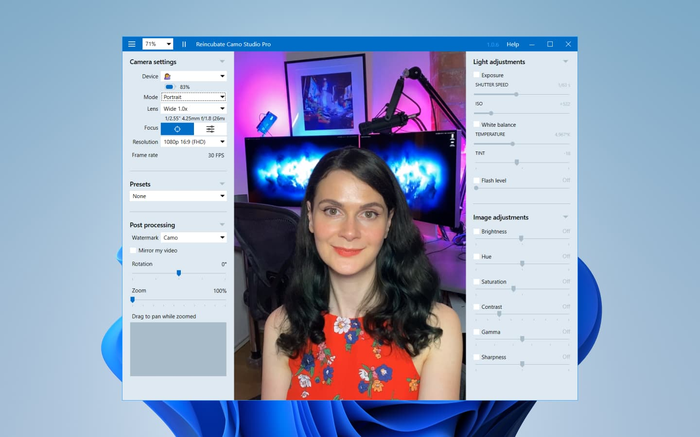
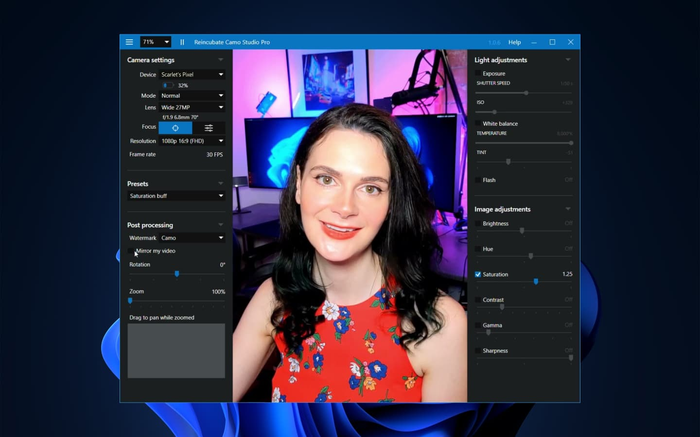
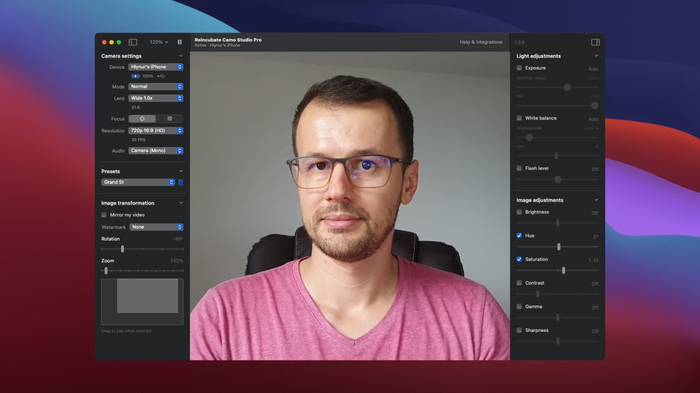
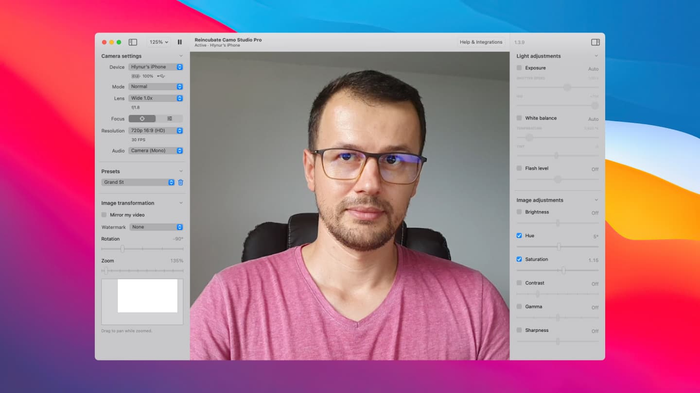
使用 Camo,你可以直接在电脑上控制摄像头设置
1. 通过 Camo Studio 桌面应用,直接在电脑上完全掌控你的摄像头。 没有其他任何手机/摄像头应用能做到这一点。这让控制、调整和监看画面变得容易得多,尤其是在使用手机后置摄像头时——它的画质通常远高于前置自拍摄像头。
2. 在所有平台上都提供高质量的原生软件。 在 Reincubate,我们对用户体验近乎执着。我们在私测阶段停留的时间比大多数公司都要长,为的就是不断打磨应用,确保 Camo 在你的各种设备上都能可靠运行。
3. 没有广告! 我们对自己的商业模式非常透明,绝不会以牺牲你或你的数据为代价来盈利,因此即便是免费使用,你也始终能够享受没有广告打扰的 Camo。
4. 兼容的应用比任何同类产品都多。 Camo 在 Windows 和 macOS 上都能与众多应用开箱即用;对于 macOS 用户,我们还在 Camo Studio 中内置了额外的集成系统,可与一系列应用实现一键集成。
5. 丰富的控制选项。 缩放、裁剪、平移、手动对焦,以及大量图像与灯光调节功能。Camo 让你能够对摄像头画面进行精细调校,并将调整结果保存为预设,之后自动加载使用。
无论是 Apple 设备还是 Android 设备,Camo 都支持最长五年内推出的机型。对于 Android 用户,这包括 7 “Nougat” 及以上版本。随着我们在 Android 版 Camo 上的持续投入,未来还会加入更多功能,包括目前仅 iOS 用户可用的“人像模式”。立即获取 Android 版 Camo。