최신 뉴스
Camo Studio 2.9를 소개합니다
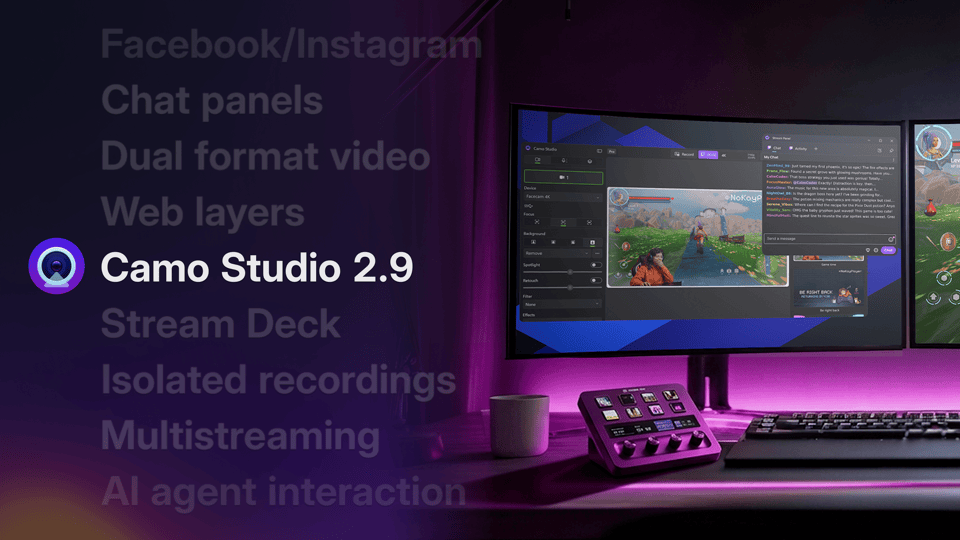
Camo Studio 2.9는 Windows에는 멀티스트리밍, 웹 레이어, 도킹형 스트림 패널, Elgato Stream Deck 플러그인을, macOS에는 듀얼 포맷 영상, 독립 녹화, 노이즈 감소, AI 에이전트 지원을 제공합니다 — 두 플랫폼 모두에서 Facebook과 Instagram으로의 다이렉트 스트리밍도 추가됩니다.
 Lucas Canino
 최신 뉴스
Camo Studio 2.9는 Windows에는 멀티스트리밍, 웹 레이어, 도킹형 스트림 패널, Elgato Stream Deck 플러그인을, macOS에는 듀얼 포맷 영상, 독립 녹화, 노이즈 감소, AI 에이전트 지원을 제공합니다 — 두 플랫폼 모두에서 Facebook과 Instagram으로의 다이렉트 스트리밍도 추가됩니다.
Lucas Canino Today's update introduces dual-format streaming and recording, so you can go live in landscape and portrait at the same time — alongside Facebook and Instagram streaming, layer masks, stacks that lay out your layers automatically, isolated recordings, audio noise reduction and control of Camo Studio from AI agents. As usual, the release is also packed with performance optimisations and fixes. Let us know what you think by using the in-app feedback mechanism or via: camo.com/support. We'd love to help and hear from you.
This release is all about reliability: screen capture layers now come back properly when you relaunch Studio or reconnect a display, your recordings and streams keep multichannel audio intact, and Studio can now recover on its own when a camera stops sending video. Let us know what you think by using the in-app feedback mechanism or via: camo.com/support. We'd love to help and hear from you.
This release fixes a crash that could stop Camo Studio from opening on macOS Monterey after updating from an earlier version, along with a couple of other rare crashes. Let us know what you think by using the in-app feedback mechanism or via: camo.com/support. We’d love to help and hear from you.
블로그에서
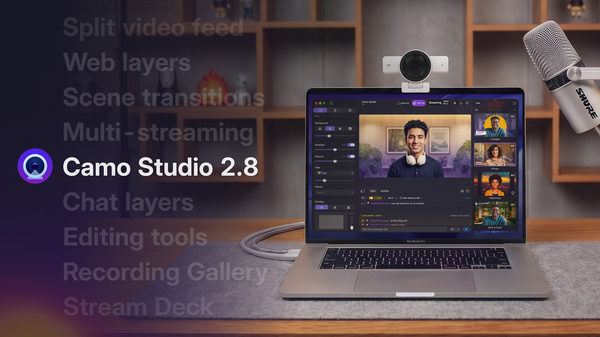
Camo Studio 2.8은 지금까지 출시한 업데이트 중 가장 큰 규모의 릴리스로, 사용자가 바로 사용할 수 있는 다양한 새로운 기능과 개선 사항을 담고 있습니다. 여기에는 Windows용 오디오 믹싱 도구 모음과 macOS용 웹 및 채팅 레이어, 멀티스트리밍, 장면 전환 등에 대한 지원이 포함됩니다.
Today's update is one of the biggest Camo releases we've shipped. Web layers let you embed live web pages straight into your scenes, scene transitions add motion when switching between layouts, multi-streaming sends your broadcast to as many destinations as you like, and a new Stream Deck plugin lets you control Camo Studio from your hardware. Native chat with chat message layers brings your audience into the stream, and a new recording gallery makes it easy to browse, trim, and share what you've captured. We've also refreshed the whole app to match macOS's new Liquid Glass design. As usual, the release is packed with performance optimisations and fixes.
Let us know what you think by using the in-app feedback mechanism or via: camo.com/support. We'd love to help and hear from you.
Today’s update addresses a crash some users were running into when an active Camo Camera device disconnected, along with a UI fix in the sidebar and an improvement to YouTube streaming reliability. Let us know what you think by using the in-app feedback mechanism or via: camo.com/support. We’d love to help and hear from you.
Today’s update continues our rollout of native streaming support for Camo Studio by promoting the Streaming feature out of add-ons, introducing new Stream Panels to give you direct access to chat and other stream info, and adding Kick to the list of natively supported streaming platforms alongside Twitch and YouTube. On top of that, this update further expands how you can create content adding support for Video File Layers in Scenes, and making Multi-Cam part of the core app experience. Read more in our release blog.
And, as usual, the release is also packed with performance optimisations and fixes. Let us know what you think by using the in-app feedback mechanism or via camo.com/support. We’d love to help and hear from you.
블로그에서
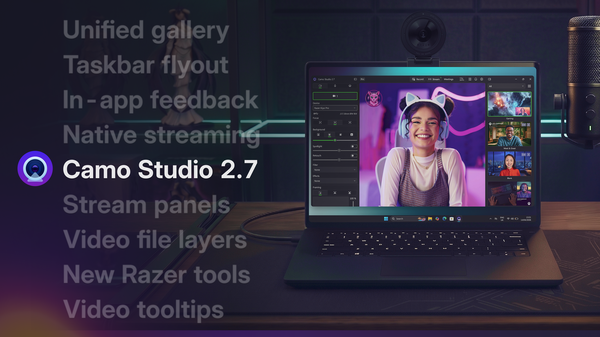
Windows에서의 사용자 경험을 한층 끌어올리고, macOS를 위한 강력한 네이티브 스트리밍 기능을 추가했으며, Razer의 Kiyo 카메라에 대한 심층 지원을 Kiyo Pro와 Pro Ultra까지 확대했습니다.
Today’s update continues our rollout of native streaming support for Camo Studio by promoting the Streaming feature out of add-ons, introducing new Stream Panels to give you direct access to chat and other stream info, and adding Kick to the list of natively supported streaming platforms alongside Twitch and YouTube. On top of that, this update further expands how you can create content adding support for Video File Layers in Scenes, and making Multi-Cam part of the core app experience. Read more in our release blog.
And, as usual, the release is also packed with performance optimisations and fixes. Let us know what you think by using the in-app feedback mechanism or via camo.com/support. We’d love to help and hear from you.
With today's update, we're making it easier to discover one of our most exciting beta features: Streaming. You'll now find it right in the main toolbar – Camo Studio's native streaming support lets you go live directly to YouTube, Twitch, or any RTMP destination, with more platforms on the way.
We're exploring how Camo can make getting started with streaming more accessible, and we'd love to hear your feedback as this feature evolves. Let us know what you think by using the in-app feedback mechanism or via: camo.com/support
블로그에서
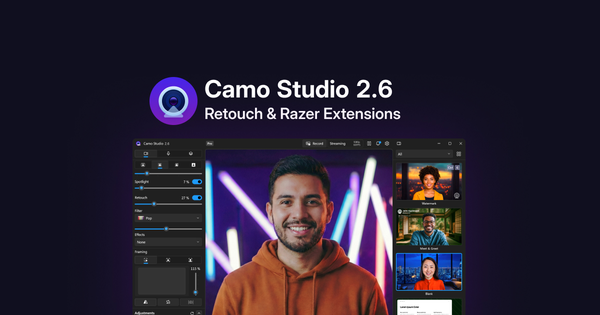
영상 속 모습을 자연스럽게 다듬어주는 새로운 효과인 리터치를 소개합니다. 또한 Razer의 Kiyo V2 웹캠과의 통합을 강화하여, 이 기기들이 제공하는 기능을 더욱 세밀하게 제어할 수 있습니다.
Today’s update introduces Retouch, a new effect that helps enhance your digital appearance on video, along with a suite of extensions for the Razer Kiyo V2 range of webcams, including support for HDR, video noise reduction and more. You can read more about it in our release blog.
As usual, the release is also packed with performance optimisations and fixes. Let us know what you think by using the in-app feedback mechanism or at support@reincubate.com. We’d love to help and hear from you.
Camo Studio for macOS 2.5 brings Screen Capture out of the app’s add-ons along with a host of reliability fixes, performance improvements and a couple of UI tweaks.
We'd love to hear what you think. Get in touch via reincubate.com/support.
Features
Improvements
Fixes
This update brings a number of fixes and improvements to USB device adjustment controls, and we’ve resolved several issues affecting streaming reliability and audio.
If you run into any problems, please reach out to us at support@reincubate.com. We'd love to help and hear from you.
Improvements
Fixes
Today’s update of Camo Studio brings bug fixes and reliability improvements to our latest 2.3 release. If you run into any problems, please reach out to us at support@reincubate.com. We'd love to help and hear from you.
Today’s update of Camo Studio brings bug fixes and reliability improvements to our latest 2.3 release. If you run into any problems, please reach out to us at support@reincubate.com. We'd love to help and hear from you.
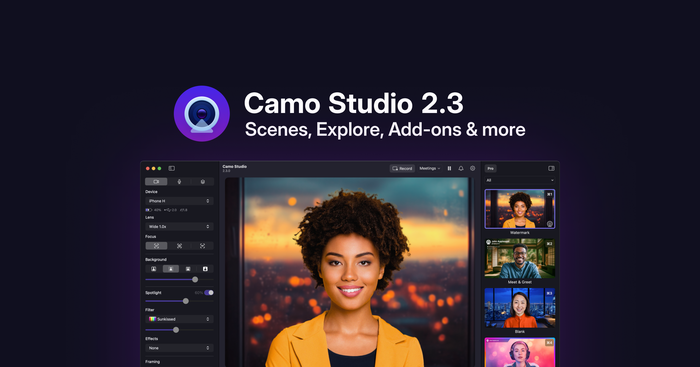
Camo Studio 2.3 begins rolling out today, bringing some big changes to the app. We've put a lot of thought into how best to improve the process of making amazing video, and have implemented new features and improvements we think will make it simpler and faster, while expanding what Camo users can do.
As always, we thank our community for their help in reaching this next stage of Camo's journey, and look forward to seeing the magic our users create with their new video superpowers. Your feedback is vital to what we do, and we'd love to hear how this new Camo experience works for you.
블로그에서
Camo Studio 2.3은 지금까지 중 가장 큰 업데이트 중 하나로, 새롭게 개선된 장면, 프로필, 화면 캡처 지원, 그리고 새로운 애드온 메커니즘을 통해 눈에 띄는 영상을 더 쉽게 만들 수 있도록 해줍니다.
Today's update improves the Camera Extension installation guide on macOS 15. If you run into any problems, please reach out to us at support@reincubate.com. We'd love to help and hear from you.
Today’s update brings some fixes for users running macOS 15. If you run into any problems, please reach out to us at support@reincubate.com. We’d love to help and hear from you.
Today’s release includes improvements to wireless connections and some changes behind the scenes.
If you run into any problems, please reach out to us at support@reincubate.com. We’d love to help and hear from you.
Today’s update brings a new method of pairing your mobile devices to Studio. If you run into any problems, please reach out to us at support@reincubate.com. We’d love to help and hear from you.
Today's update brings some fixes for the latest macOS updates. If you run into any problems, please reach out to us at support@reincubate.com. We'd love to help and hear from you.
Today's update brings a few fixes and improvements. If you run into any problems, please reach out to us at support@reincubate.com. We'd love to help and hear from you.
Today's update brings a few tweaks to support the most recent update to Camo mobile.
If you run into any problems, please reach out to us at support@reincubate.com. We'd love to help and hear from you.
Today’s update brings some fixes for users running macOS 10.15. If you run into any problems, please reach out to us at support@reincubate.com. We'd love to help and hear from you.
Today’s update brings some UI improvements, support for certain features on older hardware and an updated Getting Started experience. We’ve also updated some of the technology we use to build the app, which means ending updates for macOS 10.13 and 10.14. Camo Studio 2.0.5 will continue to work on those versions. If you run into any problems, please reach out to us at support@reincubate.com. We'd love to help and hear from you.
Today’s update fixes a couple of bugs and brings full compatibility with the latest beta of macOS Sonoma. If you run into any problems, please reach out to us at support@reincubate.com. We'd love to help and hear from you.
Today's release includes many commonly-requested features, including 4K and green screen support!
If you run into any problems, please reach out to us at support@reincubate.com. We'd love to help and hear from you.